RetroBrokerRetroBroker
WishlistAccount

Stay in the loop

Subscribe to our newsletter for exclusive offers, updates, and more.

RETROBROKER

Rediscover classic games, consoles, and accessories. Find your next favourite and keep the nostalgia alive.

Categories
  • PlayStation
    • PlayStation 3
    • PlayStation 5
    • PlayStation accessories
    • PlayStation 1
    • PlayStation 2
    • PlayStation 4
    • PlayStation Portable (PSP)
    • PlayStation Vita
  • Nintendo
    • Nintendo 64
    • Game Boy
    • Nintendo 3DS
    • Nintendo Wii U
    • Nintendo accessories
    • Nintendo SNES
    • Game Boy Advance
    • Nintendo DS
    • Nintendo Wii
    • Nintendo Entertainment System (NES)
    • Nintendo Switch
    • Nintendo GameCube
    • Game Boy Color
  • Xbox
    • Xbox 360
    • Xbox Original
    • Xbox One
  • SEGA
    • Sega Mega Drive
    • Sega Game Gear
    • Sega Genesis
    • Sega Dreamcast
    • Sega Saturn
    • Sega Master System
  • PC games
    • Blu-ray films and series
      • View all categories→
      Collections
      • PlayStation
      • PlayStation 1
      • PlayStation 2
      • PlayStation 3
      • PlayStation 4
      • Nintendo
      • View all collections→
      Useful Links
      • Check out the flyer
      • Gift cards
      • Contact
      • 1-UP Club Membership Terms
      • Shipping and Returns
      • Terms and Conditions
      • Privacy Policy
      • Data Deletion Policy
      Language:Australian English
      Shipping to:Australia

      © Copyright 2026 Retrobroker sp. z o.o. — Designed in Poland

      This website is independent and not affiliated with or endorsed by Nintendo or Sony. All trademarks, copyrights, and logos featured on this site belong to their respective owners.

      Retrobroker is a registered trademark of Retrobroker sp. z o.o. Sielska 45A, 10-801 Olsztyn, Poland KRS: 0001062625 NIP: 7393990456 REGON: 526634737

      1. Home
      2. Blog
      3. How to Fix 3DS Cartridge Read Errors: Cleaning & Repair Guide
      Blog

      How to Fix 3DS Cartridge Read Errors: Cleaning & Repair Guide

      Published on 23 August 2026

      How to Fix 3DS Cartridge Read Errors: Cleaning & Repair GuideRETROBROKER

      Encountering a 3DS cartridge read error can instantly turn a nostalgic gaming session into a frustrating troubleshooting exercise. Whether you have just unearthed your childhood console or purchased a second-hand classic, getting your games to boot reliably requires a delicate touch. This guide will walk you through diagnosing the hardware, safely cleaning your components, and identifying known manufacturing defects that cannot be fixed with a simple wipe down.

      Diagnosing a 3DS Cartridge Read Error

      Before reaching for any cleaning supplies, you must isolate whether the fault lies with the game, the console, or the software. If you have a 3DS not reading games, begin by testing the problematic cartridge in a second, known-working 3DS console. Conversely, test a known-working game in your current console. This simple step immediately tells you if you are dealing with a faulty console slot or a dirty game.

      Next, inspect the cartridge physically. Look closely at the plastic teeth that separate the gold contact pins. You are checking for physical damage, melted plastic, or deep, gouging scratches on the gold contacts themselves. Minor scuffs from insertion are normal, but deep trenches can sever the electrical connection.

      You should also check for the mechanical 'click' when inserting a game. If the cartridge does not stay seated and immediately springs back out, the internal spring mechanism of the console slot is broken, meaning the console requires a hardware repair rather than a clean.

      Finally, distinguish between the types of errors you are seeing. If the game does not show up on the 3DS home menu at all, you are usually dealing with dirty pins or a dead chip. If the game icon appears but you receive an error message stating that the 3DS game card could not be read upon booting, you may be facing a software crash or a 3DS region lock error.

      Region Locking and Backward Compatibility on PAL Consoles

      Unlike Nintendo's previous handhelds, the 3DS hardware introduced strict regional restrictions. A stock European (PAL) console will only recognise PAL 3DS software. If you insert an NTSC-U (North American) or NTSC-J (Japanese) 3DS cartridge into a stock PAL console, the game will simply not appear on the home menu, mimicking a dead or dirty cartridge.

      However, backward compatibility complicates this slightly. Standard Nintendo DS cartridges are completely region-free and will boot perfectly on a PAL 3DS, regardless of where they were manufactured. You can safely play a Japanese copy of Chrono Trigger DS on a UK 3DS with no issues.

      DSi-Enhanced games sit somewhere in the middle. Titles like Pokemon Black and White contain specific hardware features for the DSi camera and wireless functions. These cartridges feature partial region locking; an NTSC DSi-Enhanced game may be blocked on a PAL 3DS depending on the console's current firmware version.

      Software FormatRegion Lock StatusPAL 3DS Compatibility (Stock)
      Nintendo 3DS CartridgesStrictly Region-LockedOnly PAL/EU games will boot
      Nintendo DS CartridgesRegion-FreeAll regions (NTSC-U, NTSC-J, PAL) will boot
      DSi-Enhanced CartridgesPartially Region-LockedNTSC versions may be blocked by firmware

      For collectors importing foreign titles, custom firmware (CFW) is incredibly popular. Installing CFW bypasses all 3DS region locks entirely, allowing a PAL console to read and play NTSC cartridges as if they were native releases.

      Safe Cleaning Materials to Clean 3DS Games

      When it is time to clean 3DS games, the chemicals and tools you choose are critical. The gold contacts on a 3DS cartridge are thin and easily degraded by improper care. You should exclusively use 90% to 99% Isopropyl Alcohol (IPA) for electronic cleaning.

      Never use water, glass cleaner, or standard rubbing alcohol with a high water content. Moisture is the enemy of raw electronics. Using water-based solutions causes the underlying copper traces beneath the gold plating to oxidise and rust, permanently ruining the cartridge over time.

      You must also avoid the classic playground trick of blowing into the cartridge. Human breath is filled with moisture, acids, and enzymes that accelerate corrosion on the gold pins. While blowing might temporarily dislodge a speck of dust, it coats the contacts in a microscopic layer of saliva that will eventually destroy the game.

      For physical tools, use high-quality, tightly wound cotton swabs. Cheap swabs have loose fibres that easily snag on the sharp plastic teeth of the 3DS cartridge. If you are dealing with heavy, dark carbon buildup on the pins, a soft white polymer pencil eraser can be used to gently rub the contacts before applying your IPA.

      Explore products

      Explore more products from our catalogue.
      • Singstar Pop Hits 2 PS2 (sama gra)

        Singstar Pop Hits 2 PS2 (sama gra)

        $14.00
      • The Sims 2 Castaway PSP

        The Sims 2 Castaway PSP

        $20.00

      Step-by-Step Cartridge Pin Cleaning Method

      To safely clean 3DS game contacts, start by preparing your workspace with good lighting so you can clearly see the gold pins. Dip one end of your high-quality cotton swab into the Isopropyl Alcohol. Tap the swab against the rim of the bottle to remove any excess liquid; the cotton should be damp, not dripping wet.

      Insert the damp swab into the bottom of the cartridge. Scrub the gold contacts firmly in an up-and-down motion. It is vital that you follow the vertical direction of the plastic dividers. If you scrub horizontally across the pins, you risk snapping the fragile plastic teeth that guide the cartridge into the console.

      Once you have scrubbed the contacts, immediately flip the swab around and use the dry end to wipe the pins. This wipes away the loosened grime and absorbs the excess alcohol before it can settle. You will likely see dark grey or black residue on the cotton—this is the oxidisation and dirt that was causing your read failures.

      Finally, allow the cartridge to sit on a desk for 5 to 10 minutes. Even though 99% IPA evaporates very quickly, microscopic droplets can hide under the plastic housing. Waiting ensures the cartridge is bone dry before you introduce electrical current by inserting it into your 3DS.

      How to Fix 3DS Cartridge Slot Issues

      If your games are perfectly clean but still fail to read, the console's internal slot is likely the culprit. You must never stick raw cotton swabs, tweezers, or metal tools into the 3DS cartridge slot. The internal reader pins are incredibly fragile, angled precisely to meet the cartridge. A cotton swab will snag on these pins and pull them backwards, destroying the slot entirely.

      To safely fix 3DS cartridge slot dirt, use the 'credit card method'. Find a thin, stiff piece of plastic, such as an old credit card or a piece of thick cardboard. Wrap a thin, clean microfibre cloth tightly around the edge of the plastic, ensuring there is no loose fabric that could catch on the internal components.

      Lightly dampen the edge of the microfibre cloth with your Isopropyl Alcohol. Insert this wrapped plastic straight into the 3DS cartridge slot, pushing it in and pulling it out several times. The friction of the cloth against the internal pins will safely wipe away dust and grime.

      Crucially, do not wiggle the plastic side-to-side while it is inside the console. Lateral movement is exactly what bends the console's internal reading pins out of alignment. Keep your movements strictly vertical, and allow the console to dry for 15 minutes before turning it on.
      Keep the collection going

      Discover more retro finds from our catalogue.

      Shop all products
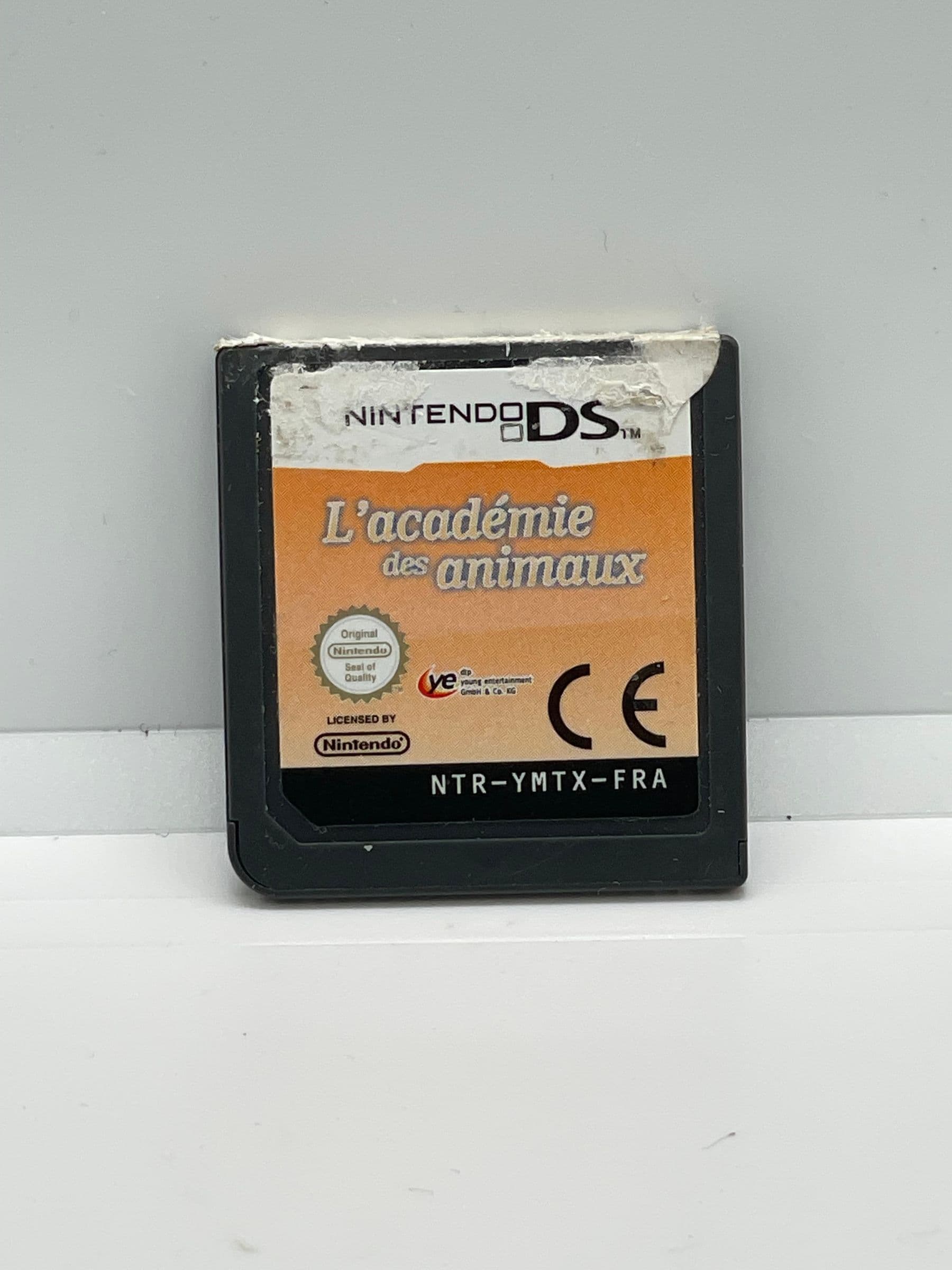
      • My Pet School Nintendo DS (sama gra)

        My Pet School Nintendo DS (sama gra)

        $13.00
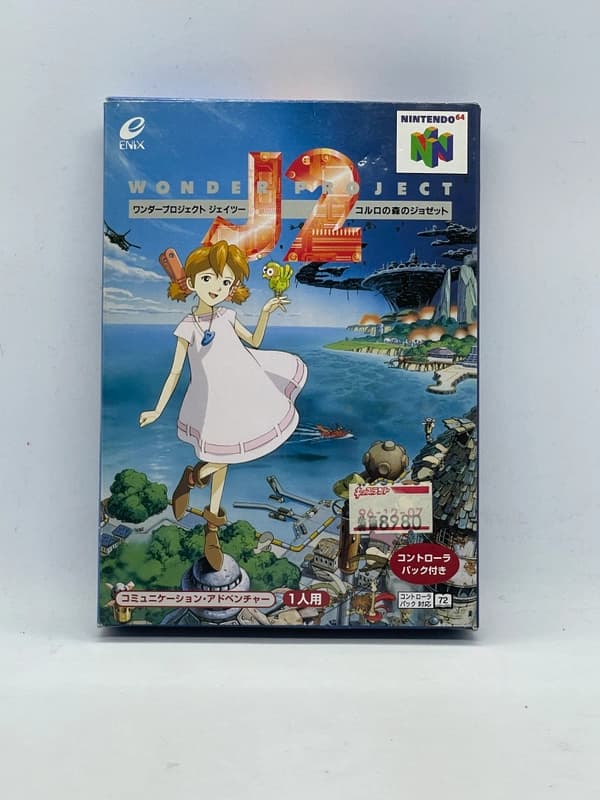
      • Wonder Project J2 Nintendo 64 JPN

        Wonder Project J2 Nintendo 64 JPN

        $54.00

      Keep reading

      More stories from the Retrobroker blog.

      • Support and warranty for retro games and consolesRETROBROKER
        30 October 2026

        Support and warranty for retro games and consoles

        Check the product description, current warranty and returns terms, and how to contact us about an order.

      • Can PS3 play PS1 and PS2 games? A compatibility guideRETROBROKER
        30 October 2026

        Can PS3 play PS1 and PS2 games? A compatibility guide

        Learn how PS3 compatibility with PS1 and PS2 games depends on the model, disc format and region.

      Awaiting New Challengers

      Join The Bounty Board

      Get exclusive first access to rare restocks, graded drops, and secret discount codes before anyone else.

      No spam. Unsubscribe anytime.

      Known Hardware Failures: The Pokemon ORAS Defect

      Sometimes, a 3DS cartridge read error has nothing to do with dirt or region locking. If you find your PAL copy of Pokemon Alpha Sapphire not reading regardless of how thoroughly you clean it, you have likely encountered a notorious hardware failure.

      Nintendo used a specific batch of faulty memory chips for the initial European print run of Pokemon Omega Ruby, Pokemon Alpha Sapphire, and Persona Q. Over the years, these specific mask ROM chips have begun to naturally degrade and fail at an alarming rate. When this happens, the console simply refuses to acknowledge that a game is inserted.

      These dead cartridges cannot be fixed with any amount of cleaning. The internal solder joints have degraded, or the silicon within the chip itself has completely failed. Because the cartridge remains cosmetically perfect on the outside, visual inspection cannot identify a dead chip.

      Collectors and players must be cautious when buying these specific titles second-hand. We highly recommend testing early PAL copies of Omega Ruby and Alpha Sapphire immediately upon purchase. If they fail to boot on a known-working console, they are essentially plastic paperweights.

      Advanced Repairs: Reflowing Solder on Dead Cartridges

      If thorough cleaning fails, the game is from your region, and it is not a known defective title, the cartridge may have suffered internal trace damage. Over time, the continuous flexing of the cartridge board during insertion and removal can cause the microscopic solder joints on the ROM chip to crack, breaking the electrical connection.

      Fixing this requires opening the 3DS cartridge, which is a destructive process. Unlike older Game Boy games that used a standard screw, 3DS game shells are ultrasonically welded shut at the factory. Opening one requires carefully slicing along the side seams with a craft knife, which will permanently damage the aesthetic of the game shell.

      Once inside, a technician can use a soldering iron with a fine tip or a hot air rework station to reflow the pins on the ROM chip. Applying fresh flux and heating the solder allows it to melt and re-bond, often bridging the invisible cracks and reviving a dead game.

      Because opening the shell destroys the original casing, this reflow process is a strict last-resort method. It should only be attempted on games that are confirmed completely dead and have immense sentimental or financial value, as you will need to glue the casing back together or use an aftermarket replacement shell afterwards.

      FAQ

      Why does my 3DS say there is nothing inserted into the game card slot?

      This usually means the gold contact pins on the game cartridge are covered in dirt or oxidation, preventing the console from making an electrical connection. It can also happen if the console's internal slot pins are bent or dirty.

      Can I blow into 3DS cartridges to clean them?

      No. Blowing into cartridges introduces moisture from your breath, which causes the metal contacts to rust and degrade over time, leading to permanent damage.

      Why did my Pokemon Alpha Sapphire cartridge suddenly stop working?

      Early PAL print runs of Pokemon Omega Ruby and Alpha Sapphire suffer from a known manufacturing defect where the memory chip dies prematurely. If cleaning the pins does not work, the cartridge has likely suffered this unfixable hardware failure.

      Will an American DS game work on a European 3DS?

      Yes, standard Nintendo DS games are completely region-free and will work on any 3DS console. However, 3DS games are region-locked, so an American 3DS game will not work on a European console.

      Conclusion

      Resolving a 3DS cartridge read error usually comes down to patience, the right concentration of Isopropyl Alcohol, and a gentle touch. By properly maintaining your games and understanding the limitations of region locking, you can keep your handheld library running smoothly for decades to come. If you are looking to expand your collection with fully tested, authentic hardware, we at RetroBroker ensure every title is thoroughly cleaned and verified before it reaches your hands. Keep your contacts clean, avoid blowing into your games, and your 3DS will provide countless more hours of entertainment.

    • Red Dead Redemption Xbox 360

      Red Dead Redemption Xbox 360

      $40.00
    • Def Jam Rapstar PS3

      Def Jam Rapstar PS3

      $13.00
    • Will my Nintendo Switch games work on Switch 2? What to checkRETROBROKER
      30 October 2026

      Will my Nintendo Switch games work on Switch 2? What to check

      Check Nintendo Switch game compatibility with Switch 2, controller requirements and how to transfer games and save data.