How to Fix GTA 6 Crashing at Data Consent Screen (PS5 & Xbox)
Table of contents
Reports of GTA 6 crashing at data consent screen prompts have frustrated PlayStation 5 and Xbox Series X players since Grand Theft Auto VI launched on November 19, 2026. Before you spend hours redownloading 212 GB or wiping your console, you can resolve several startup lockouts in minutes by targeting corrupted initial settings files and network handshake hangs. Here is what causes these launch failures, what you can fix right now, and which destructive steps to skip while waiting on Rockstar Games.
Why GTA 6 Crashing at Data Consent Screen and Terms of Service Prompts Happens
First, it helps to clarify the terminology. Neither Rockstar Games nor major technical outlets officially document a bug named the "Data Consent Screen" crash, which is why searching official support pages turns up empty. Instead, players use that phrase to describe GTA 6 crashing after Terms of Service, licensing agreement, and initial display or calibration prompts on first boot.
On PlayStation 5, confirming your initial settings and accepting the Terms of Use generates a 6.30 MB local save and settings file. For affected players, this initial write triggers error code CE-108255-1 on the spot and prevents the agreement screen from even loading on subsequent launches. Others make it past the agreement prompt only to crash as the opening cutscene starts, 30 to 40 seconds into the intro, or right after the opening credits when the first prologue autosave (10.49 MB, 16.78 MB, or 20.98 MB) tries to write.
Symptoms look slightly different if you experience GTA 6 freezing on startup Xbox Series X or Xbox Series S consoles. Xbox players frequently hit hard freezes at launch, get stuck indefinitely on Jason's opening loading screen, see a "temporary network problem" warning, or crash straight back to the Xbox dashboard during the prologue.
We want to set honest expectations before you start troubleshooting. Rockstar's official error troubleshooting page currently only links out to generic Sony and Microsoft error-code lookup directories, and Rockstar has not yet announced a post-launch hotfix. While the steps below clear network hangs and corrupted startup prompts, there is currently no 100% guaranteed fix if your console hits persistent prologue autosave crashes.
Quick Reference for GTA 6 Crashing at Data Consent Screen and Startup Errors
Matching your exact symptom or error code to the right action prevents unnecessary data loss. Use this table to pick the fastest non-destructive starting point for your console.
| Platform | Error Code or Symptom | Likely Cause | Best Immediate Action |
|---|---|---|---|
| PlayStation 5 | CE-108255-1 at or right after Terms of Service | Corrupted 6.30 MB settings write or prologue autosave bug | Delete local 6.30 MB save file; verify patch 01.002.001 and firmware 14.23 |
| PlayStation 5 | CE-100028-1 on startup or update | Insufficient internal SSD space for patches or save writes | Free up space under Games and Apps without deleting Saved Data |
| PlayStation 5 | CE-107891-6 on launch | Corrupted base game or title update installation | Delete and perform a clean reinstall via Settings > Storage |
| Xbox Series X / S | Freeze on Jason's loading screen or network error prompt | Xbox network handshake hang or suspended session glitch | Quit Quick Resume and boot the game in Offline Mode |
Bypass Startup Handshake Freezes with Offline Mode (PS5 & Xbox Series X)
Pre-launch rumours claimed that Grand Theft Auto VI carried mandatory "Heartbeat DRM" that would force a fatal error without a live connection to Rockstar Social Club servers. Launch-day testing proved that false: the PlayStation Store officially lists the game with Offline play enabled, confirming it is a true offline-capable single-player release. That means startup network errors and infinite loading screens stem from PlayStation Network or Xbox network authentication hiccups rather than mandatory game servers.
Using a GTA 6 offline mode workaround bypasses those stalled startup handshakes immediately. If you own a digital copy, configure offline licensing while you are still connected to the internet so your console does not time out checking your entitlement:
- On PlayStation 5, go to Settings > Users and Accounts > Other > Console Sharing and Offline Play, and ensure it is enabled.
- On Xbox Series X or Xbox Series S, open Settings > General > Personalization > My home Xbox, and set your console as your home Xbox.
- Disconnect your console from Wi-Fi or unplug your Ethernet cable (or simply select the Offline button if Xbox displays a temporary network problem screen on boot).
- Launch Grand Theft Auto VI fresh to skip the network check and load straight into the opening sequence.
Delete the Corrupted 6.30 MB Startup Save File to Reset the Prompts
If your console crashed while accepting the initial settings and licensing screens once—and now crashes before those prompts even appear on relaunch—your initial configuration file is likely broken. You will need to delete GTA 6 corrupted save data from your console storage so the game can generate a clean file.
Head into your console's Saved Data settings and delete the local Grand Theft Auto VI save file, which sits at 6.30 MB right after the initial agreement screen. Removing this damaged file forces the initial calibration and Terms of Use prompts to re-initialise properly on your next boot, resolving GTA 6 crashing at data consent screen loops caused by a failed first launch.
Keep one important limitation in mind with this step. While deleting the 6.30 MB file restores access to the startup prompts, players suffering from the deeper prologue save-write bug often report CE-108255-1 returning a minute later when the intro attempts its first 10.49 MB to 20.98 MB autosave.
Playing GTA on PS5, Xbox, or PC? Top up your wallet for less
Get instant digital PlayStation Store, Xbox, and Steam gift cards on Eneba for editions, add-ons, and in-game currency.
Affiliate link — RetroBroker may earn a commission at no extra cost to you.
Install Mandatory Patch 01.002.001 and Required Console Firmware
Running outdated pre-load files is a common cause of a GTA 6 startup crash PS5 or Xbox launch failure. Ahead of release, Rockstar pushed version 01.002.000 on November 13, followed by GTA 6 patch 01.002.001 (build 1.0.2.1 on Xbox) on November 16.
Follow these checks to make sure both your game build and operating system meet launch requirements:
- Verify the game version: Sony's primary official recommendation for a GTA 6 CE-108255-1 fix is updating the application. Highlight Grand Theft Auto VI on the PS5 home screen, press the Options button, and select Check for Update to confirm version 01.002.001 (602.5 MB) is installed, then check Download Status to ensure nothing is paused. On Xbox Series X, confirm you are on build 1.0.2.1 (roughly 1.59 GB to 1.6 GB).
- Update system software: Sony requires PS5 System Software 14.23 (1.267 GB, released November 17, 2026) or newer to play. Navigate to Settings > System > System Software > System Software Update and Settings, install the update, and restart the console completely. On Xbox, check Settings for any pending OS updates.
- Leave extra SSD headroom: The base installation requires a minimum of 212 GB. Keep several gigabytes of additional free space on your internal SSD so local settings and prologue autosave writes do not fail with storage errors like CE-100028-1.
Platform-Specific System Fixes for PS5 and Xbox Series X
If your patches are current and offline play did not clear the crash, a few safe console-level maintenance steps can rule out licence glitches and corrupted temporary cache files.
PlayStation 5 System and Display Checks
Start by refreshing your digital entitlement without touching your game progress. Go to Settings > Users and Accounts > Other > Restore Licenses and select Grand Theft Auto VI; Sony confirms this leaves saved data intact. Next, power down your PlayStation 5 completely, hold the power button to boot into Safe Mode, and run Clear Cache and Rebuild Database to clean up temporary system files.
You can also test a community display workaround if you crash right after the consent prompts. Lowering the PS5 video output resolution to 1080p in your console screen settings gave some players three to four hours of uninterrupted stability, whereas disabling HDR on its own was confirmed by affected users not to stop intro autosave crashes.
Xbox Series X Session, Cache, and Storage Fixes
Never boot into a suspended startup state if the game has already frozen once. Highlight Grand Theft Auto VI on the dashboard, press the Menu button, and select Quit to pull it out of Quick Resume so it loads a clean session. If startup freezes continue, follow Rockstar Support's Xbox cache method: shut down the Xbox Series X completely, unplug the power cord for two full minutes, plug it back in, and power on (your saves stay safe, though brightness and language prompts will reset).
Finally, check where the game is installed. If you keep Grand Theft Auto VI on a Seagate or WD Xbox Storage Expansion Card and experience repeated boot crashes, verify your cloud saves are synced and test moving the installation onto the console's internal SSD.
Avoid Factory Resets and Unnecessary 212 GB Reinstalls
When a major release refuses to start, generic support guides almost always end by telling you to wipe your system. Do not rush into factory resetting your console on either PlayStation 5 or Xbox Series X; affected players and technical outlets confirm that full resets erase your local captures, profiles, and game installs without stopping CE-108255-1 or prologue crashes.
Likewise, save a 212 GB clean reinstall strictly for explicit file-corruption codes such as PS5 error CE-107891-6. Players hitting standard startup save-write crashes have reinstalled the game multiple times with identical results.
You can also ignore social media claims blaming dusty heatsinks or liquid-metal dry spots on your hardware. Technical analyses point out that these crashes happen seconds after launch before heat can build, trigger reproducibly at identical save-write moments (or specific interactions like using the plunger in the early Pipework mission), and affect brand-new PlayStation 5 Pro and low-hour 2026 Xbox Series X consoles alike.
FAQ
Has Rockstar Games released a hotfix for the GTA 6 startup and consent screen crash?
No. As of launch week in November 2026, Rockstar Games has not publicly acknowledged the startup and prologue crashes or announced a post-launch hotfix beyond pre-launch patch 01.002.001 (Xbox build 1.0.2.1).
Can you launch GTA 6 offline to get past startup errors?
Yes. Grand Theft Auto VI is an offline-enabled single-player game at launch. If PlayStation Network or Xbox network authentication stalls during boot, launching in Offline Mode—after enabling Console Sharing and Offline Play on PS5 or My home Xbox on Series X for digital copies—lets you bypass network hangs.
Does factory resetting your PS5 or Xbox Series X fix GTA 6 crashing at launch?
No. Player reports and technical outlets confirm that factory resetting your console erases local data without reliably stopping CE-108255-1 or Xbox startup crashes. Stick to non-destructive fixes while waiting for an official title update.
Is console overheating causing GTA 6 to crash right after the agreement screen?
The evidence points to a software bug rather than overheating. Crashes happen seconds into boot before heat builds up, occur at identical autosave moments, and affect brand-new PlayStation 5 Pro and low-hour Xbox Series X units.
Conclusion
When troubleshooting GTA 6 crashing at data consent screen issues, focus on safe, targeted steps first: launch in Offline Mode to bypass network handshakes, delete the corrupted 6.30 MB initial settings file if the agreement prompt stops appearing, and verify patch 01.002.001 alongside mandatory system firmware. If your console still hits persistent autosave crashes in the prologue, hold off on factory resets while Rockstar prepares a post-launch patch—and if you feel like revisiting earlier Rockstar classics on original hardware while waiting for an update, we always keep a curated selection of classic games and consoles over at RetroBroker.
Upgrade your console setup for GTA
Check current prices on controllers, 3D wireless headsets, and fast NVMe SSD storage on Amazon.

Sony DualSense Wireless Controller
Check on Amazon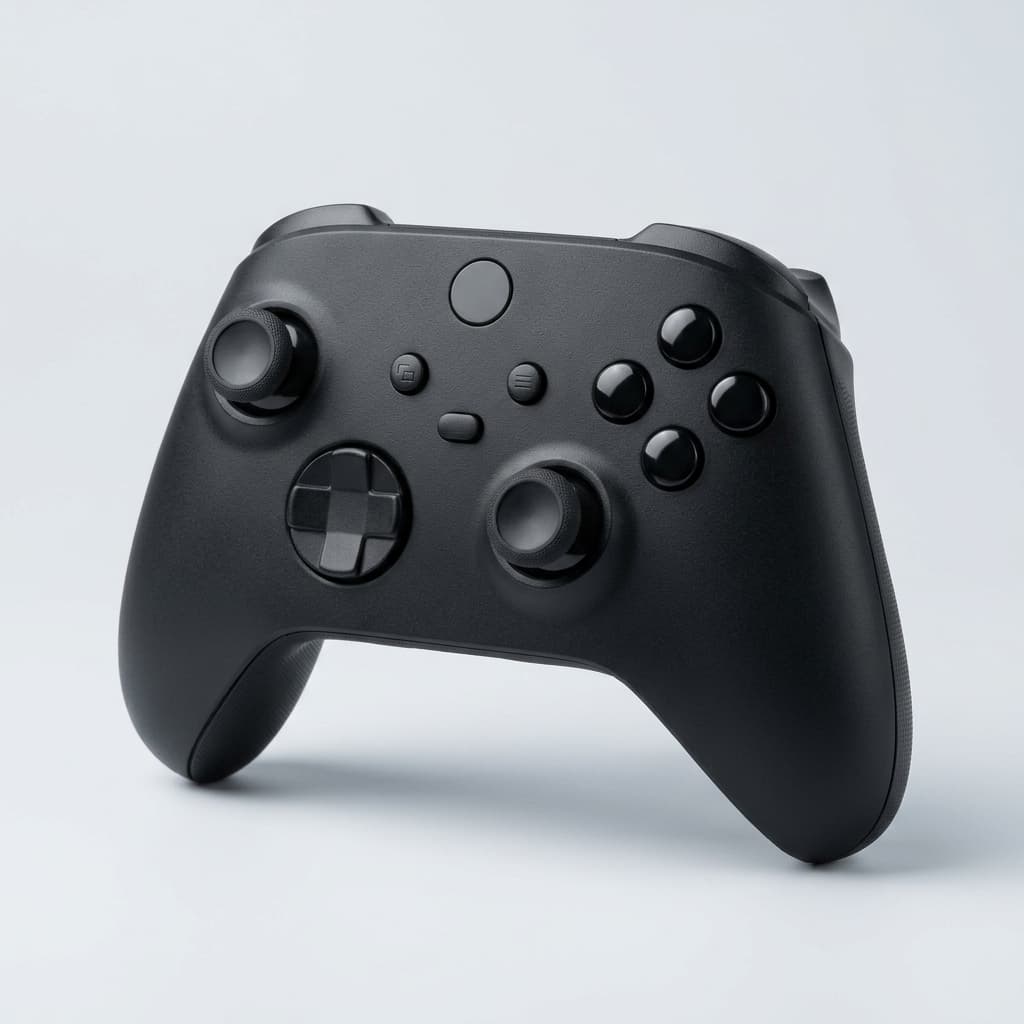
Xbox Wireless Controller (Carbon Black)
Check on AmazonAs an Amazon Associate we earn from qualifying purchases.