Retro Console HDMI Modding Guide: Enhance Your Classic Gaming Experience
Published on 25 October 2024
Level Up Your Retro Gaming: A Guide to HDMI Modding
Retro gaming is experiencing a golden age, but one persistent challenge is getting those classic pixels looking their best on modern TVs. While composite and component cables offer decent image quality, nothing beats the crisp clarity of HDMI. That's where HDMI modding comes in, allowing you to breathe new life into your beloved retro consoles. This guide explores the world of HDMI mods, explaining the benefits, the process, and what to consider before you take the plunge.
Why Mod for HDMI?
The difference between composite/component and HDMI is striking. HDMI delivers a cleaner, sharper image with vibrant colors and reduced signal noise. This means your retro games will look closer to how you remember them, not the blurry, sometimes distorted picture you might get with older connection methods. Furthermore, modern TVs often prioritize HDMI inputs, making it easier and more convenient to hook up your classic consoles.
Understanding the Modding Landscape
There are various HDMI mod options available, depending on the console. Some mods involve installing a small internal board that converts the console's native video signal to HDMI. Others might use external converters, although these often don't offer the same level of picture quality. Popular consoles with readily available HDMI mods include:
- NES: Various options offer varying degrees of image quality and features.
- Super Nintendo: Similar to the NES, different mods cater to different needs and budgets.
- Sega Genesis/Mega Drive: A range of solutions exist, some offering additional features like scanline filters.
- N64: HDMI mods for the N64 are particularly popular, addressing the console's known blurry output.
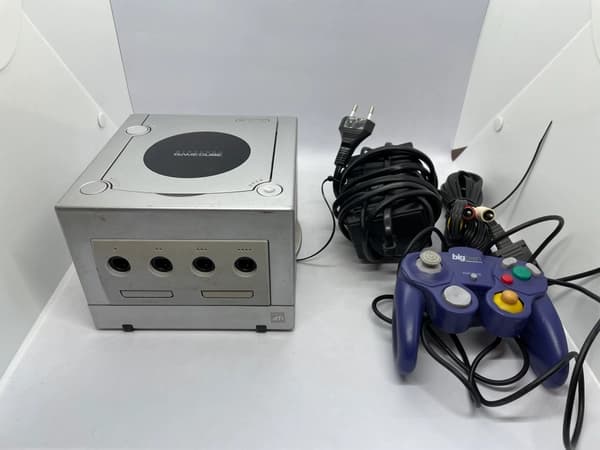
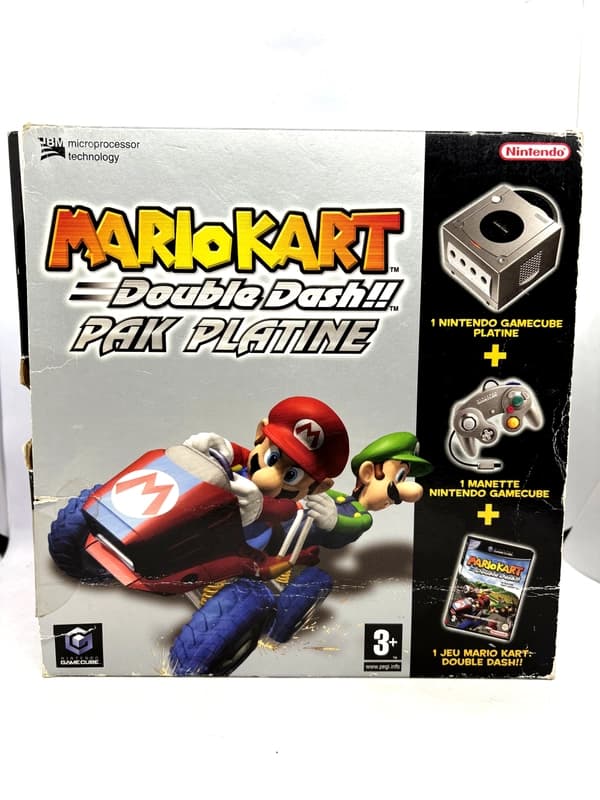
- GameCube/Wii: While these consoles have digital AV out options, HDMI mods can still enhance image quality and simplify connectivity.
Explore products
Explore more products from our catalogue.
Choosing the Right Mod
Selecting the right mod requires considering several factors:
- Price: Mods range in price, so set a budget beforehand.
- Installation Difficulty: Some mods are easier to install than others. If you're not comfortable with soldering, look for "plug-and-play" options.
- Features: Some mods offer extra features like upscaling, scanline filters (which mimic the look of CRT TVs), and adjustable aspect ratios.
- Compatibility: Ensure the mod is compatible with your specific console model.
The Installation Process (General Overview)
The exact installation process varies depending on the console and the specific mod. Generally, internal mods involve opening the console, locating specific points on the motherboard, and soldering the new board in place. This requires some technical skill and the right tools. If you're unsure about your soldering abilities, consider seeking professional installation.
Beyond HDMI: Other Enhancements
While HDMI is a significant upgrade, other modifications can further enhance your retro gaming experience. These include:
- Recapping: Replacing aging capacitors can improve picture quality, sound, and overall console stability.
- Region-free mods: Allow you to play games from different regions.
- Controller mods: Modernize controllers with wireless functionality or improved ergonomics.
Embrace the Retro Revolution
HDMI modding opens up a world of possibilities for retro gaming enthusiasts. By bringing your classic consoles into the modern era, you can experience your favorite games as never before, with crystal-clear visuals and seamless integration with your current setup. With a little research and patience, you can elevate your retro gaming experience to a whole new level.