GTA 6 PS5 vs PS5 Pro vs Xbox Series S: FPS, Modes & Thermals
10 min read
Necessary cookies keep the store working. With your permission, we also use analytics and advertising cookies.
More stories from the Retrobroker blog.
Get exclusive first access to rare restocks, graded drops, and secret discount codes before anyone else.
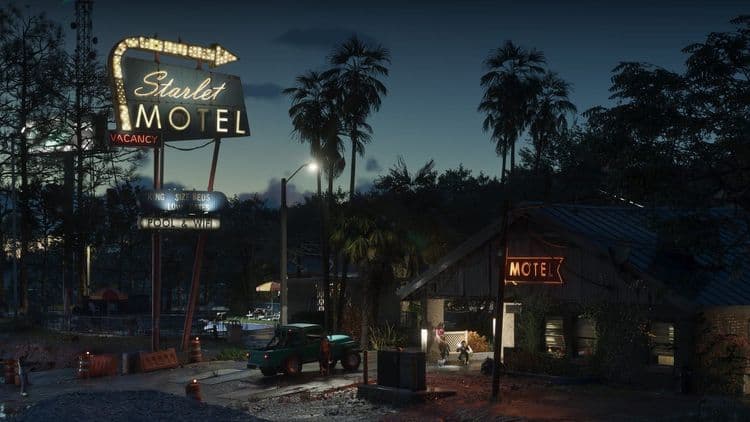
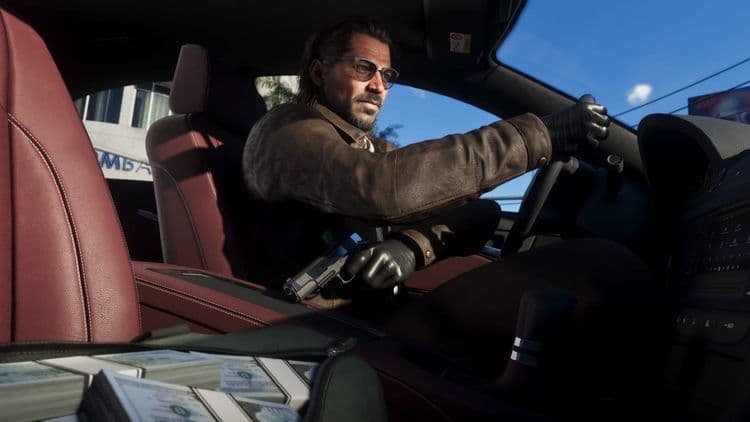
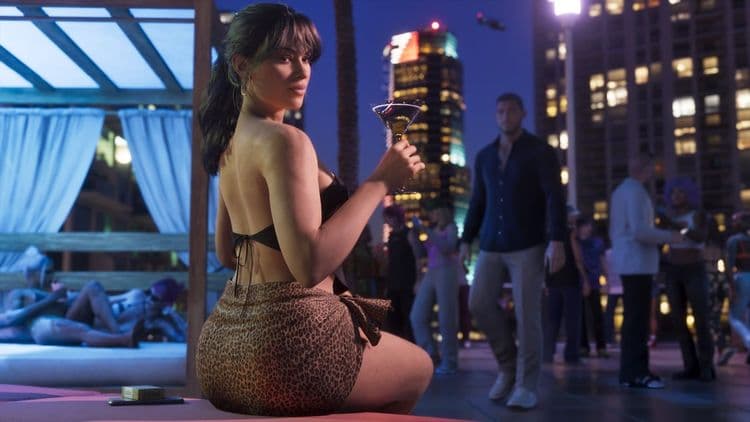
Pre-launch rumours promised high-frame-rate modes across current hardware, yet the retail build of Grand Theft Auto VI tells a very different story. Comparing GTA 6 PS5 vs PS5 Pro vs Xbox Series S comes down to upscaling sharpness, ray-tracing budgets, variable refresh rate support, and how well your console handles sustained load. Here is what post-launch benchmarks and hardware testing reveal about real-world frame rates, cooling limits, and optimal settings on PlayStation 5, PlayStation 5 Pro, and Xbox Series S.
Despite pre-launch speculation claiming 60 FPS and 40 FPS options, the November 19, 2026 release of Grand Theft Auto VI includes no GTA 6 graphics modes on any console. Every machine—including PlayStation 5 Pro—runs a single fixed visual preset locked to a 30 FPS target.
Ahead of launch, Rockstar Games technology production director Marc Chambers confirmed that current console CPUs, even inside the PS5 Pro, lack the headroom to run the game's dense world simulation at higher frame rates. Rockstar's first post-launch update on November 23, 2026—version 01.002.002 on PS5 and 1.0.2.2 on Xbox Series X and Xbox Series S—resolved crashes, broken autosaves, stuck weather, and untriggered story calls without altering frame-rate caps or adding display toggles.
Xbox players may have seen a viral Quick Resume refresh-rate glitch that uncaps the frame rate by booting at 60Hz, switching system output to 120Hz at the six-star intro, opening a non-Quick-Resume title, and jumping back into the game. Digital Foundry tested this workaround and advised against using it, as frame rates swing wildly around the mid-30s on Xbox Series X while game physics and animations speed up unnaturally alongside the uncapped frame rate.
While all three consoles share Rockstar's core ray-traced global illumination (RTGI), ray-traced reflections, and strand-based hair systems, internal resolutions and memory pools create clear visual and performance gaps.
| Feature | Base PlayStation 5 | PlayStation 5 Pro | Xbox Series S |
|---|---|---|---|
| Internal Resolution | 2560x1440 (1440p) | 2560x1440 (1440p) | 1280x720 (720p) |
| Upscaling & Output | Spatial upscale + Rockstar TAA to 4K | AI-driven PSSR temporal upscale to 4K | AMD FSR 4 / 4.1 temporal upscale to 1080p |
| Ray Tracing Features | RTGI and RT reflections | RTGI, higher-res RT reflections, exclusive RT shadows | RTGI and RT reflections (reduced shadow/draw settings) |
| Typical Frame Rate | 30 FPS (dips to 20–28 FPS in dense crowds/traffic) | Tightest 30 FPS lock (brief 20–24 FPS dips in heavy explosions) | 25–30 FPS traversal; low 20s to mid-teens in heavy combat |
| 120Hz VRR Support | Unsupported (48Hz native PS5 VRR floor) | Unsupported (48Hz native PS5 VRR floor) | Supported with Low Framerate Compensation (LFC) |
Get instant digital PlayStation Store, Xbox, and Steam gift cards on Eneba for editions, add-ons, and in-game currency.
Affiliate link — RetroBroker may earn a commission at no extra cost to you.
Launch-week clips from Twitch streamers showing green GPU artefacts, smoke, and sudden console shutdowns sparked fears of a widespread hardware-bricking flaw. Hardware technician measurements show a PS5 pulling roughly 220 W in calm scenes and peaking at 274.2 W under maximum Grand Theft Auto VI load—well above the 180–220 W of typical titles, yet safely within Sony's 340–350 W power supply design limit.
Hardware analysts note that there is no universal defect killing healthy consoles. Instead, sustained thermal loads are exposing neglected cooling across base PS5, PlayStation 5 Slim, and PS5 Pro units, including dust-clogged heatsinks, closed media cabinets, or oxidised dry spots on the liquid metal of older vertically mounted launch consoles. Because GTA 6 PS5 overheating alerts and software errors have continued for some players even after patch 01.002.002, follow these maintenance and GTA 6 CE-108255-1 crash fix steps in order:
Despite early social media theories blaming heat, widespread thermal shutdowns have not been documented on Xbox Series S. What many players mistook for hardware strain is actually a load-related GTA 6 Xbox Series S audio crackling, stuttering, and cut-out bug so distracting that Digital Foundry's Oliver Mackenzie advised playing on another platform if you own one.
Until Rockstar patches the audio engine on Series S, you can reduce dropouts with these verified workarounds:
How you handle motion blur depends on your eyes and display panel. For the crispest image during shootouts and fast turns, set Motion Blur Strength to 0 under Settings > Display, then go to Settings > Camera to turn Camera Shake Off and lower Camera Bob from 10 down to 0–5. If 30 FPS camera pans look juddery on fast-response OLED screens, raise Motion Blur Strength to 5–7 instead to blend frame transitions.
Locked 30 FPS rendering also carries heavy input latency—measured around 180 ms on Xbox Series X, much like Red Dead Redemption 2. To make aiming and steering feel snappier, open the controller settings, raise Look Sensitivity above the default 7, and drop the thumbstick Deadzone from 4 down to 2 if your controller has no stick drift.
No. Every console version of Grand Theft Auto VI—including PlayStation 5 Pro—runs a single fixed visual preset locked to 30 FPS due to CPU simulation demands, with no Performance, Quality, or 40 FPS modes available.
Grand Theft Auto VI pushes PlayStation 5 power draw up to 274.2 W, which stays within Sony's power supply limits on clean consoles with 10 cm of clearance, but can trigger thermal shutdowns on dusty, enclosed, or older launch units with degraded liquid metal. On Xbox Series S, widespread overheating is not documented; reports of strain mostly stem from a software-related audio dropout bug.
Xbox Series S outputs the game inside a 120Hz container with Low Framerate Compensation (LFC), letting VRR displays smooth dips below 30 FPS. PlayStation 5 and PlayStation 5 Pro lack 120Hz VRR support in Grand Theft Auto VI, and Sony's system VRR only works down to 48Hz without LFC.
You can curb Xbox Series S audio crackling and cut-outs by setting Xbox sound output to Stereo uncompressed, disabling 3D audio, fully quitting the game rather than using Quick Resume, wiring your controller via USB-C, or replugging the HDMI cable while playing.
Check current prices on controllers, 3D wireless headsets, and fast NVMe SSD storage on Amazon.
As an Amazon Associate we earn from qualifying purchases.
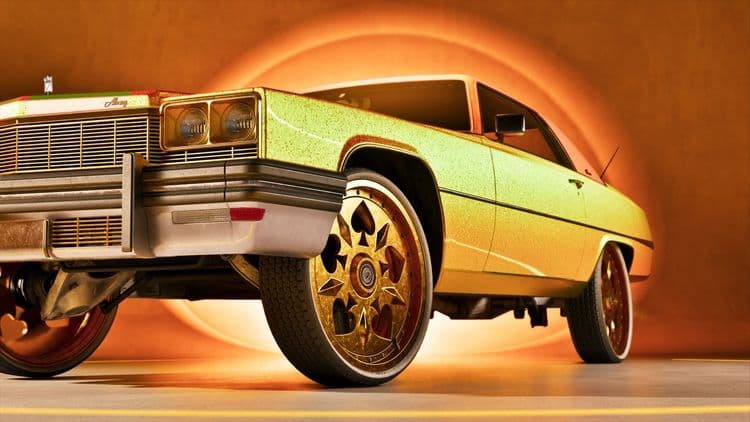
Learn how to scan Vice Beach tags, crack the Mariposa Avenue keypad code, and steal Andrew Node's custom Truffade Thrax supercar in Grand Theft Auto VI.
PlayStation 5 Pro delivers the sharpest presentation and firmest frame-rate stability. Rendering at a fixed 1440p, GTA 6 PS5 Pro PSSR temporal upscaling reconstructs crisp 4K-like foliage and fine distant detail, showing only occasional temporal shimmer during high-speed driving. It is also the only console featuring ray-traced shadows from both sunlight and local lights alongside higher-resolution reflections, holding a steady 30 FPS across 75 hours of Digital Foundry testing outside of brief 20–24 FPS dips during extreme multi-vehicle explosions.
The standard PlayStation 5 matches the Pro's 1440p internal resolution and retains RTGI, ray-traced reflections, and strand-based hair. However, because it relies on spatial upscaling paired with Rockstar's in-house temporal anti-aliasing (TAA), its 4K image looks noticeably softer than the Pro's output. Frame rates hold 30 FPS in calmer areas but drop more often than on Xbox Series X when speeding through dense Vice City streets, busy airport terminals, or explosions, settling into the mid-20s and occasionally hitting 20–23 FPS.
As the first shipping Xbox Series title to adopt AMD FSR 4 / 4.1, the budget console temporally upscales an internal 720p image to 1080p while dialling back cloud detail, shadow resolution, hair complexity, and draw distances. Constrained partly by its 10 GB pool of slower RAM, GTA 6 Xbox Series S FPS stability is the loosest of the generation—hovering between 25 and 30 FPS in standard traversal, dropping to the low 20s during car wrecks, and reaching the mid-teens in heavy firefights.
Display support creates an unexpected twist across platforms. Xbox Series S outputs the game inside a 120Hz container with Low Framerate Compensation (LFC), allowing compatible VRR screens to smooth out minor traversal dips below 30 FPS. Neither base PS5 nor PS5 Pro currently supports a 120Hz VRR container in Grand Theft Auto VI, and because PlayStation's native system VRR only works down to 48Hz without LFC, VRR cannot smooth sub-30 FPS drops on Sony's consoles.
Dialing in the GTA 6 best display settings at both the system and menu level makes the fixed 30 FPS cap feel far cleaner and more responsive.
Looking across GTA 6 PS5 vs PS5 Pro vs Xbox Series S, PlayStation 5 Pro is the clear visual and frame-rate leader thanks to PSSR upscaling, ray-traced shadows, and a rock-steady 30 FPS lock, while base PlayStation 5 offers a solid middle ground once your vents and airflow are sorted. Xbox Series S benefits from 120Hz VRR smoothing and AMD FSR 4 upscaling, though its mid-teen combat drops and recurring audio bug make it best suited to patient players who apply the stereo sound workarounds. If dipping back into Vice City has you feeling nostalgic for Rockstar's earlier console landmarks—like revisiting Grand Theft Auto IV on PlayStation 3—we keep a curated range of classic hardware and series entries over at RetroBroker.