How to Fix 3DS Cartridge Read Errors: Cleaning & Repair Guide
Published on 8/23/2026
How to Fix 3DS Cartridge Read Errors: Cleaning & Repair Guide
Encountering a 3DS cartridge read error can instantly turn a nostalgic gaming session into a frustrating troubleshooting exercise. Whether you have just unearthed your childhood console or purchased a second-hand classic, getting your games to boot reliably requires a delicate touch. This guide will walk you through diagnosing the hardware, safely cleaning your components, and identifying known manufacturing defects that cannot be fixed with a simple wipe down.
Diagnosing a 3DS Cartridge Read Error
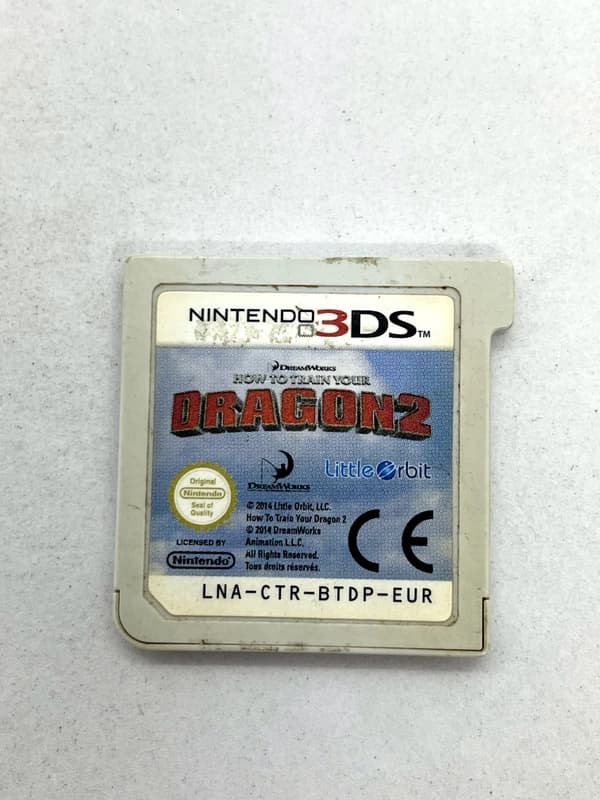
Before reaching for any cleaning supplies, you must isolate whether the fault lies with the game, the console, or the software. If you have a 3DS not reading games, begin by testing the problematic cartridge in a second, known-working 3DS console. Conversely, test a known-working game in your current console. This simple step immediately tells you if you are dealing with a faulty console slot or a dirty game.
Next, inspect the cartridge physically. Look closely at the plastic teeth that separate the gold contact pins. You are checking for physical damage, melted plastic, or deep, gouging scratches on the gold contacts themselves. Minor scuffs from insertion are normal, but deep trenches can sever the electrical connection.
You should also check for the mechanical 'click' when inserting a game. If the cartridge does not stay seated and immediately springs back out, the internal spring mechanism of the console slot is broken, meaning the console requires a hardware repair rather than a clean.
Finally, distinguish between the types of errors you are seeing. If the game does not show up on the 3DS home menu at all, you are usually dealing with dirty pins or a dead chip. If the game icon appears but you receive an error message stating that the 3DS game card could not be read upon booting, you may be facing a software crash or a 3DS region lock error.
Region Locking and Backward Compatibility on PAL Consoles
Unlike Nintendo's previous handhelds, the 3DS hardware introduced strict regional restrictions. A stock European (PAL) console will only recognise PAL 3DS software. If you insert an NTSC-U (North American) or NTSC-J (Japanese) 3DS cartridge into a stock PAL console, the game will simply not appear on the home menu, mimicking a dead or dirty cartridge.
However, backward compatibility complicates this slightly. Standard Nintendo DS cartridges are completely region-free and will boot perfectly on a PAL 3DS, regardless of where they were manufactured. You can safely play a Japanese copy of Chrono Trigger DS on a UK 3DS with no issues.
DSi-Enhanced games sit somewhere in the middle. Titles like Pokemon Black and White contain specific hardware features for the DSi camera and wireless functions. These cartridges feature partial region locking; an NTSC DSi-Enhanced game may be blocked on a PAL 3DS depending on the console's current firmware version.
| Software Format | Region Lock Status | PAL 3DS Compatibility (Stock) |
|---|---|---|
| Nintendo 3DS Cartridges | Strictly Region-Locked | Only PAL/EU games will boot |
| Nintendo DS Cartridges | Region-Free | All regions (NTSC-U, NTSC-J, PAL) will boot |
| DSi-Enhanced Cartridges | Partially Region-Locked | NTSC versions may be blocked by firmware |
For collectors importing foreign titles, custom firmware (CFW) is incredibly popular. Installing CFW bypasses all 3DS region locks entirely, allowing a PAL console to read and play NTSC cartridges as if they were native releases.
Safe Cleaning Materials to Clean 3DS Games
When it is time to clean 3DS games, the chemicals and tools you choose are critical. The gold contacts on a 3DS cartridge are thin and easily degraded by improper care. You should exclusively use 90% to 99% Isopropyl Alcohol (IPA) for electronic cleaning.
Never use water, glass cleaner, or standard rubbing alcohol with a high water content. Moisture is the enemy of raw electronics. Using water-based solutions causes the underlying copper traces beneath the gold plating to oxidise and rust, permanently ruining the cartridge over time.
You must also avoid the classic playground trick of blowing into the cartridge. Human breath is filled with moisture, acids, and enzymes that accelerate corrosion on the gold pins. While blowing might temporarily dislodge a speck of dust, it coats the contacts in a microscopic layer of saliva that will eventually destroy the game.
For physical tools, use high-quality, tightly wound cotton swabs. Cheap swabs have loose fibres that easily snag on the sharp plastic teeth of the 3DS cartridge. If you are dealing with heavy, dark carbon buildup on the pins, a soft white polymer pencil eraser can be used to gently rub the contacts before applying your IPA.
Shop the gear from this story
Hand-matched to what you’re reading — tested, and covered by our warranty.

Step-by-Step Cartridge Pin Cleaning Method
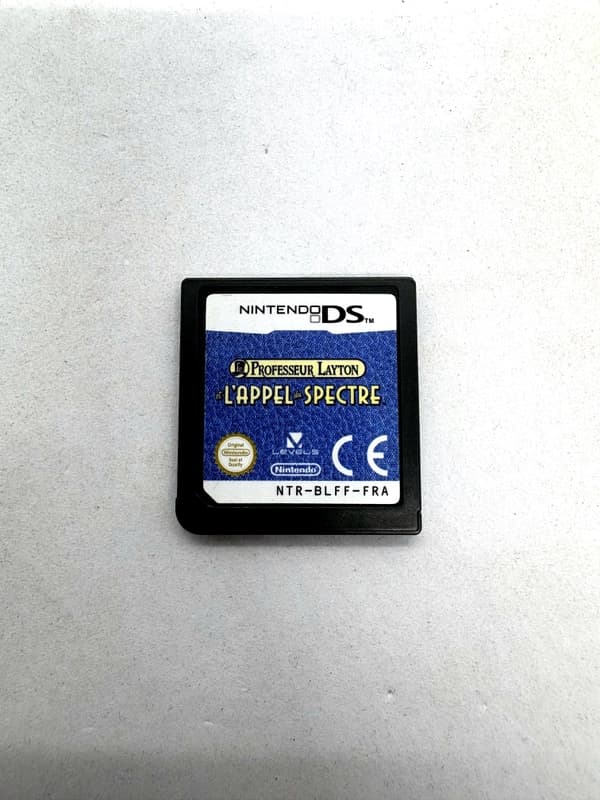
To safely clean 3DS game contacts, start by preparing your workspace with good lighting so you can clearly see the gold pins. Dip one end of your high-quality cotton swab into the Isopropyl Alcohol. Tap the swab against the rim of the bottle to remove any excess liquid; the cotton should be damp, not dripping wet.
Insert the damp swab into the bottom of the cartridge. Scrub the gold contacts firmly in an up-and-down motion. It is vital that you follow the vertical direction of the plastic dividers. If you scrub horizontally across the pins, you risk snapping the fragile plastic teeth that guide the cartridge into the console.
Once you have scrubbed the contacts, immediately flip the swab around and use the dry end to wipe the pins. This wipes away the loosened grime and absorbs the excess alcohol before it can settle. You will likely see dark grey or black residue on the cotton—this is the oxidisation and dirt that was causing your read failures.
Finally, allow the cartridge to sit on a desk for 5 to 10 minutes. Even though 99% IPA evaporates very quickly, microscopic droplets can hide under the plastic housing. Waiting ensures the cartridge is bone dry before you introduce electrical current by inserting it into your 3DS.
How to Fix 3DS Cartridge Slot Issues
If your games are perfectly clean but still fail to read, the console's internal slot is likely the culprit. You must never stick raw cotton swabs, tweezers, or metal tools into the 3DS cartridge slot. The internal reader pins are incredibly fragile, angled precisely to meet the cartridge. A cotton swab will snag on these pins and pull them backwards, destroying the slot entirely.
To safely fix 3DS cartridge slot dirt, use the 'credit card method'. Find a thin, stiff piece of plastic, such as an old credit card or a piece of thick cardboard. Wrap a thin, clean microfibre cloth tightly around the edge of the plastic, ensuring there is no loose fabric that could catch on the internal components.
Lightly dampen the edge of the microfibre cloth with your Isopropyl Alcohol. Insert this wrapped plastic straight into the 3DS cartridge slot, pushing it in and pulling it out several times. The friction of the cloth against the internal pins will safely wipe away dust and grime.
Crucially, do not wiggle the plastic side-to-side while it is inside the console. Lateral movement is exactly what bends the console's internal reading pins out of alignment. Keep your movements strictly vertical, and allow the console to dry for 15 minutes before turning it on.
Known Hardware Failures: The Pokemon ORAS Defect
Keep the collection going
More retro finds picked to match this article.
Keep reading
More stories from the Retrobroker blog.
PAL vs NTSC-U vs NTSC-J: Understanding Video Game Region Codes
Unravel the differences between PAL, NTSC-U, and NTSC-J video game regions. Discover how region codes impact gameplay and compatibility. Start your retro gaming journey today!
Unlocking Nostalgia: How to Start Your Own Retro Gaming Collection
Discover the joy of retro gaming collection. Tips for beginners. Nostalgic journey through gaming history. Start your adventure today!
Awaiting New Challengers
Join The Bounty Board
Get exclusive first access to rare restocks, graded drops, and secret discount codes before anyone else.