3DS Region Locking Explained: Playing Japanese Games in Europe
Published on 8/26/2026
3DS Region Locking Explained: Playing Japanese Games in Europe
Navigating 3DS region locking can be a major hurdle for European collectors wanting to experience Japan-exclusive titles on their original hardware. This guide explains exactly how the hardware restricts imported cartridges and outlines the safest methods to successfully play NTSC-J on PAL 3DS systems. By the end, you will understand the backwards compatibility rules, how to identify specific cartridge types, and the most reliable ways to unlock your console's full potential.
The Reality of 3DS Region Locking Restrictions
Unlike the original Game Boy and the standard Nintendo DS lines, which welcomed imported games with open arms, the entire 3DS family is strictly restricted at the firmware level. Whether you own a launch model 2DS, a standard 3DS, a New 3DS, or a New 2DS XL, the base operating system actively checks the region code of every inserted cartridge. This was a controversial shift for Nintendo in 2011, driven primarily by varying international age rating systems and regional pricing strategies.
A standard European PAL console will immediately reject NTSC-J (Japanese) and NTSC-U (North American) cartridges. When you insert an imported physical game into an unmodified European system, the game simply will not appear on the home screen, or it will display an error message if forced to boot. The system treats the cartridge slot as empty because the software header does not match the console's internal region ticket.
Because this barrier is entirely software-based rather than a physical shape difference, cartridge slot adapters do not exist for this generation of handhelds. Older hardware like the Super Nintendo allowed players to use physical passthrough adapters to bypass region checks, but the 3DS relies on encrypted digital handshakes. To play imported games, collectors must either change their hardware or alter their console's software.
DS and DSi Backwards Compatibility Rules
One of the most confusing aspects of 3DS region locking is how it handles older Nintendo DS games. The 3DS is fully backwards compatible with the previous generation, but the region rules change depending on the specific type of DS cartridge you insert.
Standard original Nintendo DS games remain entirely region-free. If you import a Japanese copy of Castlevania: Dawn of Sorrow, it will boot perfectly on any European 3DS. However, later titles known as DSi-enhanced cartridges enforce a strict DSi enhanced region lock. Games like Pokémon Black and White or Solatorobo: Red the Hunter contain extra code designed to utilize the DSi camera or advanced Wi-Fi security. If the regions of the cartridge and the console do not match, these specific games will refuse to boot.
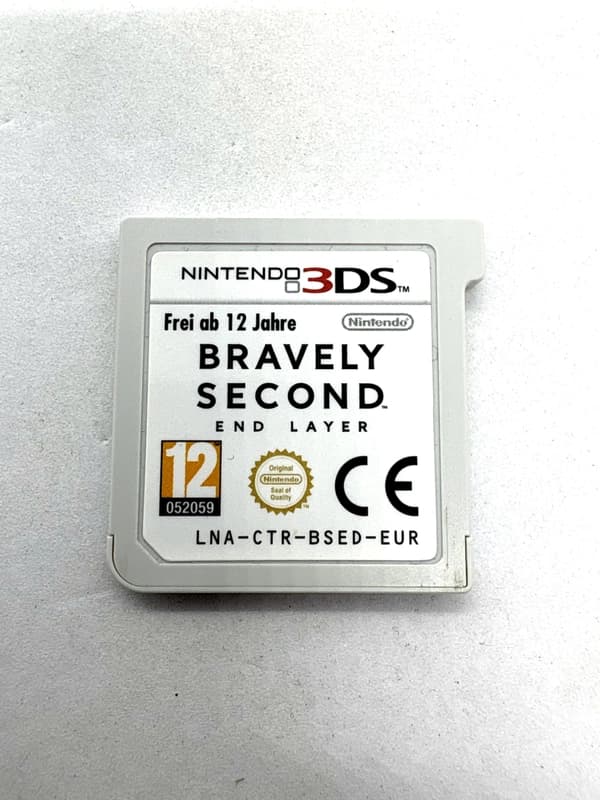
Collectors must check the serial code prefix printed on the front sticker of the imported cartridge to determine if a legacy game will run natively on their PAL system.
| Cartridge Type | Serial Prefix | Region Locked on PAL 3DS? | Examples |
|---|---|---|---|
| Standard Nintendo DS | NTR-005 | No (Region Free) | Mario Kart DS, Chrono Trigger |
| DSi-Enhanced | TWL-006 | Yes (Region Locked) | Pokémon White, Fire Emblem: New Mystery of the Emblem |
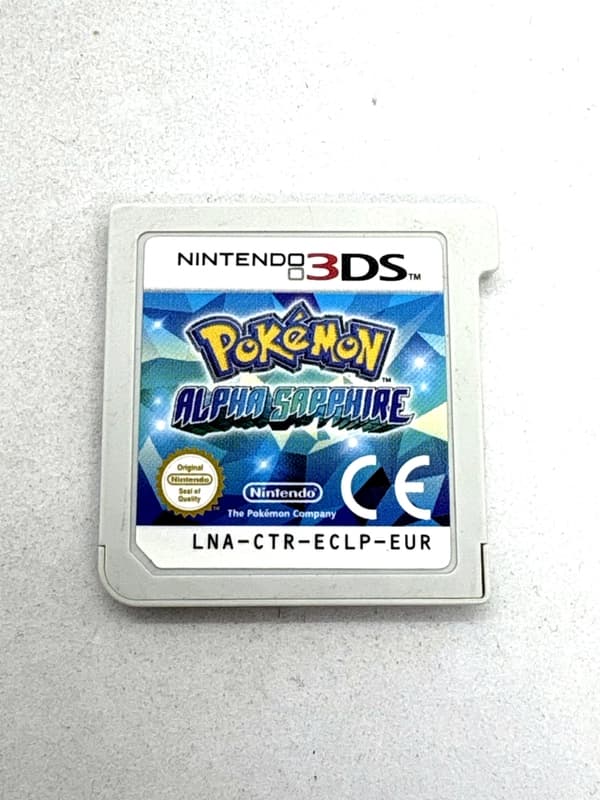
| Standard Nintendo 3DS | LNA-CTR | Yes (Region Locked) | Monster Hunter 4G, Animal Crossing: New Leaf |
Method 1: Buying a Dedicated Japanese Console
For purists who prefer unmodified original hardware, the most authentic route to import Japanese 3DS games is buying a dedicated NTSC-J console. Importing a Japanese unit, such as the popular Japanese New 3DS LL (the regional name for the XL model), ensures 100% native compatibility. This guarantees you will never encounter unexpected firmware crashes or software glitches while playing original Japanese cartridges.
Japanese 3DS consoles are highly appealing to collectors because they are often cheaper and much easier to find in mint or Complete in Box (CIB) condition on the second-hand market compared to their European equivalents. The Japanese pre-owned market is famous for its strict grading standards, meaning a console listed in "good" condition will often look practically brand new to a European buyer.
The major hardware drawback to this method is the language barrier. The official Nintendo system menu language is permanently locked to Japanese. You cannot simply go into the settings and change the system language to English. Navigating Wi-Fi settings, managing storage, and adjusting parental controls will require a translation app unless you are willing to perform a complex NAND hack to perform a permanent region change on the motherboard.
Bypassing 3DS Region Locking with Custom Firmware
For most players, installing custom firmware (CFW) is the most practical Nintendo 3DS region lock bypass. Installing the highly popular Luma3DS custom firmware automatically patches out the region restrictions on European consoles in the background. Once installed, your console will read NTSC-J and NTSC-U cartridges as if they were native PAL releases.
This Luma3DS region free method allows your main European console to remain your daily driver. You can boot Japanese physical cartridges directly from your standard home screen without needing to launch any secondary homebrew applications first. Your existing save files, European digital games, and StreetPass data remain completely unaffected by the modification.
Crucially, this modification is entirely software-based. It requires no soldering, no opening of the console shell, and no hardware maintenance. The custom firmware runs safely from the SD card and temporarily modifies the system's RAM on boot, meaning it does not permanently alter the physical cartridge reader or destroy the console's core operating system.
Shop the gear from this story
Hand-matched to what you’re reading — tested, and covered by our warranty.
Handling Game Updates and DLC for Imports
A frequently overlooked challenge when playing imported games is managing software updates and Downloadable Content (DLC). Out-of-region cartridges cannot natively access the European eShop to download necessary title updates. If a Japanese game shipped with a game-breaking bug on version 1.0, a vanilla PAL console has no legal way to fetch the Japanese version 1.1 patch.
With the official 3DS eShop now permanently closed as of March 2023, custom firmware is currently the only viable way to install digital update files for imported physical cartridges. Users must source the specific Japanese update file (in .cia format) and install it directly to their console's SD card using a homebrew title manager. Once installed, the physical cartridge will recognise the update data on the SD card and boot into the patched version.
DLC presents an even stricter barrier. Extra content previously purchased on a Japanese Nintendo Network ID cannot be legally transferred, downloaded, or recognised by a European console profile. Because a vanilla PAL system cannot log into a Japanese Network ID, imported games are strictly limited to their base-game content unless you utilise custom firmware to inject backed-up DLC files manually.
Collecting Japanese Imports: CIB vs Loose and Authenticity
Japanese 3DS games are highly prized by European collectors for their robust packaging and beautiful presentation. Japanese releases frequently feature thick, detailed physical manuals and colourful Club Nintendo point inserts that were heavily phased out in late-era PAL and North American releases.
When searching for region free 3DS cartridges, you will quickly realise that official multi-region physical games do not exist for this platform. However, this strict encryption brings a massive benefit to collectors: counterfeit 3DS cartridges do not currently exist in the wild. The proprietary cartridge encryption has proven too complex and expensive for bootleggers to mass-produce. Therefore, buyers can safely purchase loose Japanese cartridges on the second-hand market without the constant fear of receiving a fake game, which is a massive relief compared to collecting for the Game Boy Advance or Nintendo DS.
When buying CIB (Complete in Box) Japanese games, authenticity checks are incredibly straightforward. Ensure the spine of the case matches the Japanese retail standard. Unlike European spines, which feature small coloured triangles and varied logos, authentic Japanese 3DS cases feature a pure white spine with plain, bold black text for the title. If you see a Japanese game with a heavily stylised, colourful spine, it is likely a custom-printed replacement cover.
Language Support and Fan Translations
Keep the collection going
More retro finds picked to match this article.
Keep reading
More stories from the Retrobroker blog.
PAL vs NTSC-U vs NTSC-J: Understanding Video Game Region Codes
Unravel the differences between PAL, NTSC-U, and NTSC-J video game regions. Discover how region codes impact gameplay and compatibility. Start your retro gaming journey today!
Unlocking Nostalgia: How to Start Your Own Retro Gaming Collection
Discover the joy of retro gaming collection. Tips for beginners. Nostalgic journey through gaming history. Start your adventure today!
Awaiting New Challengers
Join The Bounty Board
Get exclusive first access to rare restocks, graded drops, and secret discount codes before anyone else.