How to Fix the GTA 6 Partner Bag and Deadlift Bug
Table of contents
Running into the GTA 6 partner bag and deadlift bug right after pulling off a robbery or visiting a gym in Grand Theft Auto VI can stall both your cash flow and your character stats. Although Rockstar Games released an early patch for PlayStation 5 and Xbox Series X|S to address both faults, cached save states, strict carry limits, and worn controller triggers still cause the exact same symptoms. Follow these console update checks, inventory steps, and accessibility tweaks to get your loot moving and your workouts counting again.
Install Update 01.002.002 to Patch the GTA 6 Partner Bag and Deadlift Bug
Following the worldwide launch of Grand Theft Auto VI on 19 November 2026, Rockstar Games released its first post-launch patch on 23 November 2026. Under its official support notes, Rockstar confirmed fixes for players being unable to use the gym deadlift bar and partners refusing to hand over stash bags at fences.
Rockstar does not list build numbers or download sizes on its support page, so you should verify your installed version directly on your console. Because the rollout arrived in waves, forcing a manual check and restarting your console completely rather than using Rest Mode is the safest way to clear cached states—especially since Rockstar's single-sentence patch notes do not specify whether mid-mission saves unstuck automatically.
| Platform | Patch Version | Approx. Download Size | Manual Update Path | Full Restart Path |
|---|---|---|---|---|
| PlayStation 5 | 01.002.002 (or 1.002.002) | 603.8 MB | Highlight game on home screen > press Options > Check for Update | Power > Restart PS5 |
| Xbox Series X|S | 1.0.2.2 | 1.6 GB (reported as 1.2 GB by some outlets) | My games & apps > Manage > Updates | Hold Xbox button > Restart console > Restart |
Most outlets, including GameSpot, Pure Xbox, and Games.gg, report the Xbox Series X|S download at roughly 1.6 GB, though TheSixthAxis recorded 1.2 GB. Once GTA 6 update 01.002.002 (or 1.0.2.2 on Xbox) finishes installing and your system reboots, load your save and test the in-game checks below if either problem persists.
How to Fix Partners Not Handing Over Loot Bags at Fences
During robberies, stolen narcotics, jewellery, and marked bills are packed into stash bags that hold zero cash value until sold to a black-market fence. Fences appear as green map icons marked with initials—such as Brian and Donnie in Chapter 1, Dunk in Chapter 2, and Tyrone and Yasmani in Chapter 3. Knowing how to sell stash bags to fences in GTA 6 without hitting hidden inventory rules solves most post-patch handoff failures.
If you still run into the GTA 6 partner not handing over bag issue after updating, work through these steps in order:
- Stand right next to Jason or Lucia, hold Right on the D-pad to open the partner menu, and press Circle on PlayStation 5 or B on Xbox Series X|S to select Hand Over Bag.
- Hold L1 or LB to inspect your current loadout and carry capacity. Jason and Lucia can each hold a maximum of two stash bags on foot (four total between the pair, while car trunks hold several and vans or trucks hold up to eight), meaning a handoff will fail if your active character is already carrying two bags.
- Lose the police before approaching the buyer, as fences refuse all sales while you have an active Wanted Level.
- Switch directly to the partner carrying the bag once character switching is available so they can interact with the fence or drop box themselves.
- Place the loot in the trunk of your personal car while Jason and Lucia are together, hold Right on the D-pad, and use the GTA 6 Fence Goods partner command; when available, your partner will drive off and sell the goods automatically for a slightly smaller cut.
- Use owned garage stash boxes from Chapter 3 onwards (unlocked with Yasmani after completing the mission Boobie Time) to deposit stolen bags and pick a fence without manual handoffs.
Make sure you distinguish a stuck partner handoff from the separate vanished-bag glitch tracked by the community (such as GTA6BUGS #0239), where bags disappear completely after getting into a car or triggering a story cutscene. Keep in mind that bags are also lost through normal mechanics if you die, get busted, let a vehicle get impounded, or finish Chapter 1. If a bag has vanished altogether rather than sitting on your partner's shoulder, loading an earlier manual save or autosave is the only known way to recover it.
Upgrade your console setup for GTA
Check current prices on controllers, 3D wireless headsets, and fast NVMe SSD storage on Amazon.
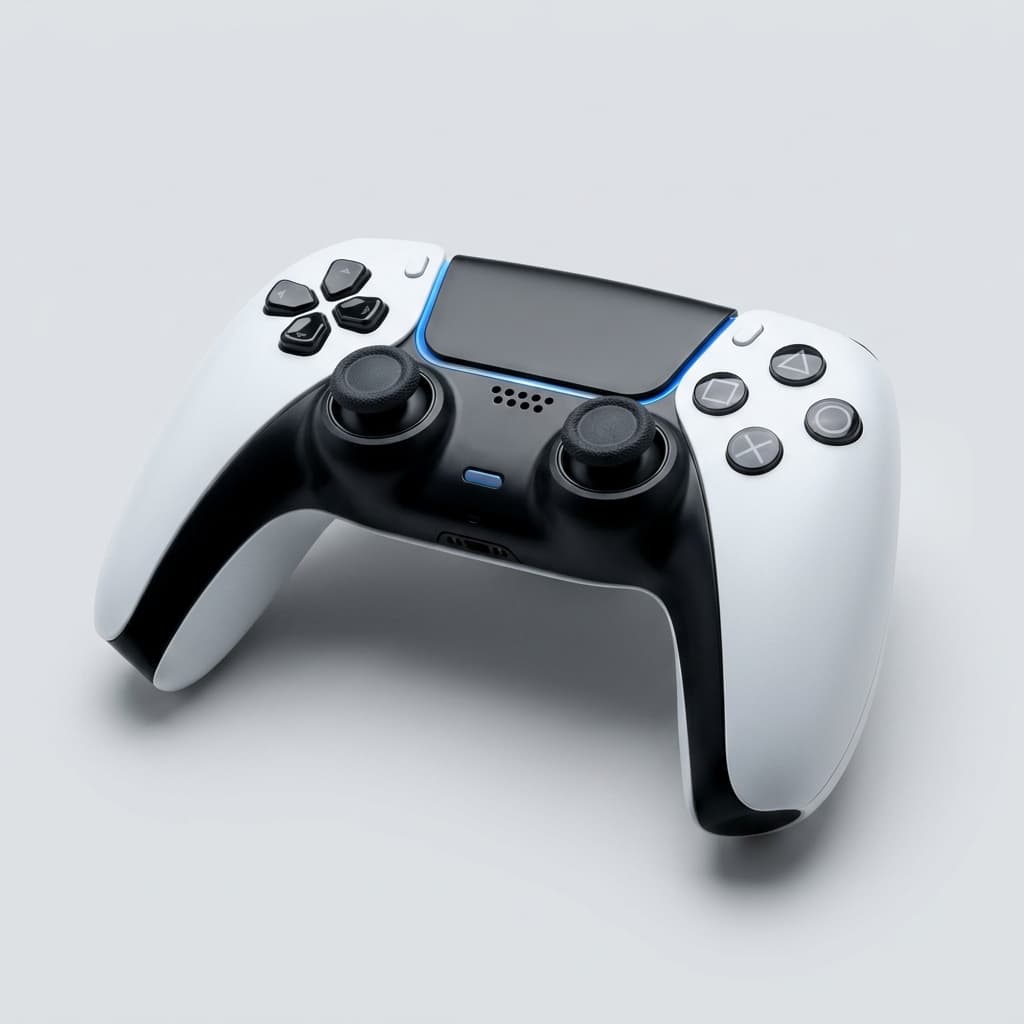
Sony DualSense Wireless Controller
Check on Amazon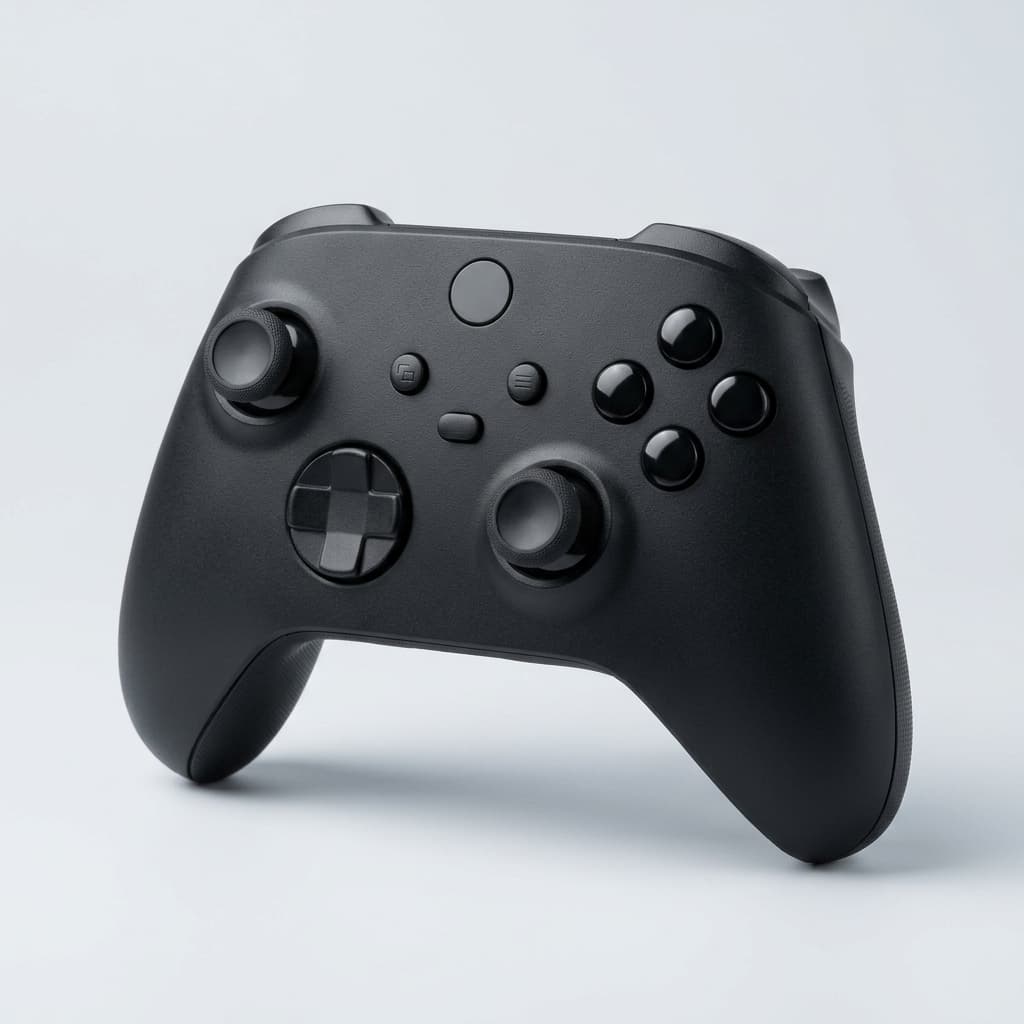
Xbox Wireless Controller (Carbon Black)
Check on AmazonAs an Amazon Associate we earn from qualifying purchases.
How to Fix the Broken Gym Deadlift Bar and Lifting Soft-Locks
Gyms let Lucia and Jason build stats through deadlifts, kettlebell swings, treadmills, and stationary bikes tracked on an in-game fitness app ring, alongside the weights outside Jason's house. Prior to the 23 November patch, the second half of the GTA 6 partner bag and deadlift bug either locked out the gym deadlift bar, froze characters upon grabbing it, or stopped L2 + R2 (PlayStation 5) and LT + RT (Xbox Series X|S) from filling the strength meter.
Even on the patched build, you may still find the GTA 6 gym deadlift bar not working if worn controller trigger pads fail to register a full 100% (255) analogue pull, or if you release the triggers too suddenly. Under standard controls, you must hold both triggers all the way down and ease off gradually for each rep to count. Testing a spare pad or resetting your DualSense wireless controller by holding the rear pinhole button for five seconds quickly rules out trigger deadzone wear.
If worn triggers or a lingering mission state still block your reps, use the built-in accessibility workaround or break out of an active freeze:
- Pause the game, navigate to Settings > Gameplay > Accessibility, and turn the GTA 6 Simplified Mini Games setting to On. This removes strict analogue trigger pressure and gradual release checks without disabling trophies, achievements, or game saves.
- As an immediate GTA 6 deadlift soft lock fix if your character is frozen holding the bar, keep holding both triggers until your stamina drains completely so your character drops the weight.
- If draining stamina does not free your character, set Simplified Mini Games to On, restart the game, and switch characters from Lucia to Jason and back.
FAQ
Does GTA 6 update 01.002.002 restore stash bags that already disappeared?
Rockstar's official patch notes do not confirm whether the update retroactively recovers missing loot. If your stash bag vanished completely after a cutscene or entering a car rather than staying stuck on your partner, reloading an earlier manual save or autosave is the only known recovery method.
Does turning on Simplified Mini Games for the gym deadlift bar disable trophies or achievements?
No. Setting Simplified Mini Games to On under Settings > Gameplay > Accessibility removes the strict trigger pressure and gradual release requirements while keeping trophies, achievements, and saving fully active.
Why won't my partner hand over a loot bag even after installing the GTA 6 patch?
Each protagonist can carry at most two stash bags at a time. Hold L1 on PlayStation 5 or LB on Xbox Series X|S to inspect your loadout—if you already hold two bags, your partner cannot pass another one over, and you must also clear any police Wanted Level before a fence will buy from you.
Moving Past the GTA 6 Partner Bag and Deadlift Bug
Installing the 23 November update and performing a full console restart resolves the core scripting faults behind the GTA 6 partner bag and deadlift bug for most players. When problems linger, respecting the two-bag carry limit, switching characters at fences, and enabling Simplified Mini Games for worn triggers will keep your Vice City and Leonida runs moving smoothly. When you eventually step away from modern open-world patches to revisit classic Rockstar releases and older console hardware, we always keep plenty of retro gaming history worth exploring at RetroBroker.