How to Drop Weapons, Equip Melee & Use the GTA 6 Weapon Wheel
Table of contents
Managing your inventory in Grand Theft Auto VI takes much more planning than it did in earlier games. Instead of pulling an entire arsenal out of thin air, mastering the GTA 6 weapon wheel on PlayStation 5 and Xbox Series X|S keeps police Heat off your back and protects rare world pickups. Below are the exact button inputs for discarding firearms, readying close-quarters gear, and storing extra weapons safely.
How the GTA 6 Weapon Wheel and Loadout System Work
Unlike the bottomless inventory in Grand Theft Auto V, protagonists Jason and Lucia rely on a physical carry system officially labelled Loadout in the controls menu. Most players still call it the GTA 6 loadout wheel or GTA 6 quick-select wheel, and it limits you to what your character can realistically carry on foot.
Hold L1 on PlayStation 5 or LB on Xbox Series X|S (on foot or inside a vehicle) to open the wheel while gameplay slows down slightly without fully pausing. Briefly tapping L1 or LB draws your active weapon or immediately holsters it, though you can also highlight the Unarmed fist icon with the Right Stick to put gear away. If holding the bumper feels awkward during firefights, visit Settings > Gameplay > Accessibility to switch the Loadout input from Hold to Press.
The Weapons tab divides your active inventory into eight fixed, non-interchangeable slots:
- 2 Sidearms for concealable one-handed guns.
- 2 Longarms for rifles and shotguns (carrying two slings one across your back and forces you to hold the second in your hands).
- 1 Melee weapon slot.
- 1 Explosives slot.
- 1 Equipment slot for tools such as binoculars or a flashlight.
- 1 Hands / Unarmed slot.
| Action | PlayStation 5 Input | Xbox Series X|S Input | | --- | --- | --- | | Open Loadout Wheel | Hold L1 | Hold LB | | Quick-Draw or Holster Weapon | Tap L1 | Tap LB | | Switch Tabs (Weapons / Items) | R1 (while wheel is open) | RB (while wheel is open) | | Drop Highlighted Weapon | Circle (while wheel is open) | B (while wheel is open) | | Open Personal Vehicle Trunk | Triangle (at rear of car) | Y (at rear of car) | | Stow Visible Longarm in Trunk | Square (in trunk Loadout menu) | X (in trunk Loadout menu) |
How to Drop Weapons (And Which Guns Disappear Forever)
How to Acquire, Equip, and Use Melee Gear
To equip melee weapons in GTA 6, hold L1 or LB, point the Right Stick toward the dedicated Melee slot on the Weapons tab, and release the bumper (or press Cross on PS5 / A on Xbox). During close-range confrontations or store hold-ups, tapping L1 or LB for a quick-draw will also pull out an assigned melee weapon such as a Baseball Bat.
Standard close-combat gear—including Brass Knuckles, the Hunting Knife, the Baton, the Baseball Bat, and several tactical and survival knives—can be purchased at Ammu-Nation or smaller local shops like Big Shots in Hamlet and Chuck's Tackle & Shot in Key Lento. You can also grab improvised world pickups such as hammers, shovels, pool cues, and mini golf clubs, though any extra blades or bats beyond your single active slot must go into storage.
Once armed, press Square or X (PS5 or Xbox) on foot to swing your weapon. Pressing Square or X on a bicycle performs a riding strike, while pressing it inside a car kicks your door open into nearby enemies. During a close grapple initiated with R2 or RT, hold Square or X and press the D-Pad to choke your opponent.
Upgrade your console setup for GTA
Check current prices on controllers, 3D wireless headsets, and fast NVMe SSD storage on Amazon.
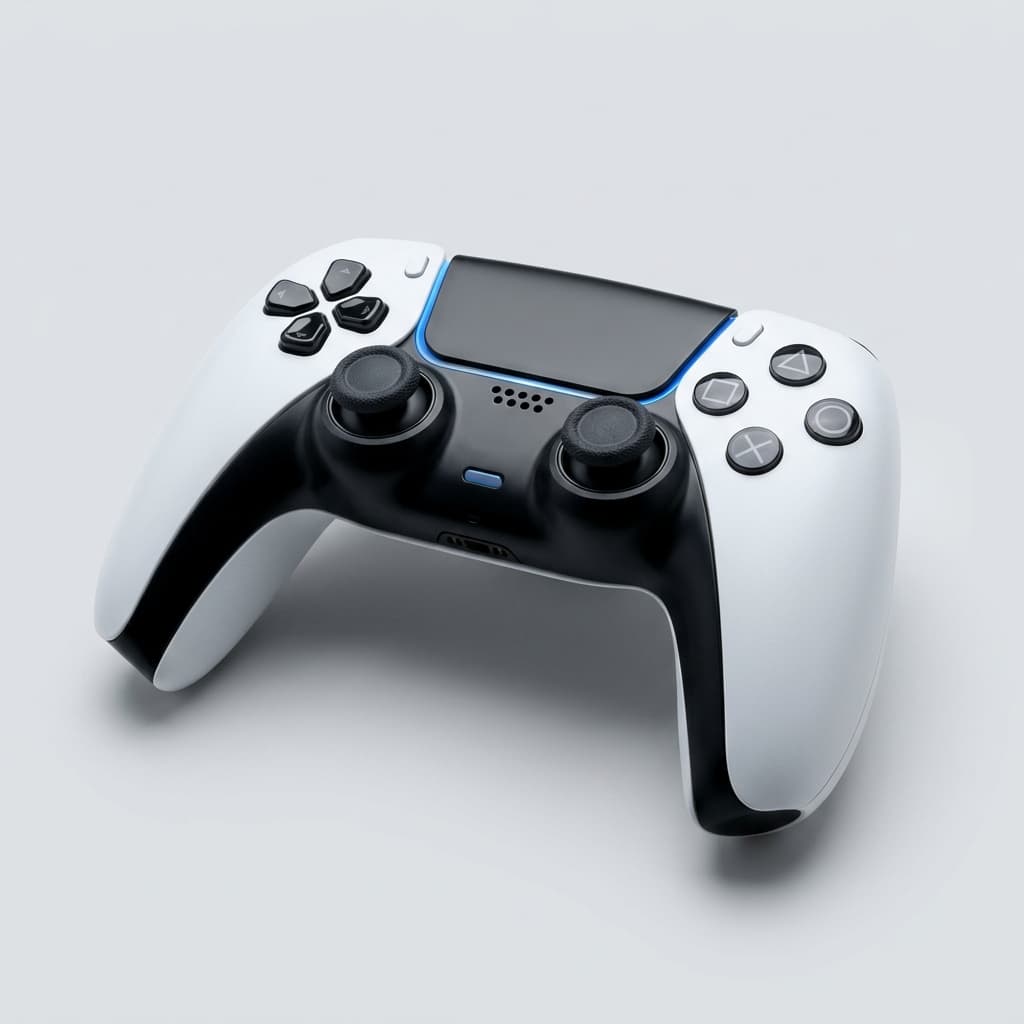
Sony DualSense Wireless Controller
Check on Amazon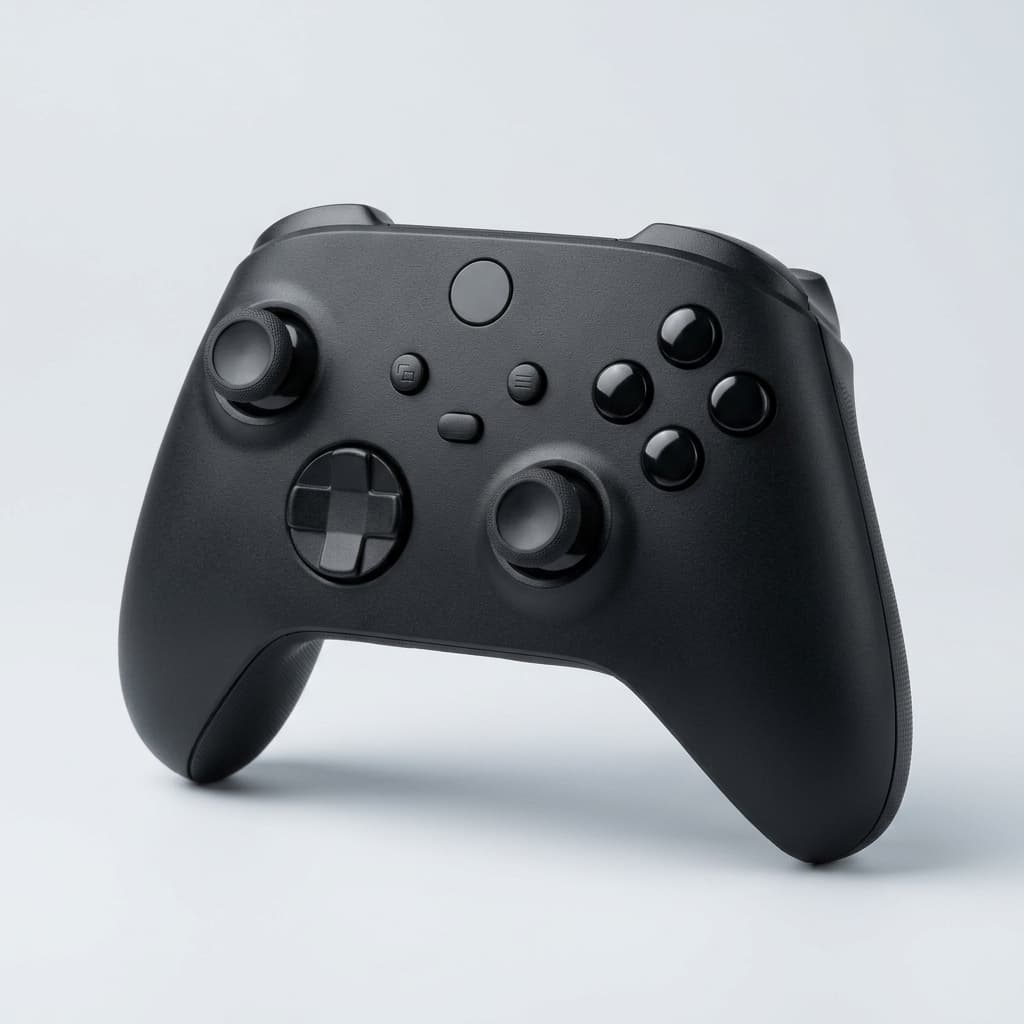
Xbox Wireless Controller (Carbon Black)
Check on AmazonAs an Amazon Associate we earn from qualifying purchases.
Managing the GTA 6 Weapon Wheel Items Tab, Attachments, and Heat
Pressing R1 (PS5) or RB (Xbox Series X|S) while the wheel is open toggles between your Weapons view and the Items tab. This secondary ring holds eight utility and wardrobe categories: Masks, Headgear, Outfits, Bags (including robbery stash bags), Gear and Body Armour, Eyewear, Headphones, and Smokes.
Highlighting an accessory with the Right Stick and pressing Cross or A puts it on or takes it off on the move. You can also press Up or Down on the D-Pad over supported clothing slots to change how an item is worn, giving you a fast way to alter your appearance and shed police recognition after a crime.
Back on the Weapons tab, you can attach or detach suppressors and tactical flashlights directly inside the wheel without visiting a workbench. Pulling a suppressor off mid-gunfight immediately restores penalised Range and Handling stats when stealth fails, whereas permanent upgrades like optics, barrels, grips, and magazines still require an Ammu-Nation counter.
Stowing Extra Weapons in Vehicle Trunks and Ammu-Nation Lockers
When you want to stow weapons in a trunk in GTA 6 rather than tossing them onto the pavement, walk to the back of your registered Personal Vehicle and press Triangle (PS5) or Y (Xbox). You can also pop the boot remotely from the driver's seat by holding Left on the D-Pad, flicking the Right Stick up to Vehicle Controls, and selecting the trunk.
Stand at the open trunk and hold L1 or LB at the Loadout prompt to manage your stash. Highlight the Melee, Sidearm, or Longarm slot, cycle through your stored arsenal (most hands-on reports use Left and Right on the D-Pad, though some control layouts list L2 and R2 / LT and RT), and press Cross or A to equip an item, or press Square (PS5) / X (Xbox) to stow a visible longarm out of sight. Stolen cars never support Loadout or outfit swapping and only contain loose trunk loot cleared by holding Square or X, whereas a Personal Vehicle trunk can even temporarily stash a small number of unowned pickups.
For deeper storage, visit a GTA 6 Ammu-Nation weapon locker, keeping two strict rules in mind. First, you must drop any unowned (white or grey icon) weapons you are carrying before the locker will open. Second, while some early guides claim every gun store has one, several branches lack lockers entirely—hover over the shop's map icon and check the Features list for a locker-and-pistol symbol before travelling across Leonida.
FAQ
How do you drop a weapon in GTA 6 on PS5 and Xbox?
Hold L1 on PlayStation 5 or LB on Xbox Series X|S to open the Loadout wheel, use the Right Stick to highlight the weapon you want to discard, and press Circle (PS5) or B (Xbox) to drop it onto the ground.
Do you lose weapons permanently if you drop them in GTA 6?
It depends on the weapon's icon colour. Owned weapons (light blue icon) and Unique Variants (gold or yellow icon) are never permanently lost and can be reclaimed at a Personal Vehicle trunk or Ammu-Nation Weapon Locker, whereas unowned world pickups (white or grey icon) vanish forever if dropped on the ground or if you are Wasted or Busted.
How do you hide rifles so civilians do not call the police in GTA 6?
Unlike sidearms, holstered rifles and shotguns remain visibly slung across your back and add a Visible weapon penalty to police Heat. To conceal a longarm completely, open the trunk of your Personal Vehicle, hold L1 or LB to open the Loadout menu, and press Square (PS5) or X (Xbox) to stow it inside.
Why will the Ammu-Nation Weapon Locker not open in GTA 6?
Ammu-Nation Weapon Lockers will not open while you are carrying unowned (white or grey icon) weapons, so drop those pickups outside first. You should also check the shop's map icon under the Features list for the locker-and-pistol symbol, as smaller gun stores do not always include a locker.
Mastering Your Loadout in Leonida
Getting comfortable with the GTA 6 weapon wheel comes down to checking weapon icon colours before dropping loot, keeping rifles tucked in your Personal Vehicle trunk around civilians, and using the Items tab to shake police recognition. At RetroBroker, we have spent years watching open-world crime games evolve from arcade-style pockets into grounded, tactical sandboxes, and treating your car boot as a mobile armoury quickly becomes second nature once you know the inputs.