How to Leave Engine Running in GTA 6 & Push Stuck Cars or Boats
10 min read
Necessary cookies keep the store working. With your permission, we also use analytics and advertising cookies.
More stories from the Retrobroker blog.
Get exclusive first access to rare restocks, graded drops, and secret discount codes before anyone else.
Seconds matter during a shootout or robbery in Grand Theft Auto VI, and waiting for a sluggish ignition animation or abandoning a rolled getaway car can quickly ruin an escape. Knowing how to leave engine running in GTA 6 and physically recover stranded cars or watercraft gives Jason and Lucia a reliable edge across Leonida. Here are the verified controller inputs, hidden vehicle menus, and stamina rules you need to keep moving on land and water.
Grand Theft Auto VI launched on PlayStation 5 and Xbox Series X|S, with no PC version officially announced or released. Every button prompt below applies to the game's Default control scheme, which you can verify or adjust at any time under Options > Settings > Control Scheme.
| Action | PlayStation 5 Input | Xbox Series X|S Input | Result & Conditions |
|---|---|---|---|
| Standard Exit (Engine Off) | Tap Triangle once | Tap Y once | Shuts off engine, lights, and radio; locks personal vehicles. |
| Quick Getaway Exit (Idling) | Double-tap Triangle (when stopped) | Double-tap Y (when stopped) | Leaves engine idling, lights active, and radio audible outside. |
| Seated Engine Toggle | Hold D-Pad Left > Right Stick Up > L1/R1 to Engine > Cross | Hold D-Pad Left > Right Stick Up > LB/RB to Engine > A |
Sometimes you want to cut your engine and lights to stake out a car park quietly without stepping onto the pavement. You can access the GTA 6 vehicle controls engine toggle directly from the driver's seat:
Watercraft handle the double-tap exit differently when moving. If you double-tap Triangle or Y while piloting a boat at speed, you activate a boat autopilot cruise state rather than diving overboard. The engine stays on and holds the vessel straight on its current heading, letting Jason or Lucia leave the helm to walk around the deck, return fire, or change into scuba gear.
Unlike Grand Theft Auto V, rocking the left analogue stick inside the cabin will no longer magically roll an upside-down car back onto its tyres. When you need to push stuck cars in GTA 6—whether to clear a blocked lane, push a car out of gas to a nearby pump, or recover from a rollover—you have to get out and do the work on foot.
Early launch-day guides caused widespread confusion by telling players to click L3 or LS to start pushing. Checking the in-game Help and Default Control Scheme menus confirms that L3 and LS are mapped to Sprint, which explains why clicking the stick often sends Jason or Lucia sprinting away from the bumper. Simply walking into the car with the Left Stick and holding Square or X is the intended input, though some players click L3 or LS only after pressing stationary against the door if the brace prompt feels finicky.
Physical recovery has clear mechanical limits. Holding Square or X to shove drains the stamina bar in the top-left corner rapidly; if it empties mid-flip, the attempt fails and you must pause briefly for your stamina to recover. Steep inclines often prevent cars from rolling over, heavy vehicles like semi-trucks cannot be budged manually at all, and righting a flipped car does not repair its crash damage.
Sandbars across Leonida, shallow Keys canals, and mangrove marshes make it easy to ground watercraft. To unstick a beached boat in GTA 6, step out onto dry land or the shore side opposite the water so you are facing deeper water—shoving from the water side only drives the hull further ashore. Tilt the Left Stick into the hull and hold Square (PlayStation 5) or X (Xbox Series X|S) until it floats free.
You can use this exact shove input to launch small boats off trailers directly into the water, though scraping a hull across rocks or dry sand deals damage and leaves the craft noticeably slower. Note that while in-game control tables confirm universal Left Stick plus Square/X inputs for grounded jet skis as well, a couple of early roundups reported conflicting R1/RB or L1/LB shoulder-button prompts behind personal watercraft.
When a boat on a mangrove sandbar or a wedged car cannot budge at all, the game triggers an automatic GTA 6 vehicle reset prompt with a ring icon in the bottom-right corner:
If a personal car is wedged without triggering RESET, pull up your in-game phone. You can call Joey from your contacts for personal vehicle delivery, open the Scooter Bros app to pay for retrieval and repair (provided you are not in an active police chase), or use a Request Tow prompt if one appears. Keep in mind that car delivery apps do not work for stranded boats.
Get instant digital PlayStation Store, Xbox, and Steam gift cards on Eneba for editions, add-ons, and in-game currency.
Affiliate link — RetroBroker may earn a commission at no extra cost to you.
Yes. Grand Theft Auto VI features a functional fuel system, so leaving any vehicle idling after double-tapping Triangle or Y continuously burns fuel until you drive off or shut the engine down.
No. You cannot roll an overturned vehicle from inside the driver's seat anymore. You have to step out, walk into the long door side using the Left Stick, and hold Square on PlayStation 5 or X on Xbox Series X|S to physically shove it upright.
Double-tapping Triangle or Y before your wheels stop rolling triggers a high-speed bail-out instead of an idling park—always come to a complete stop first. When pushing a vehicle on foot, avoid clicking L3 or LS on the Default layout, as that triggers Sprint rather than the brace animation.
When a boat or wedged car is completely stuck, wait for the RESET ring prompt to appear in the bottom-right corner, then hold the PlayStation 5 Touchpad for roughly 2.5 seconds or hold the View button on Xbox Series X|S. The game will fade to black and place your vessel back in open water without failing your mission.
Coming to a full stop before double-tapping Triangle or Y to leave engine running in GTA 6—and knowing when to brace against a door panel with the Left Stick and Square or X—saves wasted trips on foot across Leonida. Watch your fuel gauge while idling, let your stamina bar refill before attempting a heavy car flip, and rely on the Touchpad or View button RESET hold whenever a sandbar traps your hull for good. If taking a breather from modern open-world chases has you revisiting classic Rockstar releases and older console generations, we keep a rotating catalogue of original hardware and retro games over at RetroBroker.
Check current prices on controllers, 3D wireless headsets, and fast NVMe SSD storage on Amazon.
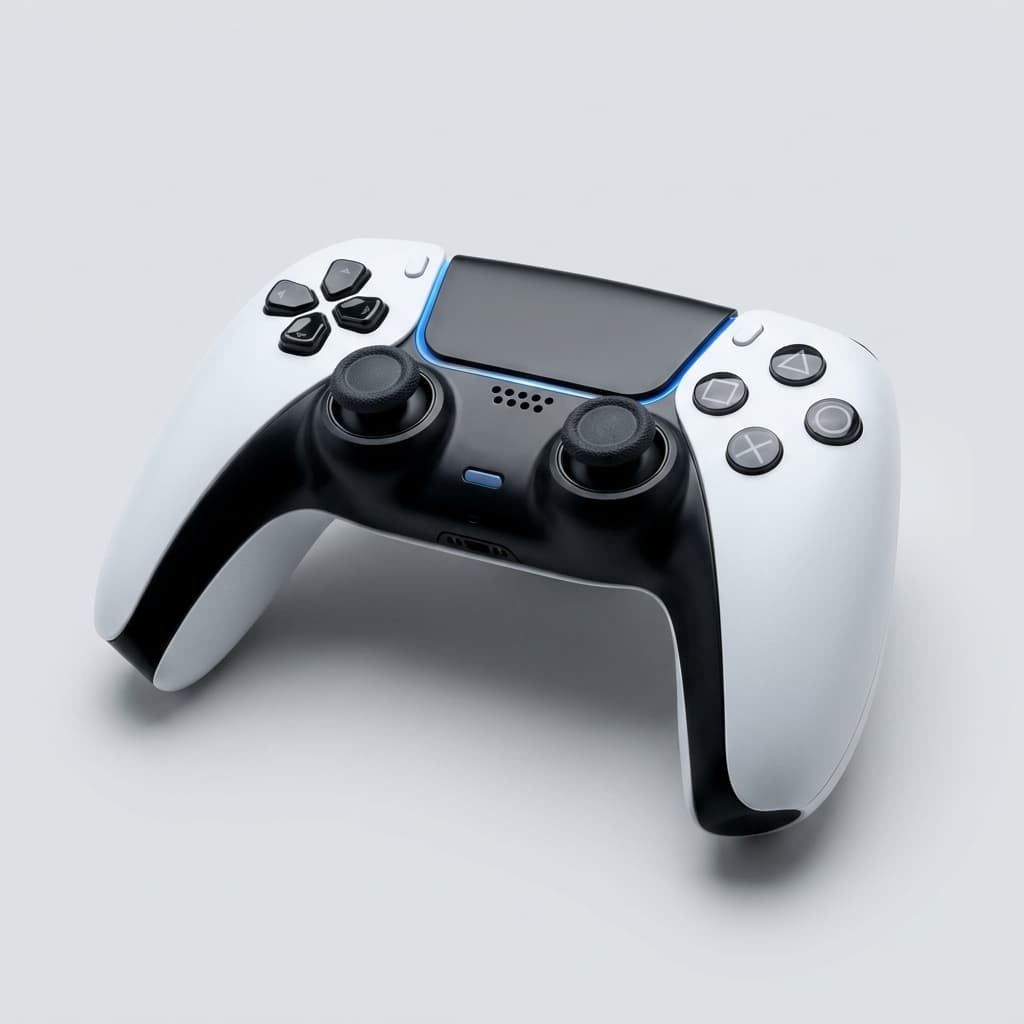
Sony DualSense Wireless Controller
Check on Amazon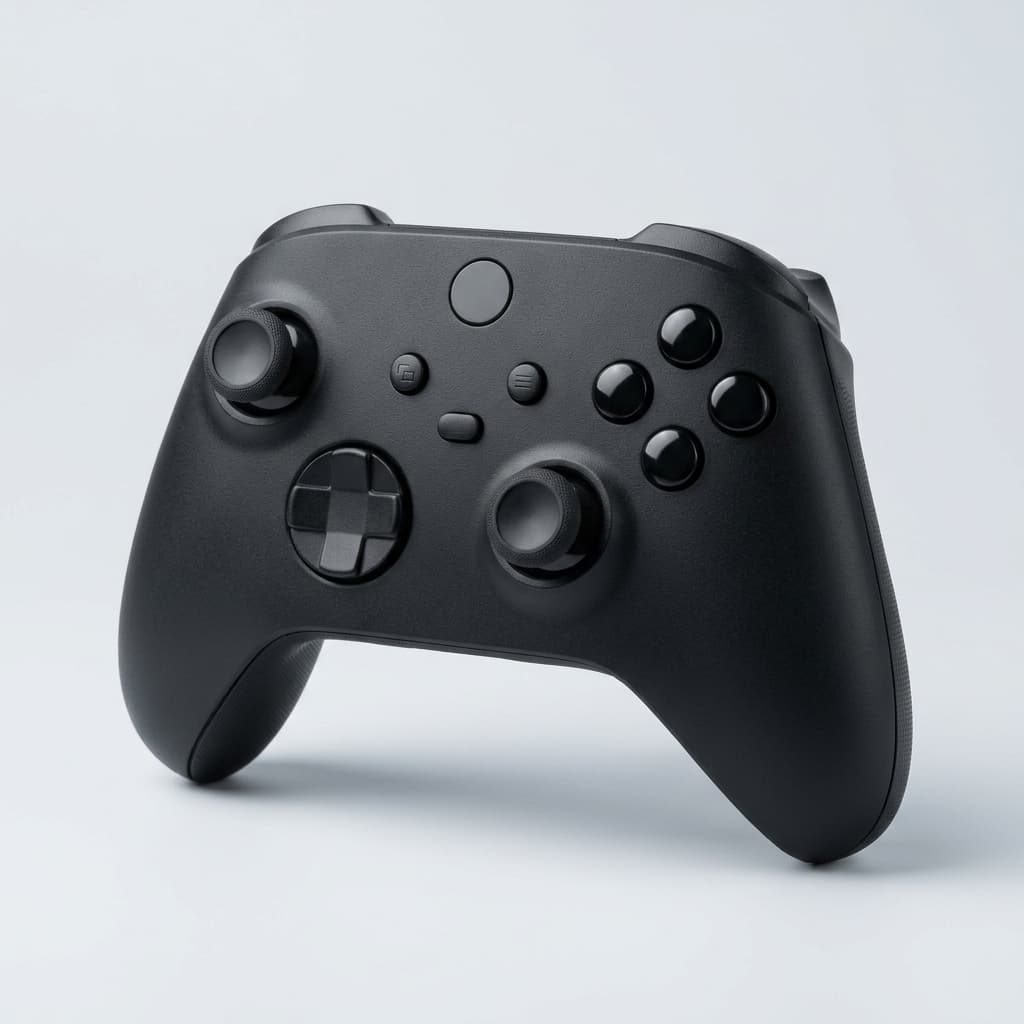
Xbox Wireless Controller (Carbon Black)
Check on AmazonAs an Amazon Associate we earn from qualifying purchases.
Get verified download footprints for GTA 6 across PS5 and Xbox Series X|S. Learn physical edition rules, usable drive capacities, and compatible SSD upgrade
| Turns engine on or off manually without leaving your seat. |
| Boat Autopilot / Deck Walk | Double-tap Triangle (while cruising) | Double-tap Y (while cruising) | Keeps boat moving straight on course while you walk the deck. |
| Standard Vehicle Push | Tilt Left Stick into bumper or hull | Tilt Left Stick into bumper or hull | Braces hands against vehicle to roll it slowly on flat ground. |
| Heavy Shove / Flip Car | Tilt Left Stick into vehicle + Hold Square | Tilt Left Stick into vehicle + Hold X | Shoves cars, flips rolled vehicles (from door side), or frees boats. |
| Emergency Stuck Reset | Hold Touchpad (~2.5 seconds) | Hold View button (when prompted) | Repositions completely wedged vehicles when RESET prompt appears. |
Pressing Triangle on PlayStation 5 or Y on Xbox Series X|S once triggers the standard exit. Jason or Lucia shuts off the engine, headlights, hazard lights, and radio, and automatically locks personal vehicles as they walk away. When you climb back in later, you have to sit through an ignition startup delay—which drags out even longer if the engine is damaged.
To leave engine running in GTA 6 when stepping out of a car, motorcycle, boat, or jet ski, follow this exact sequence:
Timing is critical here. If you double-tap Triangle or Y while the vehicle is still moving at speed, your character will dive out in an emergency bail-out while the accelerator jams and sends the car speeding forward. If you want to stop a moving vehicle smoothly as you exit, hold Triangle or Y instead of tapping it.
Using this quick-exit method skips the startup animation when you jump back in, allowing an immediate getaway after robberies or gunfights. Keep three practical drawbacks in mind, though: Grand Theft Auto VI uses an active fuel system that continuously burns petrol while idling, loud radios and glowing headlights outside a crime scene can draw police attention, and getting back into the driver's seat resets the idle state—meaning you must double-tap again the next time you park.