Nintendo GameCube Retrospective: Buying & Collecting 25 Years Later
Published on October 28, 2026
Stepping back into Nintendo's indigo lunchbox a quarter-century after its debut reveals a console that lost its commercial battle but comprehensively won the hardware longevity war. Any thorough Nintendo GameCube retrospective has to look past its third-place sales finish and examine why this compact machine has become one of the most fiercely collected consoles in Europe. Whether you are retrieving your childhood system from the loft or buying in for the first time, you will walk away knowing exactly which hardware revision to hunt down, how to get razor-sharp video on a modern television, and how to navigate the quirks of PAL collecting.
From Lunchbox Underdog to Collector's Grail: The 25-Year Shift
When the Nintendo GameCube launched in Japan and North America in 2001—followed by its European release in May 2002—it walked into a market utterly dominated by the Sony PlayStation 2. While Sony pitched a sleek black home entertainment hub that doubled as a family's first DVD player, and Microsoft offered built-in hard drives and broadband readiness with the original Xbox, Nintendo delivered a purple plastic cube with a carry handle. To teenage buyers in the early 2000s, it looked unapologetically like a toy, and the lack of standard DVD playback made it a tougher sell to parents.
Time, however, has been exceptionally kind to Nintendo's sixth-generation engineering. Early PlayStation 2 fat models now suffer from failing laser pickups and brittle tray mechanisms, while original Xbox consoles require urgent surgery to remove leaking clock capacitors and replace dying hard drives. By contrast, the GameCube's top-loading shell, compact motherboard, and efficient cooling fan made it remarkably resilient.
The console's proprietary 1.5GB miniDVD optical discs also shaped today's collecting market in a major way. Because standard CD and DVD burners could not easily write to the custom miniDVD format without specialised modchips or full-sized third-party replacement shells, casual piracy was relatively low during the system's active lifespan. Combined with modest console sales, far fewer copies of third-party and late-generation titles entered circulation across Europe. Furthermore, because the launch model Nintendo Wii (RVL-001) included full backward compatibility with GameCube discs, memory cards, and controllers, millions of players kept using their discs well into the 2010s while trading in or discarding the original hardware. Today, that disparity has turned complete-in-box (CIB) PAL releases and clean console bundles into highly sought-after collector pieces.
Shop the gear from this story
Hand-matched to what you’re reading — tested, and covered by our warranty.
Aging Hardware: Optical Drives, Thermal Pads, and Controller Drift
In any Nintendo GameCube retrospective written 25 years after launch, we have to address the elephant in the room: failing optical drive capacitors. Over the past few years, we have seen a steady rise in consoles that display "An error has occurred" or "No Disc" when first switched on cold, only to magically start reading discs after being left powered on for 10 to 20 minutes.
This classic "warm-up" symptom has nothing to do with a dirty lens or a dead laser diode. Instead, the culprit is aging surface-mount electrolytic capacitors on the optical drive controller board underneath the disc assembly. As these 25-year-old capacitors dry out, their Equivalent Series Resistance (ESR) climbs too high to deliver stable power when cold. Once the console warms up, the heat temporarily lowers their resistance enough for the drive to spin and read discs.
When looking up fixes online, many buyers stumble across old forum guides suggesting a "pot tweak"—turning the tiny laser potentiometer screw on the optical board to increase current to the laser. Never turn the laser potentiometer blindly, and treat it only as a last-resort diagnostic step alongside a multimeter. Cranking up the laser power forces more current through dying capacitors and rapidly burns out an otherwise healthy laser diode. A proper GameCube optical drive capacitor replacement—desoldering the failing surface-mount caps on the drive PCB and installing fresh, high-quality replacements—permanently restores instant cold-boot disc reading.
While the shell is open for maintenance, keep three other age-related hardware quirks in mind:
Internal Clock Battery (CR2032): If your GameCube resets its calendar to the year 2000 every time it is unplugged from the wall, or warns you that the system settings have been lost, the internal CR2032 battery is flat. Unlike a modern PC motherboard, the GameCube's battery is spot-welded to solder tabs on the front controller port board. Replacing it requires desoldering the two pins and soldering in either a new tabbed CR2032 cell or a coin-cell holder for tool-free swaps in the future.
Heatsink Thermal Pads: Beneath the large aluminium heatsink sit thick, pink thermal pads covering the "Flipper" GPU and "Gekko" CPU. Unlike standard thermal paste, these pads bridge a significant physical gap. Do not scrape them off during a cleaning unless you have exact-thickness replacement thermal pads (typically 1.0mm and 1.5mm depending on the chip) ready to install; applying liquid thermal paste alone will leave an air gap and overheat the console.
Get exclusive first access to rare restocks, graded drops, and secret discount codes before anyone else.
Hardware Revisions Explained: DOL-001 vs. DOL-101
Before buying a console, you need to flip it over and check the silver model sticker on the base, or inspect the ports on the back panel. Nintendo produced two primary retail revisions of the GameCube—coded after its internal development codename, "Dolphin"—and the differences between DOL-001 vs DOL-101 directly affect how you connect the system to a modern television.
Feature
DOL-001 (Launch Revision)
DOL-101 (Later Cost-Reduced Revision)
Production Period
2001–2004
2004–2007
Digital AV Out Port
Present (supports GCVideo HDMI adapters)
Removed
Analog AV Out Port
Present (Composite and PAL RGB SCART)
Present (Composite and PAL RGB SCART)
Bottom Serial Ports
Serial Port 1, Serial Port 2, High Speed Port
Serial Port 1 and High Speed Port (SP2 removed)
Lid Nameplate
Removable via two clips underneath the lid
Permanently fixed into the lid plastic
System Menu Firmware
IPL 1.0 or 1.1
IPL 1.2
The launch DOL-001 model is the clear favourite for collectors and players alike because it features two video output ports on the rear: Analog AV Out and Digital AV Out. That Digital AV Out port was originally designed for Nintendo's official component video cable, which was only sold through Nintendo's online store in tiny quantities. In recent years, hardware developers reverse-engineered the proprietary chip inside that cable to create the open-source GCVideo project. If you own a DOL-001, you can plug in an affordable HDMI adapter—such as the Carby or the Retro-Bit Prism HD—directly into the Digital AV Out port for lag-free digital video and audio.
In 2004, Nintendo quietly rolled out the DOL-101 to cut manufacturing costs, citing data that showed fewer than one percent of owners used the digital port. The DOL-101 strips away the Digital AV Out port entirely, leaving only the standard Analog AV Out socket. It also removes Serial Port 2 from the bottom of the console (a port now popular with modders using SD card adapters like the SD2SP2) and fuses the circular "Nintendo GameCube" lid jewel in place so it can no longer be swapped out. Note that late-production DOL-001 units manufactured right before the transition also lack Serial Port 2 on the motherboard, so if you specifically need that port, always ask the seller for a photo of the console's underside with the port covers removed.
Connecting a PAL GameCube to Modern Displays
While European retro gamers usually got the short end of the stick during the 50Hz CRT era, the GameCube hides a massive hardware advantage for PAL territories. On North American and Japanese NTSC consoles, the Analog AV Out port only outputs Composite video and S-Video. On a European console, however, PAL GameCube RGB SCART is natively supported right out of the Analog AV Out port without any hardware modifications.
This makes a huge difference depending on which model you own and how you plan to connect it to a flat-screen display:
The RGB SCART + Upscaler Route (DOL-001 and DOL-101): Because both hardware revisions output clean RGB video in Europe, a high-quality, properly shielded RGB SCART cable paired with a dedicated gaming upscaler—such as a RetroTINK-2X SCART, RetroTINK-5X Pro, or Open Source Scan Converter (OSSC)—delivers razor-sharp 480i/576i video. Avoid cheap, unshielded SCART cables that accidentally tap composite video instead of true RGB, and never use a Super Nintendo RGB SCART cable on a PAL GameCube without verifying its internal capacitors, as the two consoles require different attenuation components on the RGB lines.
The GCVideo HDMI Adapter Route (DOL-001 Only): If you have a DOL-001, using the best GameCube HDMI adapter you can find (such as a Carby or Retro-Bit Prism) taps directly into the console's pure digital signal. However, there is a catch for European collectors: unlike NTSC GameCube games, which let you hold the B button on startup to enable 480p progressive scan, official PAL GameCube releases had their native 480p code removed. Out of the box, a GCVideo adapter on an unmodded PAL console will output 480i or 576i (or line-double it to 480p/576p using a basic bob deinterlacer). To get true 480p progressive scan from PAL discs over HDMI, you must boot the console through the homebrew utility Swiss, which effortlessly forces nearly the entire PAL library into crisp 480p.
Even without homebrew, you should always take advantage of PAL GameCube 60Hz games. By the early 2000s, Nintendo and most major publishers included a "PAL60" mode on European discs to eliminate the sluggish speed and squashed letterbox borders of traditional 50Hz video. Whenever you boot a supported PAL game, hold down the B button on Controller 1 as the GameCube logo finishes animating. A prompt will appear asking if you want to display in 60Hz mode. Once selected, the console usually remembers your preference in its SRAM, ensuring full-speed gameplay that matches NTSC frame rates.
Controller Stickboxes (T1, T2, and T3): The original GameCube Controller (DOL-003) went through three internal analog stick revisions. Early controllers use T1 or T2 stickboxes, which feature metal housings secured by soldering Directly to the PCB; these wear down into a loose "deadzone" much faster. Later controllers (and Smash Bros. re-releases) use T3 stickboxes, which are made of white plastic and attach via two small Phillips screws, making them far more durable and effortless to replace without a soldering iron. When shopping for controllers, beware of unbranded third-party clones sold in misleading bags: a genuine controller always has the official Nintendo GameCube logo stamped on the front and "DOL-003" embossed on the back of the right grip.
PAL Collecting Realities: Cases, Regional Codes, and Disc Rot
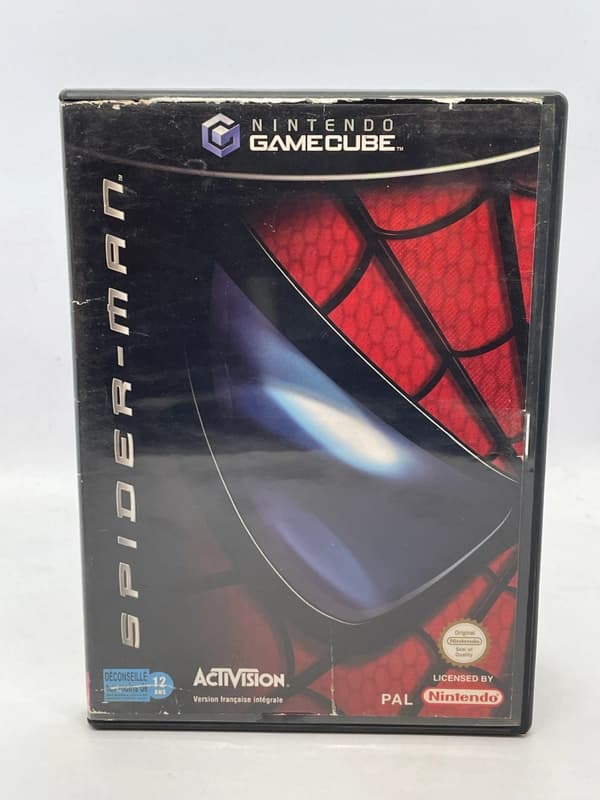
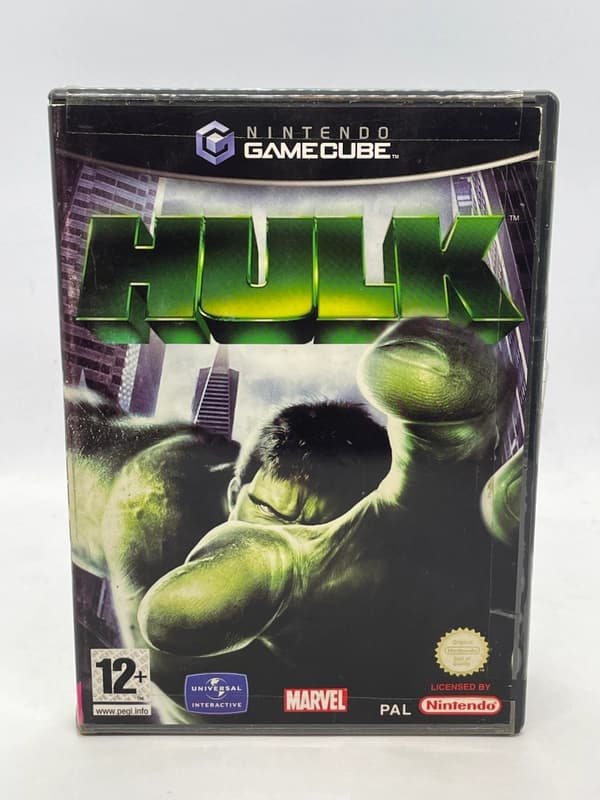
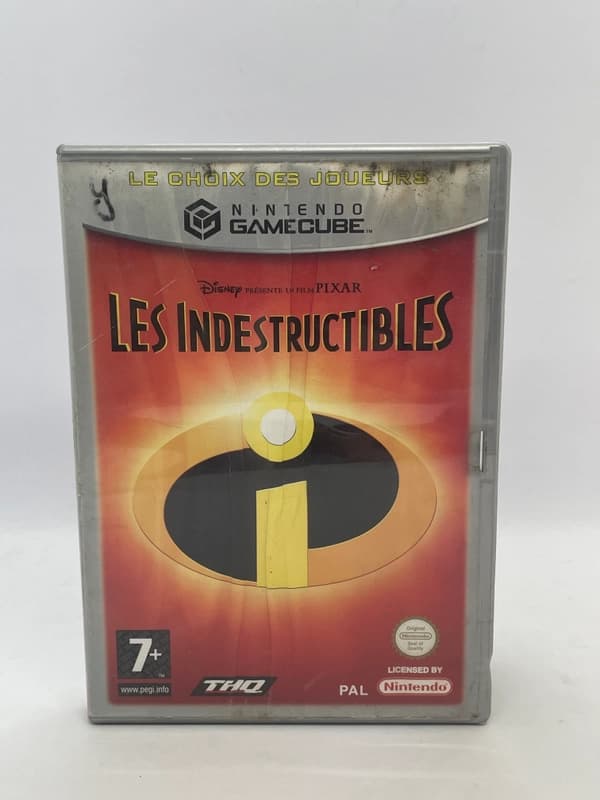
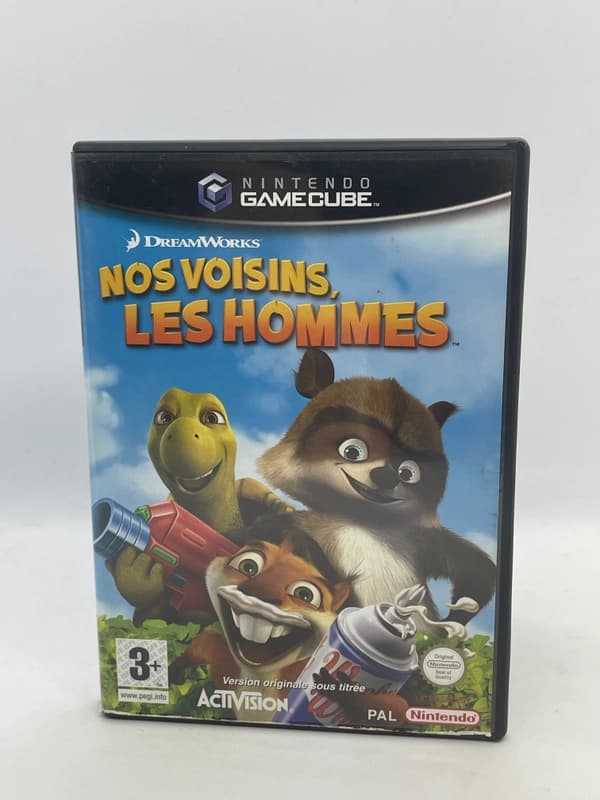
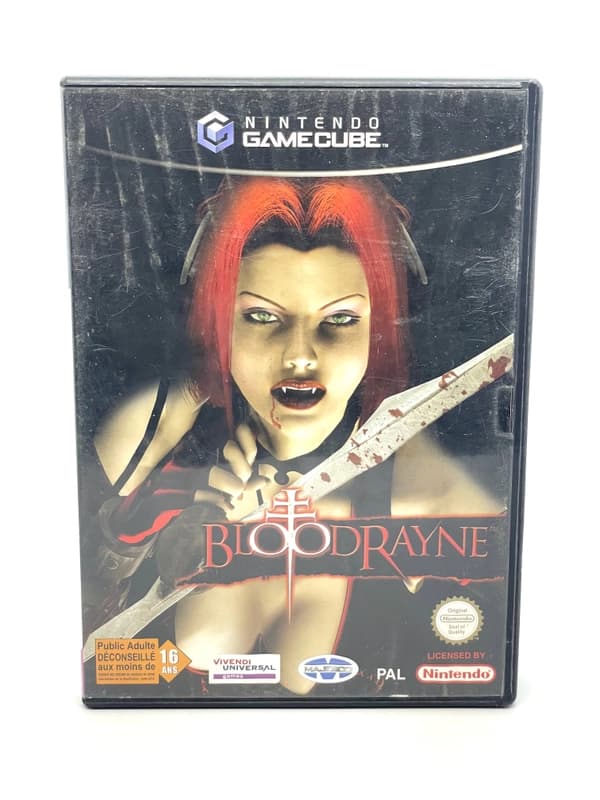
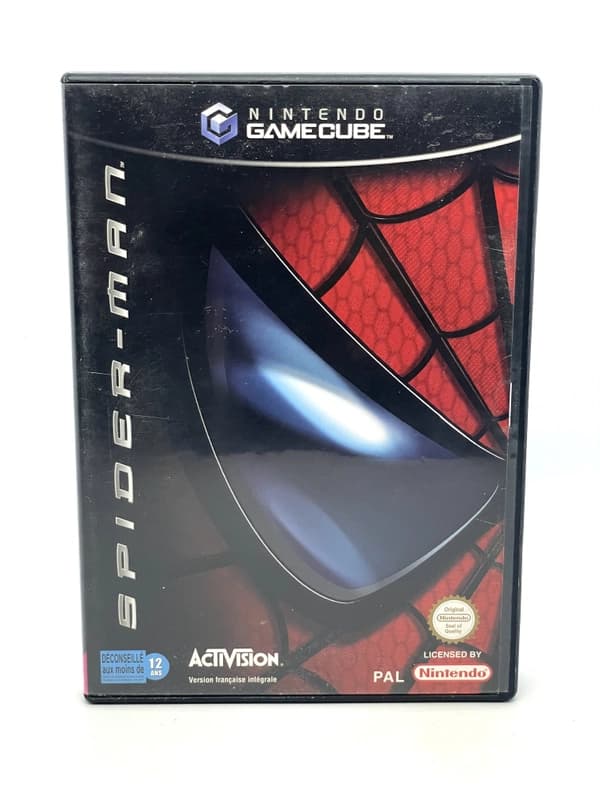
Collecting physical software in Europe comes with its own unique packaging standards. While North American collectors have to deal with black cases that use a stiff double-latch hub—notorious for cracking the inner ring of discs when pressed too hard—PAL collectors enjoy much safer Amaray-style cases with a gentle central push-button release. Standard European games come in dark grey/black cases, while budget re-releases under the Player's Choice label were housed in silver/platinum cases in Europe (unlike the bright yellow spines used in North America), alongside special colour variants like the red case for Mario Kart: Double Dash!! or the gold case for The Legend of Zelda: The Wind Waker.
When evaluating a complete-in-box PAL game, pay close attention to the coloured triangle at the bottom of the case spine and the product code printed on the artwork, manual, and disc label:
Green Triangle (UKV): United Kingdom release with English cover text and manual.
Dark Blue Triangle (NOE / EUR): German-market release; often features USK age ratings on the front cover and German cover text.
Purple Triangle (FAH): France and Holland (Dutch) dual-language packaging.
Pink or Light Blue Triangles (ESP / ITA): Spanish or Italian domestic releases.
For high-value games, always verify that the region code on the manual and case insert matches the code printed around the outer edge of the disc (for example, checking that a UKV case isn't hiding a German NOE disc swap). If you are a strict completionist, remember that first-print Nintendo-published PAL games also included a black-and-red VIP 24:7 registration card with a silver scratch-off panel, plus a consumer health and safety booklet.
Finally, a quick word on the infamous disc rot rumour surrounding Metal Gear Solid: The Twin Snakes. If you inspect almost any copy of this game—or certain batches of Skies of Arcadia Legends and Tales of Symphonia—you will likely see cracked, bubbling, or flaking paint on the printed top label of the discs. Sellers and buyers frequently panic and call this "disc rot." In reality, it is a harmless chemical reaction in the ink used during manufacturing. Because GameCube miniDVDs sandwich their reflective data layer safely between two thick layers of polycarbonate plastic (unlike CDs, where data sits right under the top label), cracked label paint does not affect playability. True disc rot—where the metallic layer delaminates or develops pinholes when held up to a bright light—is exceptionally rare on the GameCube.
Essential Accessories: WaveBirds and the Game Boy Player
Two official first-party accessories elevate the GameCube hardware experience, though both come with expensive traps for uninitiated buyers.
The first is the WaveBird Wireless Controller (DOL-004), widely considered the first truly lag-free RF wireless gamepad in console history. Available in matte grey and platinum silver in Europe, it runs for dozens of hours on two AA batteries by omitting the rumble motor. The golden rule when buying a WaveBird is to ensure it includes its matching grey plug-in receiver (DOL-005). Millions of receivers were left plugged into consoles and lost when systems were sold off, leaving the second-hand market flooded with standalone controllers. Because the receiver alone often costs more than the controller itself, never buy an incomplete WaveBird assuming you will easily track down a cheap receiver later.
The second essential add-on is the Game Boy Player (DOL-017), a hardware base that screws directly into the High Speed Port underneath any DOL-001 or DOL-101 console, allowing you to play Game Boy, Game Boy Color, and Game Boy Advance cartridges on your television. Here is the catch every collector needs to know:
The Hardware Base is Region-Free: Any Game Boy Player dock from any region in the world will physically fit and function on a PAL GameCube. Because Europe mostly received plain black docks, importing a matching indigo, spice orange, or silver dock from Japan is a popular and affordable way to colour-match your system.
The Startup Disc is Region-Locked: The hardware dock is just a brick without the GameCube Game Boy Player Startup Disc, which comes in a smaller plastic case inside an outer cardboard sleeve. Unlike the dock, the disc is strictly region-locked and frequently sells for three to four times the price of the hardware unit itself. When shopping for a Game Boy Player, read the listing carefully to see whether the PAL Startup Disc is actually included, or if you will need to boot the attachment using Swiss or a GameCube game exploit instead.
As for saving your progress, stick to official Nintendo Memory Card 59 (grey) or Memory Card 251 (black) units. While the official white Memory Card 1019 holds a massive amount of data, its internal memory paging design is known to corrupt saves on specific PAL games and fails faster with age. Unbranded third-party 64MB or 128MB cards use cheap flash memory that can wipe your entire save library without warning.
The Library 25 Years On: What Actually Holds Up
Looking back across this Nintendo GameCube retrospective, the console's greatest triumph is how remarkably modern its exclusive games still feel. Because sixth-generation 3D graphics had finally moved past the wobbly polygons of the 1990s into rock-solid 60 frames-per-second territory, the best titles in the library require almost no mental adjustment to enjoy today.
Even in an era of remasters, several crown jewels remain trapped on original hardware or play noticeably better with an authentic DOL-003 controller. The GameCube pad features two-stage analog shoulder buttons that slide smoothly before registering a distinct digital click at the bottom of the pull. Games like Super Mario Sunshine (which uses the analog travel to control water pressure while running and the final click to plant Mario's feet) and Luigi's Mansion simply do not translate cleanly to modern controllers equipped with digital-only triggers.
If you are building or revisiting a PAL library today, here is how the essentials break down:
Unmatched Original Hardware Exclusives:F-Zero GX, co-developed with Sega's Amusement Vision, remains a blistering 60fps technical marvel that still looks like an HD remaster when run in 60Hz over RGB or HDMI. Star Wars Rogue Squadron II: Rogue Leader pushed the console's lighting and geometry hardware so hard at launch that it has never been successfully ported to modern machines. Meanwhile, Eternal Darkness: Sanity's Requiem delivers a fourth-wall-breaking psychological horror campaign that toys with your television's volume bar and memory card screens in ways no modern release has replicated.
Accessible Multiplayer Staples: Because titles like Mario Kart: Double Dash!!, Super Smash Bros. Melee, and Super Monkey Ball sold in high numbers across Europe, they remain reasonably easy to find complete in box. With four controller ports built directly into the front of the console—no multitap required—they are still the gold standard for couch multiplayer.
Heavyweight Collector Grails: At the top end of the PAL market sit low-print RPGs and late-life releases. Fire Emblem: Path of Radiance, Paper Mario: The Thousand-Year Door, Chibi-Robo!, and the two 3D console RPGs Pokémon Colosseum and Pokémon XD: Gale of Darkness arrived late in the console's lifecycle when most retail shelves had already pivoted to the Nintendo DS and PlayStation 2, making complete European copies prized centrepieces for any collection.
FAQ
Which GameCube model is better, DOL-001 or DOL-101?
The DOL-001 is better because it includes the Digital AV Out port on the back, allowing you to use plug-and-play HDMI adapters for crisp digital video. The later DOL-101 removed this port and only supports analog connections like RGB SCART or composite.
Why does my GameCube only read discs after warming up?
Failing electrolytic capacitors on the optical drive board are the main cause of a GameCube only reading discs after being turned on for 10 to 20 minutes. Replacing the capacitors on the drive PCB permanently fixes the issue without burning out the laser.
Can a PAL GameCube output RGB SCART?
Yes, PAL GameCubes natively output RGB video through the Analog AV Out port using a proper GameCube RGB SCART cable. This is a major advantage over NTSC GameCube consoles, which only support Composite and S-Video through that port.
Do all Game Boy Players work on any GameCube?
The Game Boy Player hardware attachment itself is completely region-free and fits any GameCube, regardless of colour or region. However, the required Game Boy Player Startup Disc is region-locked and must match the region of your console.
Conclusion
Twenty-five years on, the Nintendo GameCube stands out as one of Nintendo's best-built, most distinctive pieces of hardware. Whether you pair a launch DOL-001 with a digital HDMI adapter or hook a later DOL-101 up via native PAL RGB SCART, a properly maintained console with healthy drive capacitors and a tight T3 controller will comfortably outlast many modern systems. When you are ready to pick up a tested console, track down an original WaveBird with its matching receiver, or fill the gaps in your PAL library, we curate and test authentic second-hand GameCube hardware and games right here at RetroBroker.