PS3 Firmware Explained: Updates, Compatibility, and Retro Gaming Guide
Published on 2/7/2025
Navigating the System Software Seas: A Deep Dive into PS3 Firmware
The PlayStation 3 (PS3) wasn't just a game console; it was a multimedia powerhouse. And at the heart of its versatility lay its system software, more commonly known as its firmware. Whether you're a seasoned retro gamer revisiting the glory days or a newcomer discovering the PS3's vast library, understanding PS3 firmware is crucial for a smooth and enjoyable experience. This post will break down everything you need to know, from the basics to more advanced topics.
What is PS3 Firmware, Anyway?
Think of firmware as the operating system of your PS3. It's the fundamental software that allows the console to function, controlling everything from the user interface (the XrossMediaBar, or XMB) to how games are loaded and played. Sony regularly released firmware updates throughout the PS3's lifespan, adding new features, patching bugs, and improving overall system stability.
Why is Firmware Important?
- Game Compatibility: Certain games require a specific minimum firmware version to run. If your console's firmware is too old, you might encounter errors or be unable to play the game at all.
- Online Functionality: Accessing the PlayStation Network (PSN) for online multiplayer, downloading games, or using streaming services requires a relatively up-to-date firmware version. Older firmware might be blocked from connecting to PSN.
- System Stability: Firmware updates often include bug fixes and performance improvements, making your console run smoother and reducing the risk of crashes.
- New Features: Sony periodically added features through firmware updates, such as support for 3D Blu-ray playback, improved media streaming capabilities, and even enhancements to the user interface.
- Security: Updates often patch security vulnerabilites in the system.
Understanding Firmware Versions
PS3 firmware versions are identified by a numerical system (e.g., 4.88, 4.90). The higher the number, the newer the firmware. You can check your current firmware version by going to the System Settings menu on your PS3's XMB and selecting "System Information."
Shop the gear from this story
Hand-matched to what you’re reading — tested, and covered by our warranty.
Updating Your PS3 Firmware
There are two primary ways to update your PS3's firmware:
- Online Update: The easiest method is to connect your PS3 to the internet and use the "System Update" option within the System Settings menu. The console will automatically download and install the latest available firmware. Make sure you have a stable internet connection to avoid interruptions during the update process.
- Offline Update (via USB): If you don't have a reliable internet connection or prefer manual control, you can update via a USB storage device. You'll need to download the firmware update file from a reliable source (be extremely cautious about where you download firmware files – only use trusted websites!) onto a FAT32-formatted USB drive. Create a folder named "PS3" on the USB drive, and within that, create another folder named "UPDATE". Place the firmware update file (usually named "PS3UPDAT.PUP") inside the "UPDATE" folder. Then, plug the USB drive into your PS3, go to System Settings, select "System Update," and choose "Update via Storage Media."
Important Considerations Before Updating
- Back Up Your Data: While rare, there's always a slight risk of data loss during a firmware update. It's wise to back up your game saves and other important data to a USB drive or PlayStation Plus cloud storage (if you have a subscription) before proceeding.
- Power Stability: Ensure your PS3 has a stable power source during the update. A power outage during the update process can potentially "brick" your console (render it unusable).
- Custom Firmware (CFW): If you're interested in homebrew applications or running unofficial software, you might be considering Custom Firmware (CFW). CFW modifies the official firmware to unlock additional functionality. However, installing CFW can be complex and carries risks, including potentially voiding your warranty (if applicable) and even bricking your console if done incorrectly. Research thoroughly and proceed with extreme caution if you choose to explore CFW.
The Legacy of PS3 Firmware
The evolution of PS3 firmware reflects the console's journey from a powerful gaming machine to a comprehensive entertainment hub. Each update brought refinements, expanded capabilities, and helped maintain the console's relevance for over a decade. Understanding and managing your PS3's firmware is key to unlocking the full potential of this iconic piece of gaming history. Whether you're reliving classic titles or exploring the system's vast library for the first time, keeping your firmware in check ensures a smooth and rewarding retro gaming experience.
Keep the collection going
More retro finds picked to match this article.

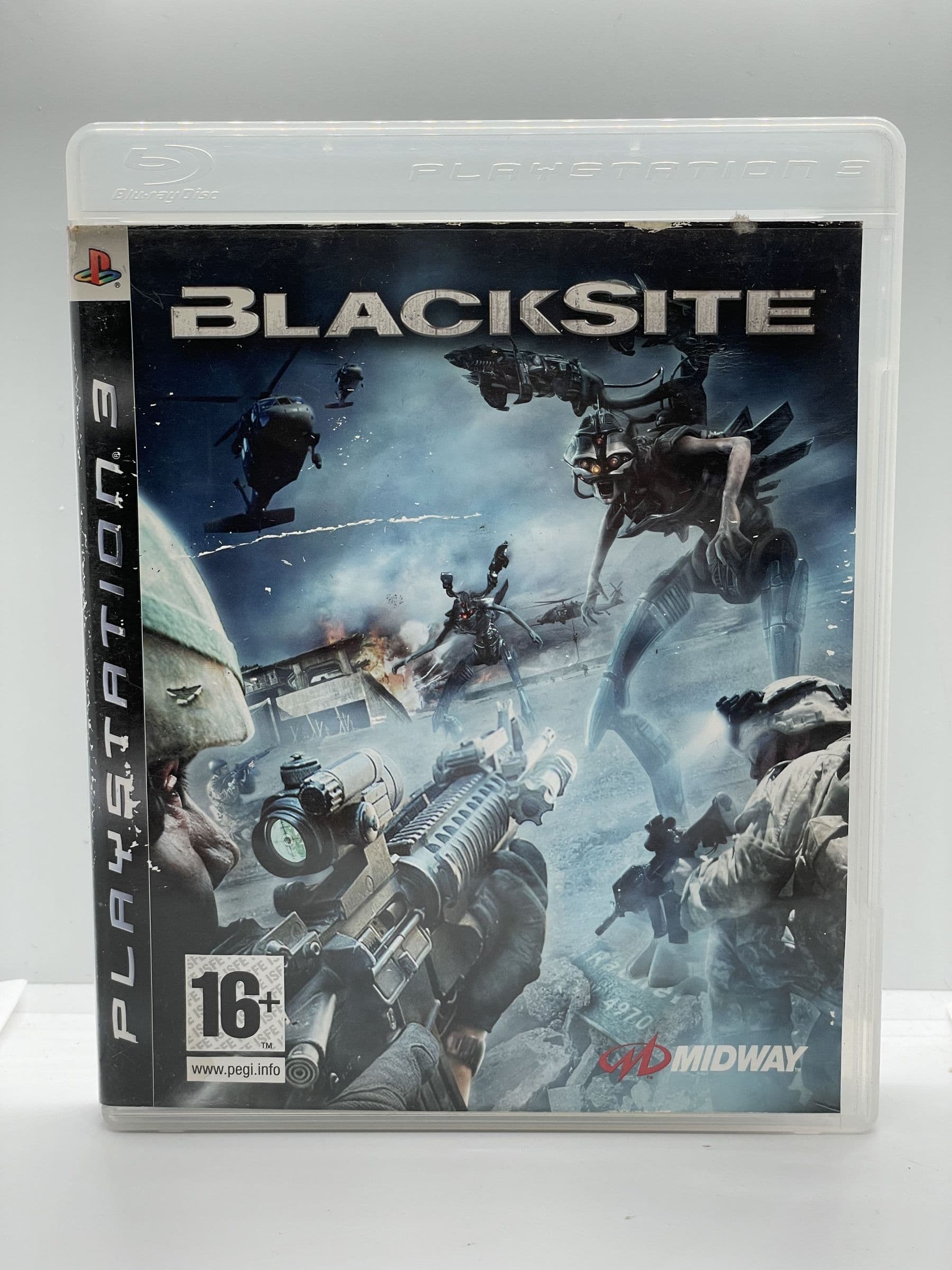
Keep reading
More stories from the Retrobroker blog.
PAL vs NTSC-U vs NTSC-J: Understanding Video Game Region Codes
Unravel the differences between PAL, NTSC-U, and NTSC-J video game regions. Discover how region codes impact gameplay and compatibility. Start your retro gaming journey today!
Unlocking Nostalgia: How to Start Your Own Retro Gaming Collection
Discover the joy of retro gaming collection. Tips for beginners. Nostalgic journey through gaming history. Start your adventure today!
Awaiting New Challengers
Join The Bounty Board
Get exclusive first access to rare restocks, graded drops, and secret discount codes before anyone else.