How to Bash Doors, Kick on Bikes & Trash Talk NPCs in GTA 6

Table of contents
Grand Theft Auto VI packs several untutorialised street-level mechanics into its PlayStation 5 and Xbox Series X|S layouts, leaving players to discover its best road-rage moves by trial and error. Once you know the right button combinations, you can slam car doors into passing cyclists, throw melee kicks from two wheels, and trash talk NPCs in GTA 6 without accidentally spinning your camera around. Keep this breakdown handy to master every vehicle and on-foot provocation, along with the small input habits that prevent these prompts from working.
Hidden Road Rage Controls & Ways to Trash Talk NPCs in GTA 6
Car door bashing, motorcycle kicking, and unprovoked verbal insults are all GTA 6 hidden driving controls that the game never explains through pop-up tutorials. Mastering these GTA 6 road rage controls lets Jason and Lucia pick street fights, clear flanking riders, or test how Leonida locals react under pressure.
Every button prompt below uses the Default control scheme on PlayStation 5 and Xbox Series X|S. If an input behaves differently in your game, pause and check Options/Menu > Settings > Control Scheme to confirm your controller is set to Default.
| Action | PlayStation 5 Input | Xbox Series X|S Input | Context & Requirements |
|---|---|---|---|
| Bash Car Door Open | Tap Square | Tap X | Sitting in or driving a car |
| Bike Melee Kick (Nearest) | Tap Square | Tap X | Riding a motorcycle, dirt bike, or bicycle |
| Directional Bike Kick |
How to Kick on Motorcycles, Dirt Bikes, and Bicycles
Once you learn how to kick on motorcycles in GTA 6, two-wheeled races and narrow street chases become much easier to control. Tap Square on PlayStation 5 or X on Xbox Series X|S while riding any motorcycle, dirt bike, or bicycle to execute a sideways Road Rash-style melee strike.
How you hold the stick determines where a GTA 6 bike melee kick lands:
- Tap Square or X on its own to automatically kick toward whichever target is closest to your bike.
- Push the Left Stick left or right at the exact moment you press Square or X to force the kick out to that specific side.
Well-timed kicks can clip passing pedestrians or knock rival riders clean off their seats, including competitors during dirt bike races. Keep in mind that riding kicks are separate from Lucia's on-foot motorcycle takedowns, where pressing X on PlayStation 5 against an approaching rider triggers directional side kicks and running clotheslines from the pavement.
How to Trash Talk NPCs in GTA 6 and Flip Them Off
Whether you want a quick shout in traffic or a full back-and-forth argument on the pavement, the GTA 6 NPC interaction controls split verbal abuse into instant vehicle triggers and targeted lock-on menus.
Instant Road-Rage Shouts and Hand Gestures
For immediate insults behind the wheel or on handlebars, give R3 on PlayStation 5 or RS on Xbox Series X|S a single quick tap when near other motorists or pedestrians. Early community rumours claimed you needed to double-click the right stick, but a single brief click is all it takes for Jason or Lucia to curse or gesture at nearby locals unprovoked.
Avoid holding R3 or RS down, as a long press rotates the camera to look behind your vehicle instead of shouting. Each pedestrian or driver also has a finite pool of verbal responses; once they stop reacting to R3 or RS clicks, pull up beside a fresh NPC.
If you are wondering how to flip off NPCs in GTA 6 without locking onto them, make sure you are unarmed inside your vehicle and press or hold R1 on PlayStation 5 or RB on Xbox Series X|S to raise a middle finger. You can also hold down or repeatedly tap L3 or LS to blare your horn until irritated drivers roll down their windows to swear back or step out for a fight.
Targeted Dialogue Prompts on Foot and in Vehicles
When you want structured back-and-forth arguments, follow this exact sequence so your weapon does not override the conversation prompts:
- Tap L1 on PlayStation 5 or LB on Xbox Series X|S to holster your weapon before targeting anyone; holding L2 or LT with a firearm drawn aims your gun and swaps standard dialogue for Threaten (Square / X) and Rob (Triangle / Y).
- Walk up to an NPC unarmed and hold L2 on PlayStation 5 or LT on Xbox Series X|S to open the contextual menu in the bottom-right corner.
- Press Square / X to Greet, press Circle / B to Taunt, or tap R1 / RB while holding focus to flip them off on foot.
- Watch the prompts dynamically change if the local squares up: Greet becomes Defuse (Square / X) to calm things down, while Taunt becomes Provoke (Circle / B) to keep picking a fight.
- Hold D-Pad Up while driving or parked to lock onto nearby pedestrians and use those exact same Greet, Taunt, Defuse, and Provoke buttons when you want to trash talk NPCs in GTA 6 from behind the wheel.
Leonida NPC Reactions and Wanted Consequences
Every pedestrian and motorist in Leonida carries distinct temperament and aggression traits, so picking a verbal fight rarely plays out the same way twice. Depending on who you provoke, a taunted or flipped-off local might walk away, argue back, shove you, throw punches in a street brawl that nearby bystanders join, pull a concealed weapon, or dial the police.
Letting insults, door slams, or bike kicks escalate into witnessed crimes carries lasting heat. Witnesses actively report your face, clothing, and vehicle description to law enforcement, and repeated unprovoked street violence negatively impacts your Criminal Profile status.
Playing GTA on PS5, Xbox, or PC? Top up your wallet for less
Get instant digital PlayStation Store, Xbox, and Steam gift cards on Eneba for editions, add-ons, and in-game currency.
Affiliate link — RetroBroker may earn a commission at no extra cost to you.
FAQ
Why does clicking R3 or RS look behind my car instead of trash talking in GTA 6?
Holding R3 on PlayStation 5 or RS on Xbox Series X|S swings the camera to look behind your vehicle. Use a quick single tap near another motorist or pedestrian to shout an insult, and move on to a different NPC once the current one runs out of dialogue lines.
Why can't I see the Taunt or Greet prompts when targeting an NPC on foot?
You have to be unarmed to bring up standard conversation prompts. Tap L1 on PlayStation 5 or LB on Xbox Series X|S to put your weapon away before holding L2 or LT; otherwise, your character aims their gun and triggers Threaten and Rob prompts instead.
Can you choose which side you kick on a motorcycle in GTA 6?
Yes. Tapping Square on PlayStation 5 or X on Xbox Series X|S automatically kicks toward the nearest target, whereas holding the Left Stick left or right as you press Square or X directs your kick to that side of the bike.
Is GTA 6 available on PC for keyboard and mouse controls?
No. Grand Theft Auto VI launched worldwide on November 19, 2026, exclusively for PlayStation 5 and Xbox Series X|S, with no PC version available at launch.
Putting Leonida's Street Controls to Use
Once you remember to single-tap R3 or RS, holster your firearm with L1 or LB before locking on, and tap Square or X for door swings and bike strikes, Leonida's unlabelled street mechanics feel second nature. Now that you know how to trash talk NPCs in GTA 6 and fend off rival riders on current consoles, we always enjoy seeing how Rockstar's sandbox details evolve alongside the classic Grand Theft Auto releases we curate at RetroBroker. Keep an eye on nearby witnesses before escalating a roadside argument, and be ready to Defuse or drive off if an angry local reaches for a weapon.
Upgrade your console setup for GTA
Check current prices on controllers, 3D wireless headsets, and fast NVMe SSD storage on Amazon.
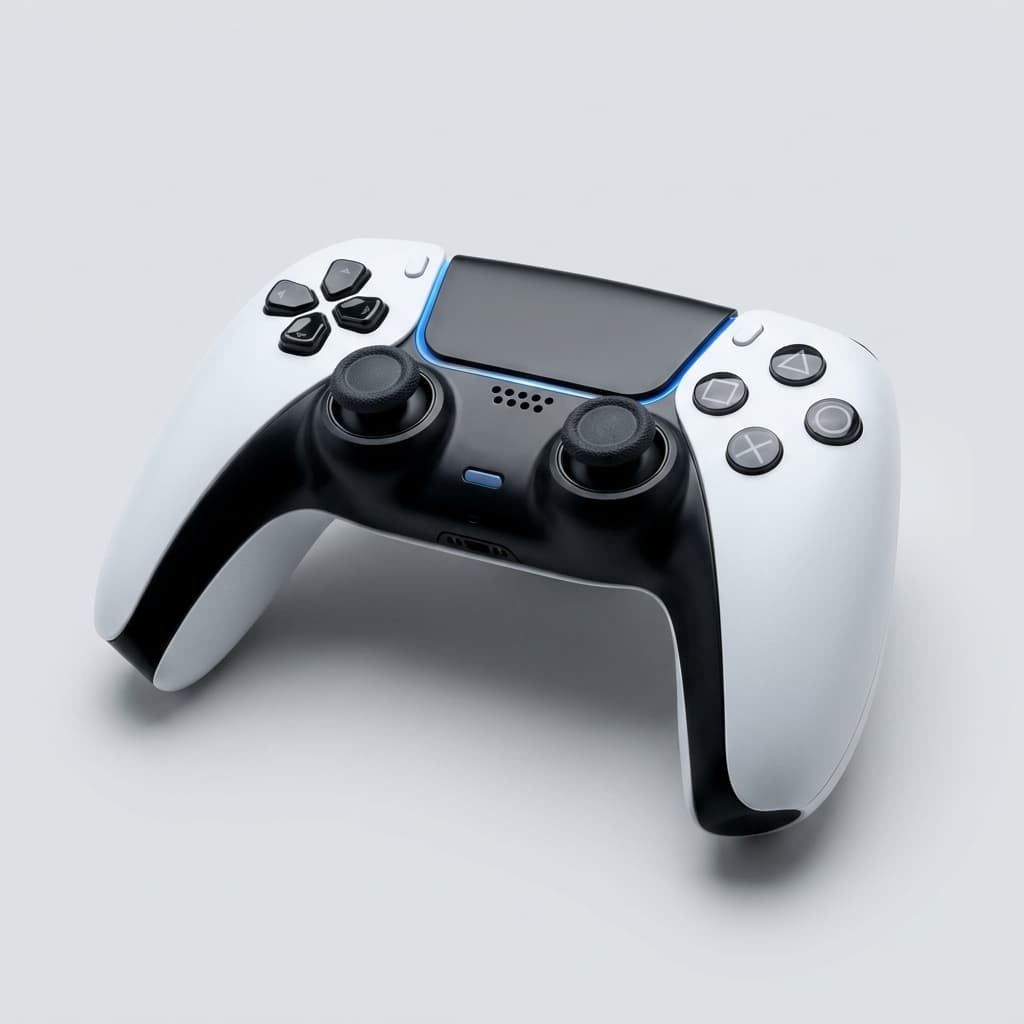
Sony DualSense Wireless Controller
Check on Amazon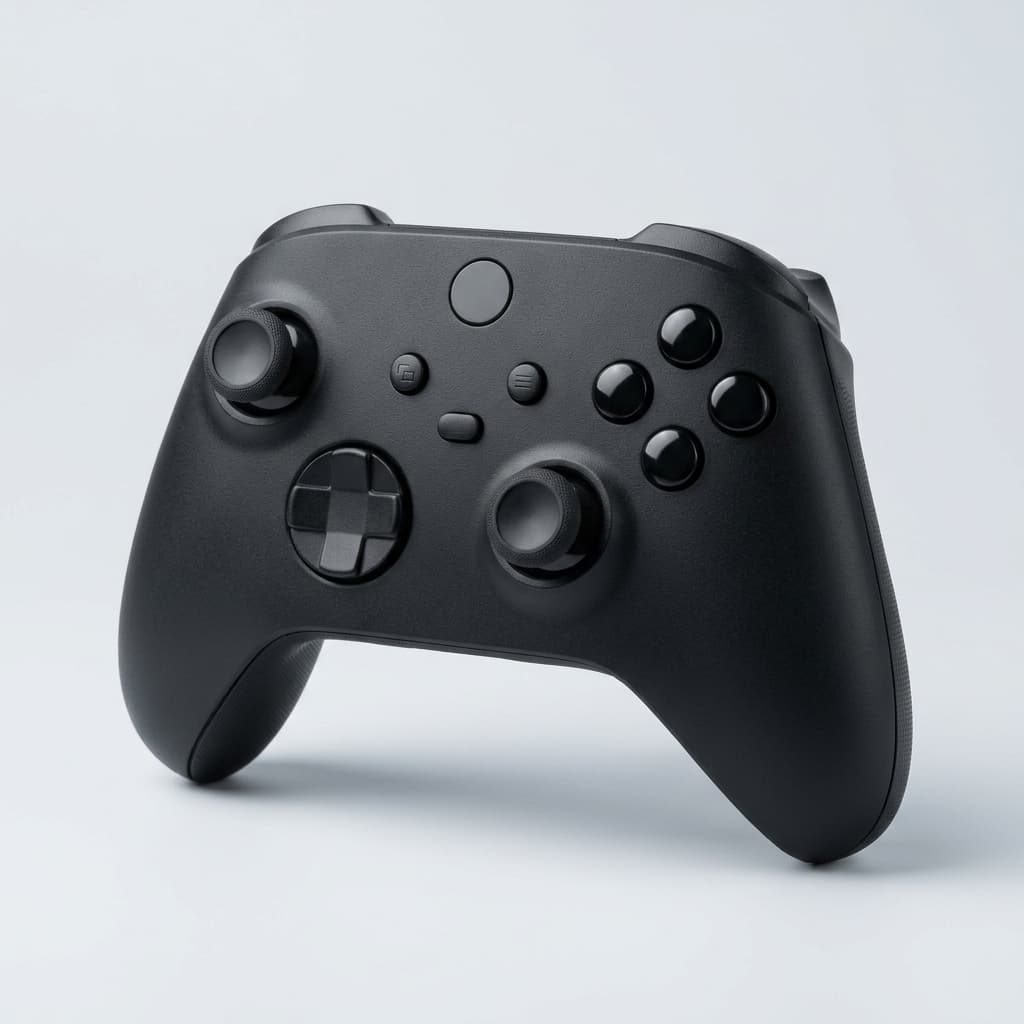
Xbox Wireless Controller (Carbon Black)
Check on AmazonAs an Amazon Associate we earn from qualifying purchases.