Best GTA 6 Audio Settings: 3D Headphones, Dialogue & Midnight Setup
11 min read
Necessary cookies keep the store working. With your permission, we also use analytics and advertising cookies.
More stories from the Retrobroker blog.
Get exclusive first access to rare restocks, graded drops, and secret discount codes before anyone else.
Gunfire echoing across Vice-Dale, roaring engines, and blasting car stereos can easily drown out crucial story conversations in Grand Theft Auto VI. Finding the best GTA 6 audio settings takes a specific mix of in-game volume ratios and system-level console adjustments rather than a single preset switch. Here is how to configure spatial 3D headphones, clear character voices, and quiet late-night sound on your console.
Grand Theft Auto VI launched worldwide on 19 November 2026 for PlayStation 5, PlayStation 5 Pro, Xbox Series X, and Xbox Series S, alongside Xbox One access via Xbox Cloud Gaming (with no PC version at launch). To adjust your sound, open Pause Menu > Settings > Audio, which sits as the seventh tab using L1/R1 on PlayStation or LB/RB on Xbox, right before the Account tab. Rockstar Games organises this menu into Setup, Volume, and Narration sections, with Restore Default and Restore All options at the bottom.
Despite pre-launch rumours claiming percentage bars and studio presets, the retail build contains no built-in Midnight Mode, Dynamic Range, Dialogue Boost, or 3D Audio switches inside the game menu. Instead, all six GTA 6 volume sliders—Master Volume, SFX, UI, Dialogue, Music, and Media—use a 0 to 10 integer scale and start maxed out at 10 on a fresh install. Because nothing can be pushed past 10, balancing the mix means pulling competing channels down to create headroom for voices, then pairing those numbers with your console or television settings.
| Setting / Toggle | Factory Default | Balanced 3D Headset | Clear Dialogue Boost | Late-Night Midnight Mode |
|---|---|---|---|---|
| Master Volume | 10 | 10 |
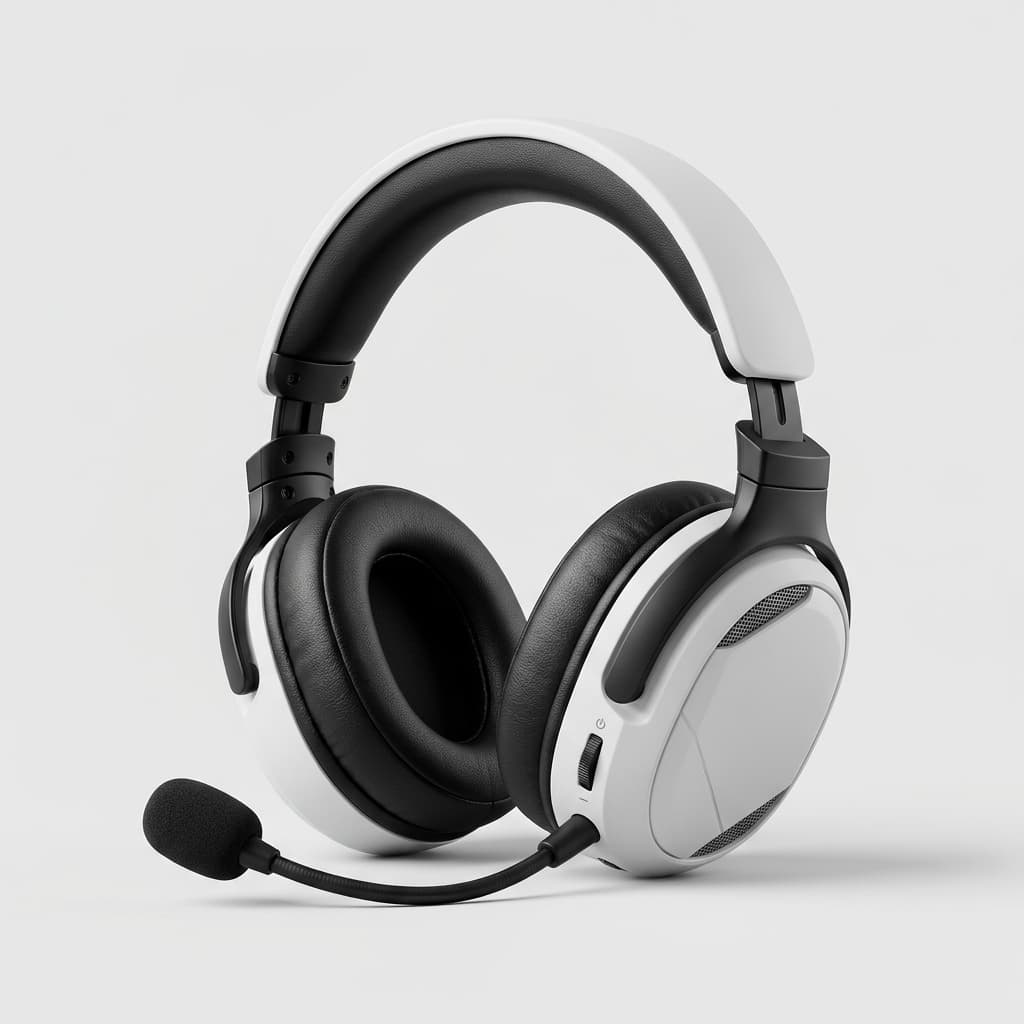
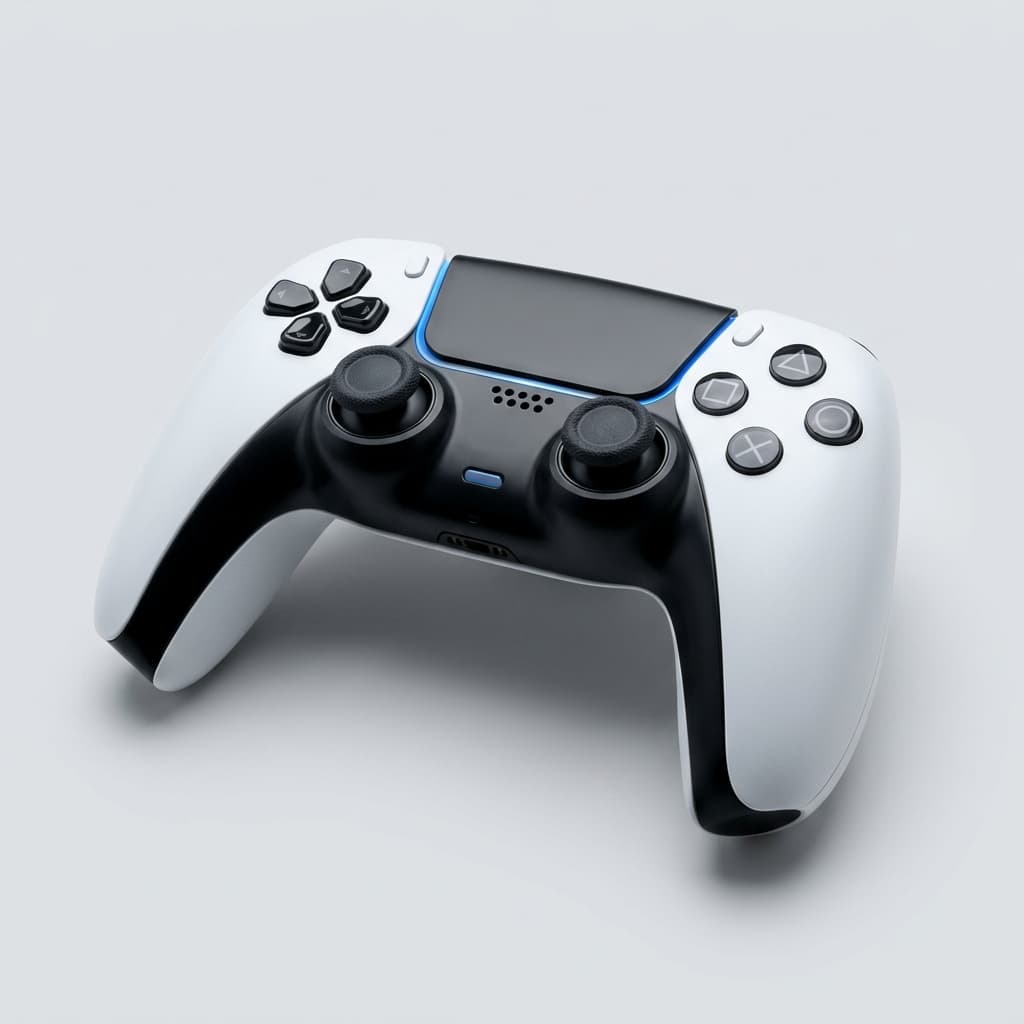
Grand Theft Auto VI natively supports Sony's Tempest 3D AudioTech for directional awareness. Because the console does not support standard Bluetooth audio headsets directly, connect your headphones using a 2.4GHz USB wireless dongle or a 3.5mm analogue cable plugged into your DualSense wireless controller, then follow these steps:
If you prefer playing without a headset, you can also enable 3D Audio for TV Speakers under Settings > Sound > 3D Audio (TV Speakers), which calibrates room acoustics from your seating position using the microphone built into your controller.
Configuring GTA 6 Xbox spatial audio takes less than a minute in the dashboard menu. Open Settings > General > Volume & audio output > Headset audio > Headset format and pick one of three spatial options:
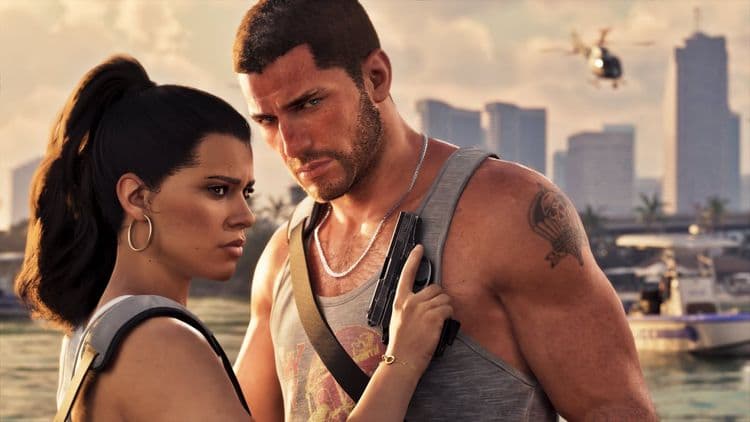
Do not confuse console spatial audio with Jason and Lucia's wearable in-game headphones. For the first time in the series, both protagonists can buy earbuds or headphones starting at $100 and up from Electronics shops (listed on the map under Index > Style > Electronics). Once bought, hold L1/LB, tap R1/RB to reach the Items tab, and equip them in the Headgear slot so you can hold D-Pad Left to play radio stations and on-demand podcasts while walking around on foot.
Get instant digital PlayStation Store, Xbox, and Steam gift cards on Eneba for editions, add-ons, and in-game currency.
Affiliate link — RetroBroker may earn a commission at no extra cost to you.
Building a custom GTA 6 midnight mode means capping sudden volume spikes inside the game before compressing peaks on your sound system. Start inside Pause Menu > Settings > Audio with these quiet-play adjustments:
Wearing wired or 2.4GHz wireless headphones remains the easiest way to keep late-night sessions contained. On PlayStation 5, returning to the Audio Focus menu and selecting Boost Quiet Sounds (at Weak, Medium, or Strong) lifts subtle footsteps and ambient details so your master headphone volume can stay comfortably low.
If you are playing through external speakers, turn on the built-in Night Mode (dynamic range compression) on your television, soundbar, or AV receiver to clamp down on loud explosions. Xbox Series X and Xbox Series S players should watch out for two common traps: the Xbox dashboard's "Night Mode" only dims screen blue light and console or controller LEDs rather than compressing sound, and many AV receivers require switching Xbox HDMI audio from 5.1/7.1 uncompressed PCM to Bitstream out (using Dolby Digital or the free Home Theater setup in Dolby Access) before the receiver's Dolby Night Mode will unlock.
Beyond volume mixing, Rockstar's Audio tab holds a few quality-of-life and accessibility controls worth checking before you cruise across Leonida:
During launch week in November 2026, players across PlayStation 5, PlayStation 5 Pro, and Xbox Series X|S reported intermittent headset static, choppy audio dropouts in dense crowds, and cutscene lip-sync delays of roughly half a second. Until Rockstar deploys a patch, a quick GTA 6 audio crackling fix usually comes down to resetting your spatial stream.
On PlayStation 5 and PlayStation 5 Pro, try these steps in order:
On Xbox Series X and Xbox Series S, work through these fixes:
No. Despite pre-release speculation, the retail version of Grand Theft Auto VI has no Midnight Mode, Night Mode, or Dynamic Range switch inside Pause Menu > Settings > Audio. To play quietly, lower SFX, Music, and Media to 6 or 7, turn Tinnitus Reduction On, set Vehicle Radio and Controller Speaker to Off, and enable Night Mode on your television or AV receiver.
Every volume slider starts at 10 out of 10 by default, so you must create headroom by dropping SFX, Music, and Media to 7 or 8 while leaving Dialogue at 10. PlayStation 5 headset users can also switch on the console's Boost Voices feature under Settings > Sound > Volume > Audio Focus.
Check current prices on controllers, 3D wireless headsets, and fast NVMe SSD storage on Amazon.
As an Amazon Associate we earn from qualifying purchases.
Learn how to scan Vice Beach tags, crack the Mariposa Avenue keypad code, and steal Andrew Node's custom Truffade Thrax supercar in Grand Theft Auto VI.
| 10 |
| 10 (lower via TV or headset) |
| Dialogue | 10 | 10 | 10 | 10 |
| SFX (gunfire & effects) | 10 | 8 | 7 | 6 |
| Music (score) | 10 | 8 | 7 | 6 |
| Media (car radios & devices) | 10 | 8 | 7 | 6 |
| UI | 10 | 10 | 10 | 10 |
| Tinnitus Reduction | Off | Off | On | On |
| Vehicle Radio | Default | Default | Default | Off |
| Controller Speaker | On (PS5) | Auto-Off with headset | On or Off | Off |
| Controller Cop Scanner | Off | Off | Off | Off |
If you are hunting for in-game GTA 6 3D audio settings, stop scrolling through Rockstar's pause menu. Directional headphone positioning is handled entirely through your console's operating system.
Character voice acting in Grand Theft Auto VI is English-only and defaults to 10 out of 10, leaving zero room to turn voices up directly. To create a reliable GTA 6 dialogue boost, leave Dialogue at 10 and drop SFX, Music, and Media down to 7 or 8. Lowering those three sliders tames gunfire, mission score, and car stereos so conversations stay clear during high-speed chases.
Headphone players on PlayStation 5 can stack that slider tweak with GTA 6 PS5 Audio Focus, a system-level voice amplifier that boosts midrange speech frequencies. It works exclusively with USB and 3.5mm wired headsets rather than HDMI televisions or soundbars:
Even with the best GTA 6 audio settings dialled in for speech, overlapping phone calls and street banter can still collide during chaotic missions. Open Pause Menu > Settings > UI > Subtitles & Captions (which defaults to Off or Mission Only on first boot) and switch subtitles On. From there, choose Small, Medium, or Large text, enable a subtitle background for readability, and switch on speaker names so you never lose track of who is talking.
There is no 3D audio toggle inside the game because spatial sound is controlled by your console's system software. Turn it on under Settings > Sound > 3D Audio (Headphones) on PlayStation 5, or pick Windows Sonic, Dolby Atmos, or DTS Headphone:X under Settings > General > Volume & audio output > Headset audio on Xbox Series X|S.
No. The Night Mode menu in Xbox Series X|S system settings only dims display brightness, blue light, and power LEDs on your hardware. For true dynamic range compression on Xbox, turn on Night Mode in your television or soundbar menu, or send a Dolby Bitstream signal to a compatible AV receiver.
Dialing in the best GTA 6 audio settings comes down to pulling SFX, Music, and Media down to the 6 to 8 range so maxed-out character dialogue has room to breathe, then letting your console handle spatial headphones and voice amplification. Whether you are revisiting classic Rockstar Games releases from our shelves at RetroBroker or spending late nights exploring Leonida on modern hardware, taking five minutes to tune your sliders and system sound makes every heist and radio cruise far easier on your ears.