RetroBrokerRetroBroker
WishlistAccount

Stay in the loop

Subscribe to our newsletter for exclusive offers, updates, and more.

RETROBROKER

Rediscover classic games, consoles, and accessories. Find your next favourite and keep the nostalgia alive.

Categories
  • PlayStation
    • PlayStation 3
    • PlayStation 5
    • PlayStation accessories
    • PlayStation 1
    • PlayStation 2
    • PlayStation 4
    • PlayStation Portable (PSP)
    • PlayStation Vita
  • Nintendo
    • Nintendo 64
    • Game Boy
    • Nintendo 3DS
    • Nintendo Wii U
    • Nintendo accessories
    • Nintendo SNES
    • Game Boy Advance
    • Nintendo DS
    • Nintendo Wii
    • Nintendo Entertainment System (NES)
    • Nintendo Switch
    • Nintendo GameCube
    • Game Boy Color
  • Xbox
    • Xbox 360
    • Xbox Original
    • Xbox One
  • SEGA
    • Sega Mega Drive
    • Sega Game Gear
    • Sega Genesis
    • Sega Dreamcast
    • Sega Saturn
    • Sega Master System
  • PC games
    • Blu-ray films and series
      • View all categories→
      Collections
      • PlayStation
      • PlayStation 1
      • PlayStation 2
      • PlayStation 3
      • PlayStation 4
      • Nintendo
      • View all collections→
      Useful Links
      • Check out the flyer
      • Gift cards
      • Contact
      • 1-UP Club Membership Terms
      • Shipping and Returns
      • Terms and Conditions
      • Privacy Policy
      • Data Deletion Policy
      Language:Canadian English
      Shipping to:Canada

      © Copyright 2026 Retrobroker sp. z o.o. — Designed in Poland

      This website is independent and not affiliated with or endorsed by Nintendo or Sony. All trademarks, copyrights, and logos featured on this site belong to their respective owners.

      Retrobroker is a registered trademark of Retrobroker sp. z o.o. Sielska 45A, 10-801 Olsztyn, Poland KRS: 0001062625 NIP: 7393990456 REGON: 526634737

      1. Home
      2. Blog
      3. Game Cartridge Battery Replacement: DIY Guide & Save Your Progress
      Blog

      Game Cartridge Battery Replacement: DIY Guide & Save Your Progress

      Published on October 25, 2024

      Game Cartridge Battery Replacement: DIY Guide & Save Your ProgressRETROBROKER

      Game Cartridge Battery Replacement: A DIY Guide to Saving Your Progress

      For retro gamers, the dreaded "battery low" message can be a nightmare. Losing your hard-earned progress in a classic game due to a dead battery is a heartbreaking experience. Luckily, replacing these batteries is often a simple DIY project that can breathe new life into your favorite cartridges. This guide will walk you through the process of replacing game cartridge batteries, helping you preserve those precious save files for years to come.

      Why Do Game Cartridges Have Batteries?

      Many classic game cartridges use a small battery to power the SRAM (Static Random Access Memory) chip that stores your game saves. Unlike newer systems with internal storage or memory cards, these older games relied on this battery-backed SRAM to retain your progress even when the console was powered off. Over time, these batteries naturally deplete, leading to lost save data if not replaced.

      What You'll Need:

      Before you begin, gather the necessary tools and materials:

      • A game bit driver: This is essential for opening most game cartridges. Standard screwdrivers won't fit. A game bit driver set is a worthwhile investment for any retro gamer.
      • A replacement battery: Identify the battery type used in your game cartridge. Common types include CR2032 and CR2025. A multimeter can help identify the voltage (typically 3V) if you're unsure.
      • A soldering iron (sometimes): Some cartridges require soldering to replace the battery. If this is the case for your game, ensure you have a soldering iron, solder, and desoldering braid or pump.
      • A small Phillips head screwdriver: This might be needed for internal components, depending on the cartridge.
      • A plastic opening tool (optional): This can help safely pry open the cartridge casing without damaging it.

      Explore products

      Explore more products from our catalogue.
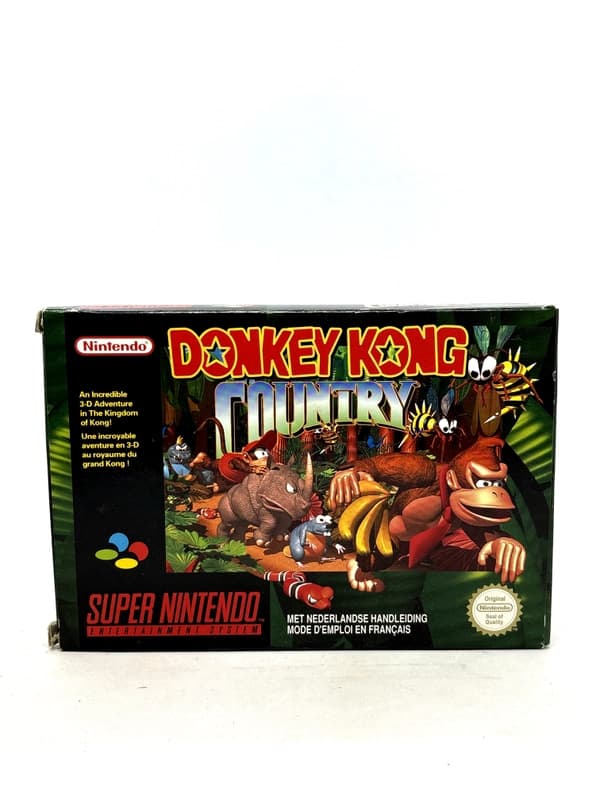
      • Donkey Kong Country SNES

        Donkey Kong Country SNES

        $121.00
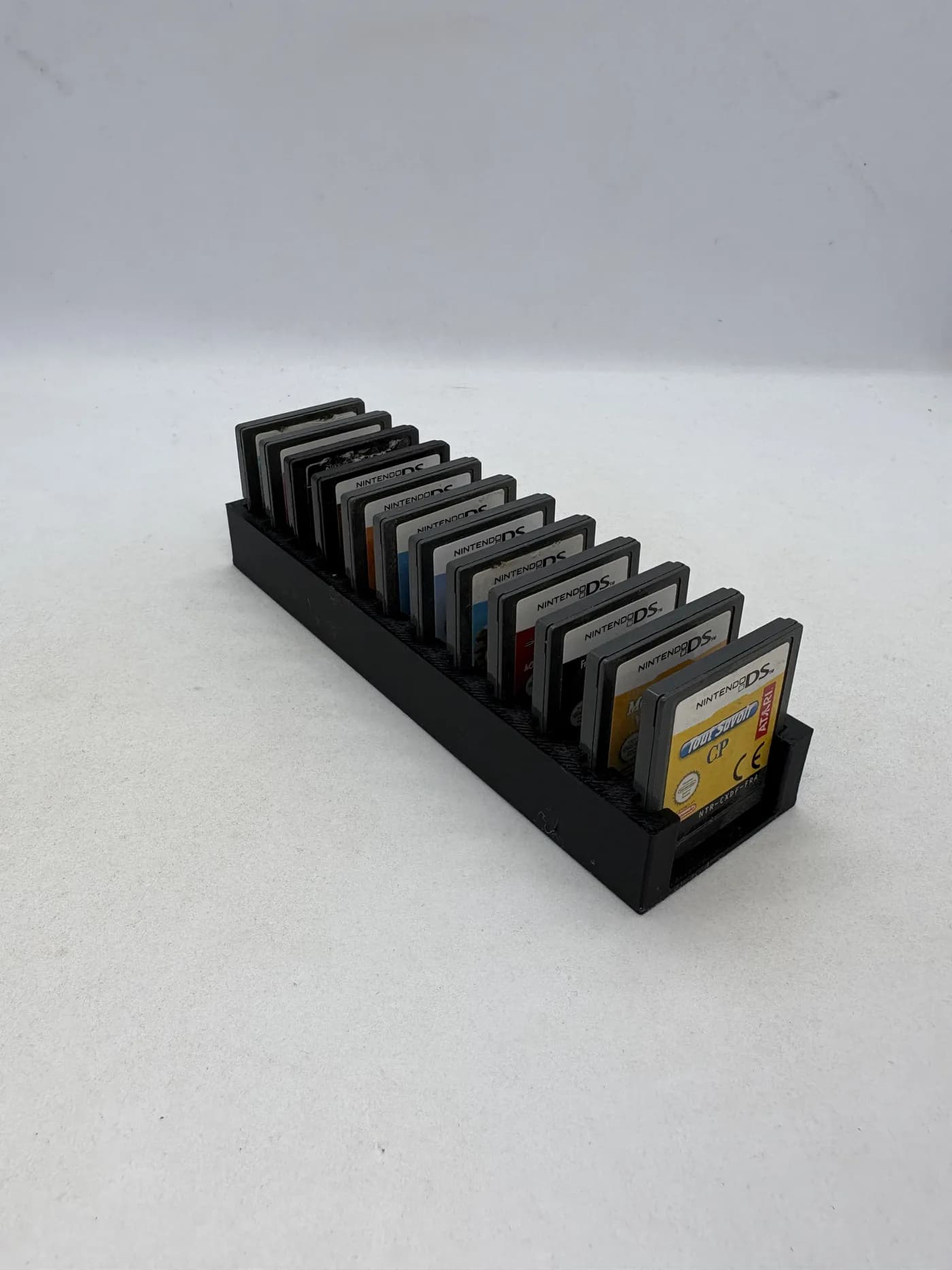
      • Nintendo DS / 3DS — Game cartridge organizer

        Nintendo DS / 3DS — Game cartridge organizer

        $15.90

      Step-by-Step Guide:

      1. Identify Your Game and Battery Type: Research your specific game online to determine the correct battery type and whether soldering is required. Many online forums and retro gaming communities offer detailed guides for individual games.

      2. Open the Cartridge: Use the game bit driver to remove the screws securing the cartridge. Be gentle and avoid stripping the screw heads. Use the plastic opening tool if necessary to separate the cartridge halves.

      3. Locate the Battery: Once open, you should see the battery attached to the circuit board. Note how it's connected – either soldered or clipped in.

      4. Remove the Old Battery: If the battery is clipped in, carefully lift it out with your fingers or a small flathead screwdriver. If it's soldered, use the soldering iron and desoldering braid/pump to carefully remove the old battery. Be cautious not to damage the circuit board with excessive heat.

      5. Install the New Battery: Insert the new battery in the same orientation as the old one. If soldering, apply a small amount of solder to each connection point. Ensure the battery is securely in place.

      6. Reassemble the Cartridge: Carefully align the two halves of the cartridge and replace the screws. Test the game to ensure your save data is intact.

      Tips and Tricks:

      • Take photos: Before disassembling anything, take clear photos of the battery placement and connections. This will be invaluable during reassembly.
      • Work in a well-lit area: This will make it easier to see the small components and avoid mistakes.
      • Handle the circuit board with care: Avoid touching the components directly. Static electricity can potentially damage the board.
      • Practice soldering skills (if needed): If you're new to soldering, practice on a scrap circuit board before working on your game cartridge.
      Keep the collection going

      Discover more retro finds from our catalogue.

      Shop all products
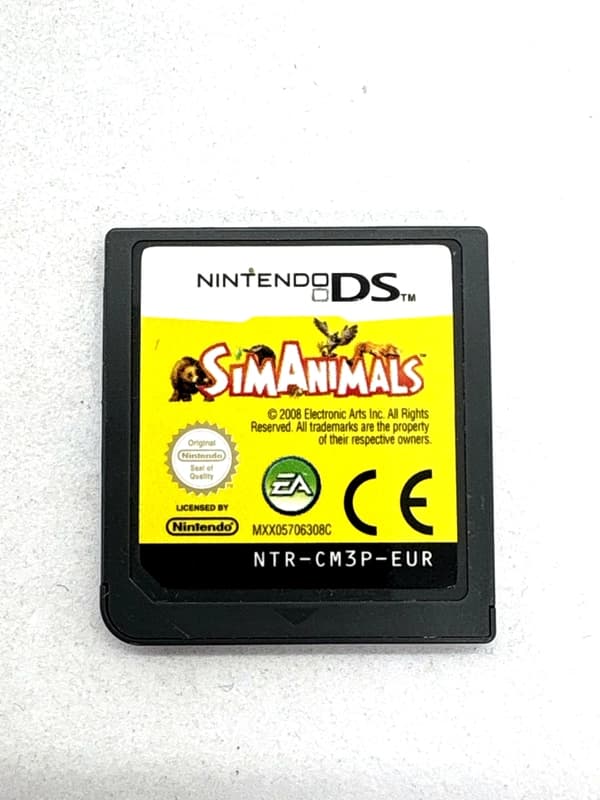
      • Simanimals Nintendo DS (sama gra)

        Simanimals Nintendo DS (sama gra)

        $21.00
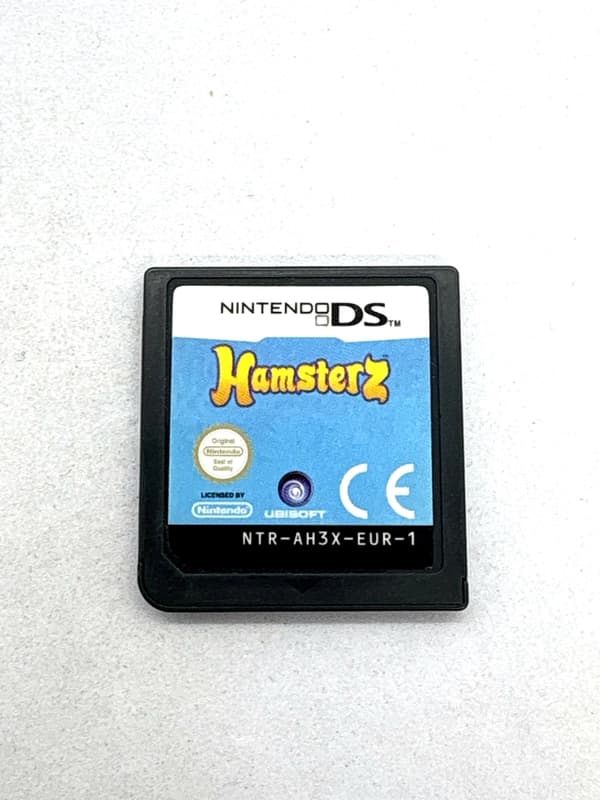
      • Hamsterz Nintendo DS (sama gra)

        Hamsterz Nintendo DS (sama gra)

        $14.00

      Keep reading

      More stories from the Retrobroker blog.

      • Support and warranty for retro games and consolesRETROBROKER
        October 30, 2026

        Support and warranty for retro games and consoles

        Check the product description, current warranty and returns terms, and how to contact us about an order.

      • Can PS3 play PS1 and PS2 games? A compatibility guideRETROBROKER
        October 30, 2026

        Can PS3 play PS1 and PS2 games? A compatibility guide

        Learn how PS3 compatibility with PS1 and PS2 games depends on the model, disc format and region.

      Awaiting New Challengers

      Join The Bounty Board

      Get exclusive first access to rare restocks, graded drops, and secret discount codes before anyone else.

      No spam. Unsubscribe anytime.

      Preserving Your Gaming Legacy:

      Replacing game cartridge batteries is a straightforward process that can save you from the frustration of lost progress. With a few tools and a little patience, you can keep your classic game saves alive for years to come, ensuring your gaming legacy lives on. Enjoy reliving those retro memories!

    • RainCode Nintendo Switch (sama gra)

      RainCode Nintendo Switch (sama gra)

      $43.00
    • Tengoku Struggle Nintendo Switch (sama gra)

      Tengoku Struggle Nintendo Switch (sama gra)

      $49.00
    • Will my Nintendo Switch games work on Switch 2? What to checkRETROBROKER
      October 30, 2026

      Will my Nintendo Switch games work on Switch 2? What to check

      Check Nintendo Switch game compatibility with Switch 2, controller requirements and how to transfer games and save data.