GTA 6 Heat System Guide: How Police Track Clothes, Cars & CCTV
Table of contents
Escaping the law in Grand Theft Auto VI takes much more than ducking into an alley for thirty seconds and waiting for flashing stars to vanish. Under the GTA 6 Heat system, Leonida law enforcement logs concrete witness descriptions and physical evidence, from Jason and Lucia's outfits and licence plates to back-room security recordings. Understanding how every clue is tracked lets you dismantle police manhunts systematically and walk straight past patrols undetected.
How the GTA 6 Heat System, 6-Star Wanted Meter, and Hot Zones Work
The GTA 6 wanted system brings back a maximum 6-star meter in the top-right corner of the HUD, working directly alongside evidence-based Heat tracking. Pushing your chaos all the way to 6 stars triggers a pop-up warning and a relentless, map-wide police and military manhunt that only ends when you are killed or arrested.
At lower levels, officers no longer spawn out of thin air for unseen crimes. For dispatch to mobilize, an offence must be witnessed directly by an officer, phoned in by an NPC bystander, triggered by a robbery alarm or stolen-car tracker, or sparked by a massive disturbance such as an explosion or plane theft.
During a pursuit, police cruisers do not appear as omniscient vision cones on your radar. Instead, the minimap flashes red and blue, directional light glows appear at the edges of your screen to show approaching units, and your player arrow turns grey the moment you break line of sight.
Shaking the initial chase leaves behind localised GTA 6 hot zones, shown as shaded red areas on both the minimap and main map. Hovering over a Hot Zone on the main map displays its active star level and the exact clues officers are using in that neighbourhood, while your HUD stars shift through five distinct states:
- White Outlined Stars: Police are investigating a reported incident, such as unseen gunfire, without a suspect description, or you cleared your Heat clues before units arrived.
- Solid White Stars: Officers have identified you, hold direct visual contact, and are in active pursuit.
- Grey or Flashing Stars: Units are responding to a report with suspect details, or have lost visual contact during a chase and are actively sweeping the search radius.
- Solid Red Stars: You escaped the pursuit but remain inside a Hot Zone with active Heat traits; being spotted with matching evidence or committing a crime turns the stars white and resumes the chase immediately.
All 7 Icons in the GTA 6 Heat System Explained
While some pre-launch previews grouped security cameras together and counted six clues, hands-on gameplay features seven distinct GTA 6 Heat icons displayed in red beneath your Wanted stars. Local surveillance and cloud-backed surveillance are tracked separately because they require completely different countermeasures.
Every clue operates independently. Swapping into fresh clothes removes your outfit marker, yet patrols inside a Hot Zone will still flag you immediately if you drive past in a reported getaway car or carry an unholstered rifle.
| Heat Icon | HUD Symbol | What Police Track | How to Clear It |
|---|---|---|---|
| Appearance | Face / person silhouette | Facial features, hairstyle, headwear, and glasses | Wear a mask before the crime, or swap hats, glasses, or hairstyles out of sight |
| Clothing | Coat hanger | Your specific shirt and full outfit | Swap to a saved trunk outfit or buy new clothes at a shop while unseen |
| Vehicle | Car silhouette | Getaway car make, colour, and licence plate | Abandon or swap the car out of sight, or respray it at a Pay 'n' Spray |
| Visible Weapon | Firearm icon | Brandished handguns or un-concealable longarms | Holster pistols out of sight and stow rifles in your vehicle trunk |
Upgrade your console setup for GTA
Check current prices on controllers, 3D wireless headsets, and fast NVMe SSD storage on Amazon.

Sony DualSense Wireless Controller
Check on Amazon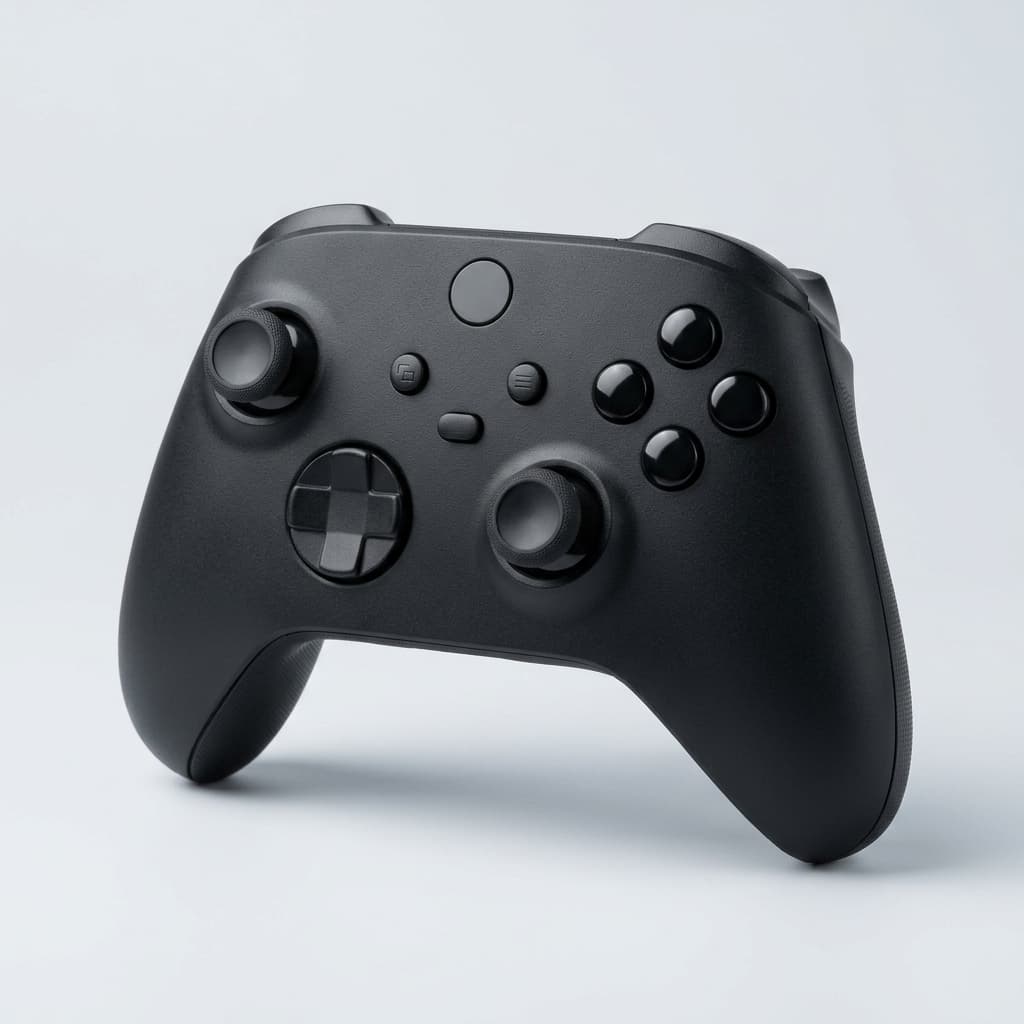
Xbox Wireless Controller (Carbon Black)
Check on AmazonAs an Amazon Associate we earn from qualifying purchases.
Losing Vehicle Heat: Ditching Cars, Pay 'n' Spray, and Trackers
Whenever witnesses or officers spot your getaway ride, police dispatch logs its make, colour, and licence plate. Driving that flagged vehicle past a patrol cruiser inside an active Hot Zone triggers instant recognition and reignites the chase.
To clear Vehicle Heat in GTA 6, wait until your map arrow turns grey and either ditch the car for a clean ride or pull into a Pay 'n' Spray—marked by spray-can icons on the map—to repair and respray it. Keep in mind that NPC owners can also report stolen vehicles to the police after the fact.
Before jacking a fresh car, hold Up on the D-pad to open the Waink phone scanner and inspect the parked vehicle's security setup:
- Window Alarms: Smashing the glass sets off a loud alarm that alerts nearby bystanders.
- Keyless Security: High-end keyless cars require a key cloner rather than basic hotwiring.
- Standard Trackers: Prevent you from modifying a stolen vehicle until its registration is sorted.
- Advanced Trackers: Fitted inside luxury cars and police cruisers, these ping law enforcement if driven too far from their origin unless you maintain high speed.
Stealing a car with an Advanced Tracker during an escape is risky, as slowing down causes the device to beep and broadcast your live coordinates to police. Only a progression-unlocked fence or proper registration can strip those trackers permanently.
Erasing Surveillance: Regular CCTV vs. Cloud CCTV Cameras
Many shops, banks, and commercial buildings across Leonida run active security cameras that record offences and log GTA 6 CCTV footage under your Wanted meter. Checking which camera icon appears tells you whether you should hunt for a security room or sprint straight for your getaway car.
Standard businesses use Regular CCTV, marked by a plain camera icon, which stores recordings locally in a back office, security room, or guard booth. Before leaving the building, locate the recording rig and hit the Destroy Footage prompt to smash the equipment—or grab the copies—wiping the CCTV Heat icon on the spot.
Banks and high-security facilities rely on Cloud CCTV, indicated by a camera inside a cloud. Because this footage uploads directly off-site, it cannot be destroyed on the premises, and lingering inside triggers an alarm. Your best counterplay is putting on masks before entering, executing a fast getaway, and steering clear of the resulting Hot Zone until it cools down. Note that exact minute-by-minute cooldown durations for Hot Zones and Cloud CCTV retention have not been verified yet, and pre-launch speculation regarding street-level licence-plate cameras remains unconfirmed by Rockstar.
Extra Escape Tactics: Concealing Weapons and Splitting Up
Learning how to escape police in GTA 6 also means watching what is in your hands and who is standing beside you. Brandishing firearms adds the Visible Weapon icon; while pistols can be holstered out of sight, rifles and longarms cannot be concealed on your body and must be stowed inside a vehicle trunk. If you are stranded on foot, dropping an owned longarm clears the visual clue without losing your gear, as dropped owned weapons automatically return to your car trunk.
Pulling jobs with both Jason and Lucia triggers the Partner icon, telling patrols to look for a duo. Pressing or holding Right on the D-pad lets you split up to clear the Partner clue or order your accomplice to create a distraction that divides pursuing units. You can even hand off loot stash bags by pressing Right on the D-pad followed by Circle or B, sending your partner away to fence the haul—though using them as a police distraction may slightly reduce the final cut.
When K9 units and roadblocks lock down main streets, abandon the tarmac for narrow alleys, courtyards, and stairways on foot, or switch to boats and planes to break visual contact. Finally, avoid killing officers whenever possible: non-lethal getaways keep police aggression lower during chases and preserve a Professional Criminal Profile rather than pushing your status toward Violent or Psycho.
FAQ
Why do police still recognize me after changing clothes in GTA 6?
Every Heat factor is tracked independently beneath your Wanted meter. Swapping outfits only clears the Clothing icon, so officers will still spot you if you stay inside a flagged getaway car, carry an un-concealable rifle, leave Appearance or Partner Heat active, or change clothes while still in police line of sight.
Can you destroy Cloud CCTV footage during bank robberies in GTA 6?
No. Unlike standard shop cameras that save recordings to back-office equipment, Cloud CCTV uploads straight to the cloud and cannot be smashed on-site. Put on masks before walking in, make a fast exit before alarms escalate, and stay out of the Hot Zone afterward.
How long does a police Hot Zone take to cool down in GTA 6?
Staying outside a shaded red Hot Zone allows police alertness in that area to fade gradually, and you can hover over the zone on your main map at any time to inspect its remaining stars and tracked clues. However, exact minute-by-minute cooldown timers and Cloud CCTV expiry times have not been verified yet.