Managing the GTA 6 Weapon Wheel Items Tab, Attachments, and Heat
Pressing R1 (PS5) or RB (Xbox Series X|S) while the wheel is open toggles between your Weapons view and the Items tab. This secondary ring holds eight utility and wardrobe categories: Masks, Headgear, Outfits, Bags (including robbery stash bags), Gear and Body Armour, Eyewear, Headphones, and Smokes.
Highlighting an accessory with the Right Stick and pressing Cross or A puts it on or takes it off on the move. You can also press Up or Down on the D-Pad over supported clothing slots to change how an item is worn, giving you a fast way to alter your appearance and shed police recognition after a crime.
Back on the Weapons tab, you can attach or detach suppressors and tactical flashlights directly inside the wheel without visiting a workbench. Pulling a suppressor off mid-gunfight immediately restores penalised Range and Handling stats when stealth fails, whereas permanent upgrades like optics, barrels, grips, and magazines still require an Ammu-Nation counter.
Stowing Extra Weapons in Vehicle Trunks and Ammu-Nation Lockers
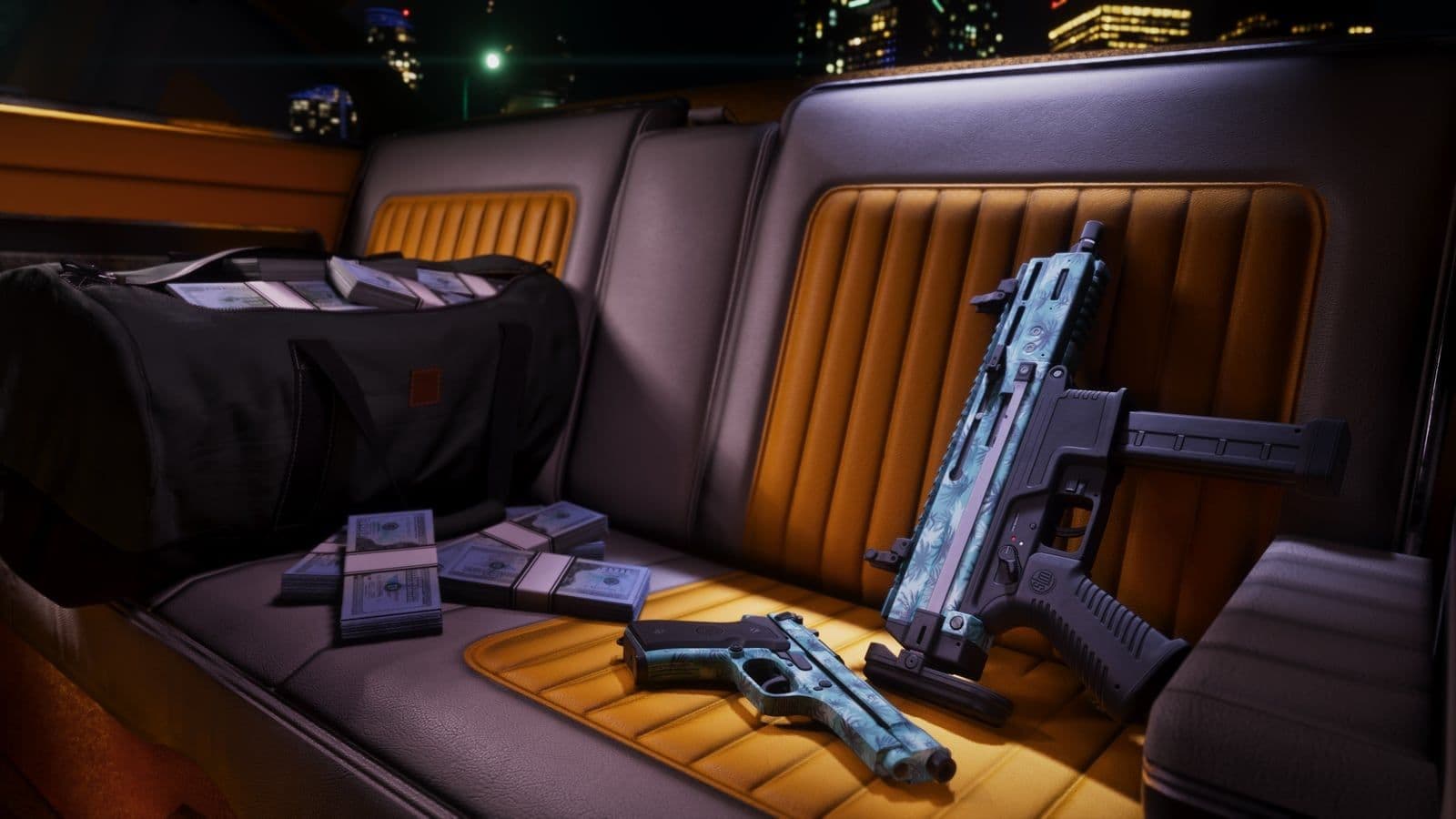
When you want to stow weapons in a trunk in GTA 6 rather than tossing them onto the pavement, walk to the back of your registered Personal Vehicle and press Triangle (PS5) or Y (Xbox). You can also pop the boot remotely from the driver's seat by holding Left on the D-Pad, flicking the Right Stick up to Vehicle Controls, and selecting the trunk.
Stand at the open trunk and hold L1 or LB at the Loadout prompt to manage your stash. Highlight the Melee, Sidearm, or Longarm slot, cycle through your stored arsenal (most hands-on reports use Left and Right on the D-Pad, though some control layouts list L2 and R2 / LT and RT), and press Cross or A to equip an item, or press Square (PS5) / X (Xbox) to stow a visible longarm out of sight. Stolen cars never support Loadout or outfit swapping and only contain loose trunk loot cleared by holding Square or X, whereas a Personal Vehicle trunk can even temporarily stash a small number of unowned pickups.
For deeper storage, visit a GTA 6 Ammu-Nation weapon locker, keeping two strict rules in mind. First, you must drop any unowned (white or grey icon) weapons you are carrying before the locker will open. Second, while some early guides claim every gun store has one, several branches lack lockers entirely—hover over the shop's map icon and check the Features list for a locker-and-pistol symbol before travelling across Leonida.