PS2 vs Xbox vs GameCube: The Ultimate 6th Gen Buying Guide
Published on August 20, 2026
Deciding between a PS2 vs Xbox vs GameCube involves more than just picking the favourite games of your childhood; it requires navigating ageing hardware, region locks, and modern display compatibility. You will walk away from this guide knowing exactly which 6th generation consoles to target, how to identify reliable hardware revisions, and what maintenance steps are required to keep them running today. The jump to 3D gaming matured rapidly during this era, but the hardware itself is now decades old and demands specific care.
Hardware Revisions: PS2 vs Xbox vs GameCube
When you look to buy retro consoles Europe and other PAL territories provide, the specific hardware revision you pick dictates how much work you will need to put in. The PlayStation 2, for example, is broadly split between the bulky "Fat" models (SCPH-30000 and SCPH-50000 series) and the later "Slim" models (SCPH-70000 and SCPH-90000 series). The Fat is ideal for hard drive modding thanks to its expansion bay, allowing you to bypass the optical drive entirely. Conversely, the Slim is brilliantly compact but notorious for a design flaw where the internal laser ribbon cable detaches, bowing upward and permanently scratching game discs in a perfect circular ring.
Original Microsoft Xbox models range from version 1.0 to 1.6b, and early units carry a catastrophic design flaw. Revisions 1.0 to 1.5 contain a defective aerogel clock capacitor that will eventually leak corrosive acid over the motherboard, destroying the traces and killing the console if not removed. Later 1.6 models resolved this issue but introduced minor video encoder incompatibilities with a handful of games.
When exploring GameCube hardware revisions, Nintendo kept things relatively simple, but one specific model matters above all others. You must seek out the DOL-001 model, easily identifiable by the presence of both an Analogue AV port and a Digital AV port on the rear. Nintendo quietly removed the Digital AV port in the later DOL-101 revision to cut manufacturing costs, drastically limiting your video output options.
| Console | Best Target Model | Major Hardware Pros | Known Quirks & Flaws |
|---|---|---|---|
| PlayStation 2 | Fat (SCPH-30000 / 50000) | Native HDD expansion bay for easy modding | Lasers degrade quickly; noisy cooling fans |
| Original Xbox | Revision 1.1 to 1.4 | Easily softmodded; standard PC internal parts | Defective clock capacitor must be removed |
| Nintendo GameCube | DOL-001 | Features the essential Digital AV output port | Ageing disc drive lasers require adjustment |
Beyond hardware shapes, PAL regions suffer from the historical baggage of the 50Hz television standard. Many early titles across all three platforms run in 50Hz interlaced video, resulting in massive black borders at the top and bottom of the screen, alongside gameplay that is approximately 17 percent slower than the NTSC equivalents. When comparing a PAL PS2 vs GameCube, it is vital to check if a specific game supports a 60Hz toggle in its options menu before making a purchase.
Video Output Options for Modern Displays
Connecting these consoles to a modern flat-panel television requires more than a basic composite cable if you want a playable image. For the GameCube, the highly sought-after DOL-001 model shines here. The Digital AV port supports excellent plug-and-play HDMI adapters like the Carby or the Retro-Bit Prism. These devices tap directly into the digital video signal originally designed for Nintendo's official component cables, providing a crisp, lag-free 480p image right out of the box.
The original Xbox supports component output natively, which was a massive selling point during its lifespan. However, standard PAL systems have progressive scan resolutions (480p and 720p) locked away in the system dashboard. Unlocking these high-definition modes requires softmodding the console and switching the internal video region from PAL to NTSC. Once unlocked, the Xbox produces some of the sharpest imagery of the generation.
The PlayStation 2 presents the biggest challenge for modern displays. While high-quality retro console component cables are cheap and widely available, the console's internal video output is notoriously soft. Furthermore, the vast majority of the PAL PS2 library is locked to 50i (interlaced) video. Modern televisions struggle to deinterlace this signal cleanly, resulting in a blurry, flickering image with noticeable input lag. To get the best results, you must run the PS2 component cables through a dedicated gaming upscaler, such as a RetroTINK 5X or RetroTINK 4K, which handles the deinterlacing properly without adding delay.
Optical Drives and Maintenance Realities
The reality of owning these machines today is that their optical drives are actively failing. Sony's PS2 relies on the KHS-400 series lasers, which frequently burn out or fall out of alignment. Rather than endlessly replacing cheap aftermarket lasers, installing Free McBoot on a memory card is the best preservation method. This exploit allows you to load your game backups directly from an internal SATA hard drive (on Fat models) or via an SMB network share (on Slim models), bypassing the optical drive entirely.
Proper original Xbox maintenance is equally critical, as the DVD drives manufactured by Thomson, Philips, and Samsung are all dying at an alarming rate. Because the Xbox pairs its hard drive to the motherboard with a unique locking key, a dead DVD drive means you cannot easily boot the software required to replace a failing hard drive. Softmodding the console, backing up the EEPROM key, and replacing the ancient IDE hard drive with a modern SATA drive via an adapter is essential. You must do this before the disc drive fails completely.
Nintendo's GameCube optical drives are generally the most robust of the trio, owing to the high build quality of the proprietary Matsushita disc reader. However, these ageing lasers may eventually struggle to read discs, especially titles that utilize both layers of the mini-DVD. Usually, this requires a simple potentiometer adjustment on the optical drive board to lower the electrical resistance and give the laser a slight power boost.
Explore products
Explore more products from our catalogue.

Controller Durability and Replacements
Finding a reliable, authentic controller is a major hurdle for this generation. The PS2 DualShock 2 is notorious for its poor long-term durability. The analogue sticks frequently suffer from drift, and the internal flexible ribbon circuits that register button presses often oxidize and die. This leaves you with dead face buttons or shoulder triggers. While full internal replacements are possible, many players prefer using a Brooks converter adapter to connect modern PlayStation 4 or PlayStation 5 controllers wirelessly.
Microsoft's Xbox Duke and the smaller Controller S models are extremely durable in terms of their internal electronics. They can withstand years of heavy use without failing. However, the rubber coating on the thumbsticks tends to degrade over the decades, either wearing completely smooth or turning into a sticky, unpleasant mess. Replacing the thumbstick caps is a cheap and highly recommended repair that makes the controller feel brand new.
Authentic GameCube controllers are highly sought after, largely because they remain the preferred input method for the Super Smash Bros. community. This massive demand has flooded the market with cheap, low-quality clones. You can easily spot fakes by checking for the official Nintendo logo stamped directly onto the front shell above the start button, and by verifying the presence of proprietary tri-wing screws holding the back casing together. Clone controllers almost always use standard Phillips-head screws and omit the front branding.
Comparing Libraries: PS2 vs Xbox vs GameCube
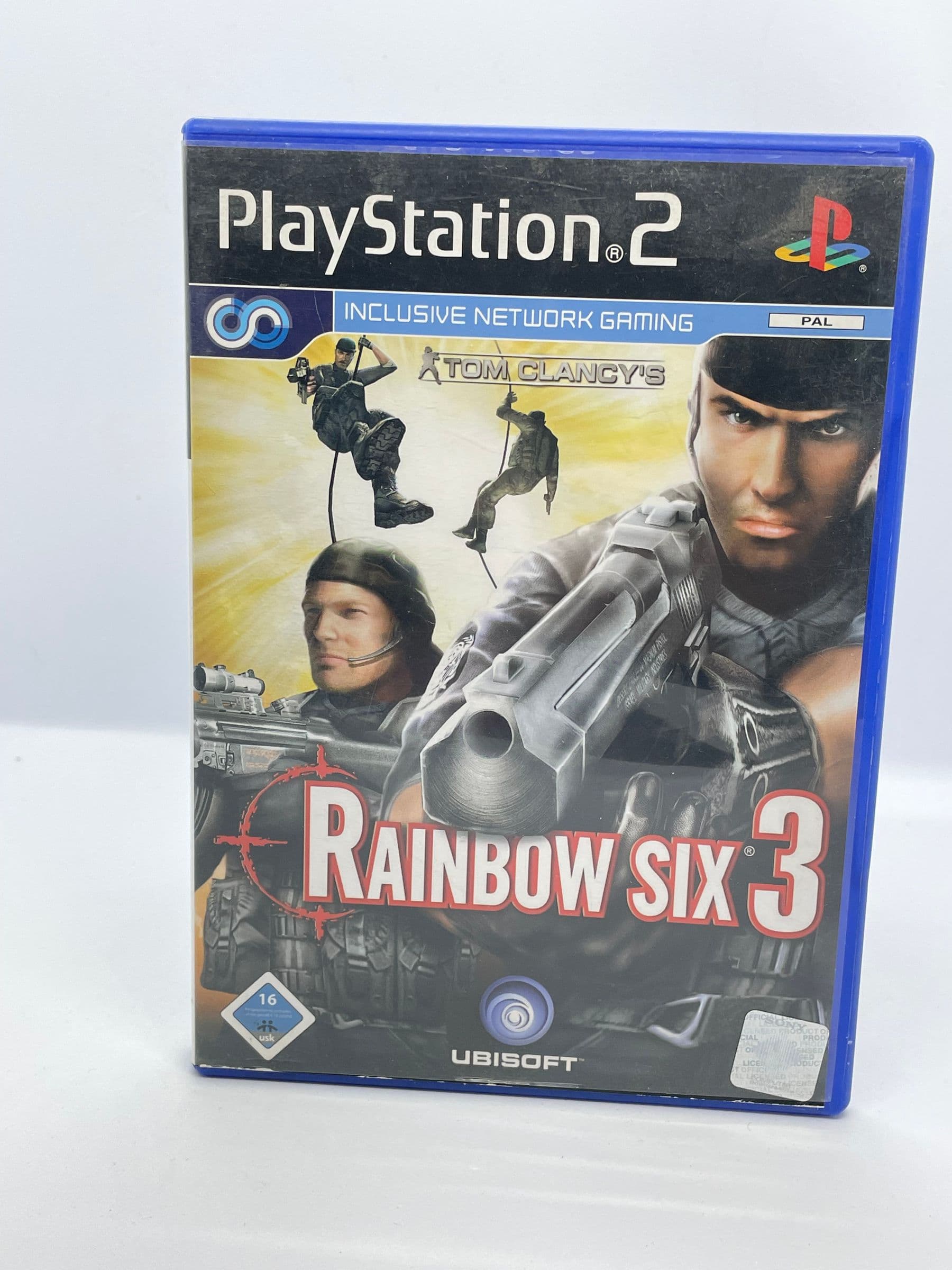
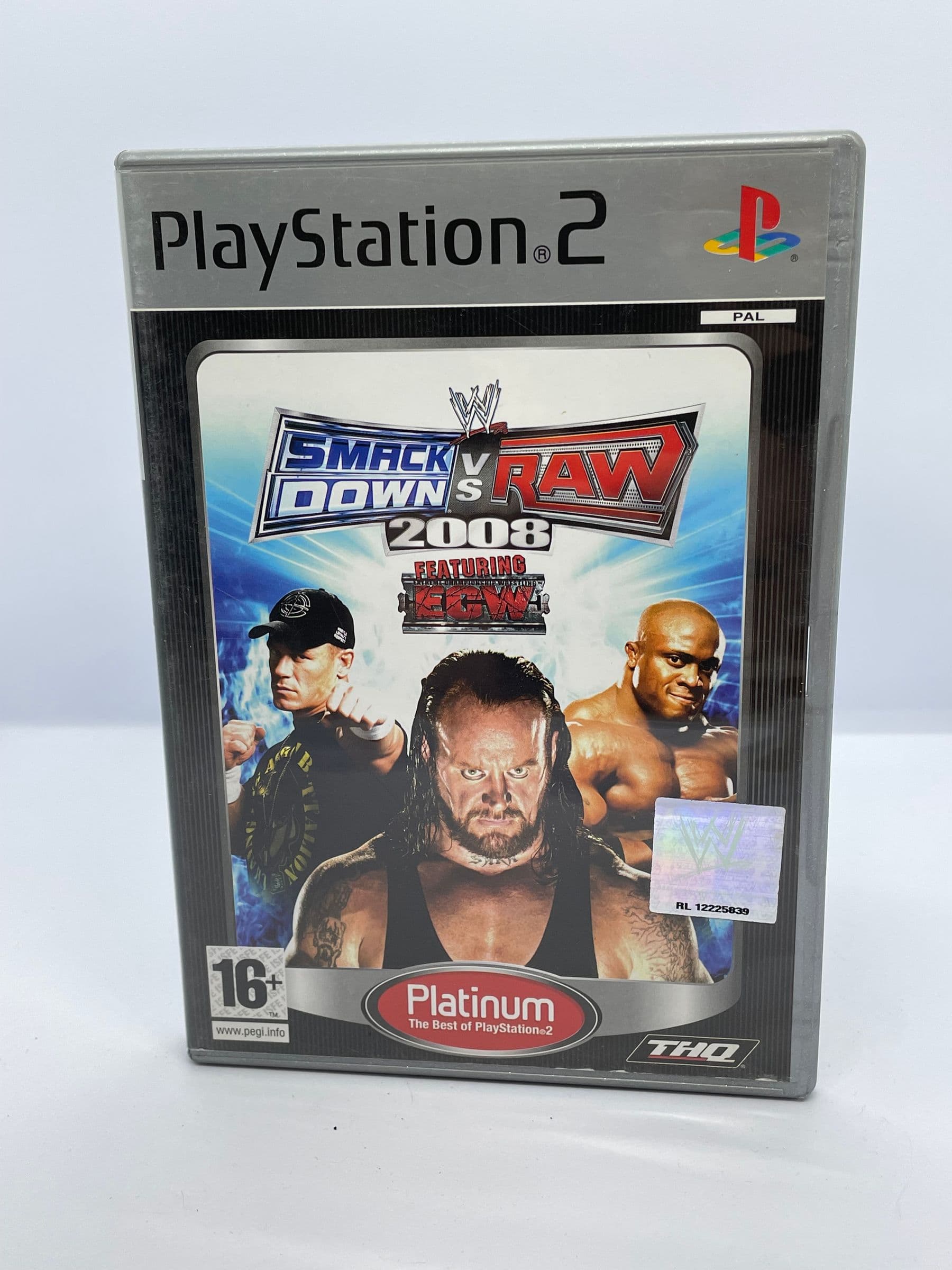
When collecting 6th gen games, the platform you choose vastly changes your buying experience. The PS2 boasts the largest library in console history, spanning thousands of titles. While this means you have access to legendary RPGs and action games, the platform also suffers from a massive amount of low-effort shovelware. Furthermore, as mentioned earlier, many early PAL ports feature massive black borders and slower gameplay, making NTSC versions more desirable for serious collectors who want optimal performance.
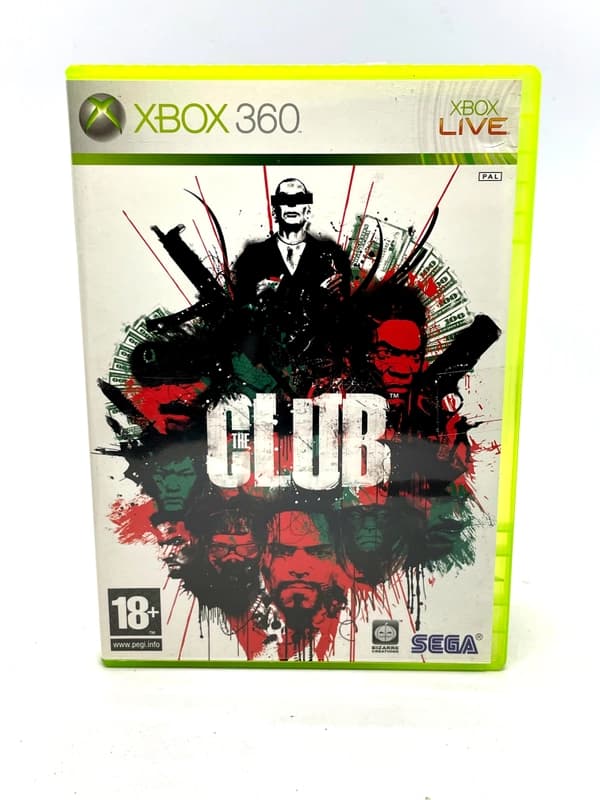
The original Xbox offers the absolute best multi-platform performance of the era. Games that released across all three systems almost always look sharper, run at higher frame rates, and feature faster load times on Microsoft's hardware. The built-in hard drive storage also means you never have to worry about buying expensive memory cards, and the console offers the easiest path for playing homebrew software and emulators.
GameCube exclusives are currently the most expensive to collect Complete in Box (CIB). Nintendo's hardware had a smaller install base, meaning smaller print runs for its software compared to the competition. Prices for Nintendo first-party titles, survival horror exclusives, and niche RPGs are steadily rising. If you want a shelf full of authentic GameCube cases, you must be prepared to pay a premium.