Original Xbox to Series X: 25 Years of Xbox Console Evolution
Published on August 20, 2026
Microsoft’s entry into the living room fundamentally shifted the gaming landscape, introducing internal hard drives, broadband networking, and PC-like architecture to console players. Navigating the Xbox console evolution requires understanding complex hardware revisions, regional quirks, and the tricky reality of modern backward compatibility. This guide breaks down exactly what collectors and players need to know to preserve, maintain, and correctly play four generations of physical Xbox history.
The Original Xbox (2001/2002): The Heavyweight PC in a Box
When the original Xbox launched in Europe in March 2002, it was a massive, imposing piece of hardware that overpowered the competition. Microsoft quickly realised that the European market did not favour bulky peripherals, leading to a swift pivot in the Duke controller vs Controller S debate. The oversized Duke was rapidly phased out in PAL territories, replaced by the Japanese-designed Controller S as the pack-in standard.
Today, preserving this console requires urgent intervention. If you own a system manufactured before April 2004, you almost certainly need to remove Xbox clock capacitor components from the motherboard. Across the original Xbox hardware revisions from version 1.0 to 1.5, the factory-installed aerogel clock capacitor is notoriously defective. It leaks corrosive acid over time, eating through traces and permanently killing the console. Only the final 1.6 revision hardware is safe from this specific flaw.
Optical drive health is another major hurdle for preservation. Microsoft sourced DVD drives from three main manufacturers: Thomson, Philips, and Samsung. Thomson drives are infamous for early laser failure and struggling to read dual-layer discs, while the Samsung models remain highly reliable and sought after by collectors.
Furthermore, every original Xbox relies on a locked internal IDE hard drive to function. When these ageing mechanical drives inevitably fail, the console will display an error code and refuse to boot. Bypassing this requires installing a modchip or TSOP flashing the motherboard, allowing the system to accept a modern SATA hard drive via an IDE-to-SATA adapter.
Xbox 360 (2005): The HD Era and Hardware Headaches
The launch of the Xbox 360 pushed the industry into the high-definition era and forced a massive shift for European players. By standardising HD resolutions, the console effectively killed the old 50Hz PAL standard, pushing European developers and players to finally adopt 60Hz as the baseline for console gaming.
However, early adopters faced a catastrophic hardware failure rate. There is no magic Xbox 360 red ring of death fix using towels or heat guns; these are temporary, damaging myths. To secure a reliable 'fat' model, collectors must check the power rating on the rear sticker. You are looking for a console rated at 12.1A on the 12V rail, which indicates the 'Jasper' motherboard revision. Alternatively, purchasing a later Xbox 360 Slim is a safe way to guarantee long-term reliability.
Backward compatibility on the 360 was highly fragmented. Unlike early PlayStation 3 models that included actual legacy chips, the Xbox 360 relied entirely on software emulation to play original Xbox games. To utilise this feature, you must have an official Microsoft hard drive attached to the console, as these drives contain a hidden partition housing the required emulation files.
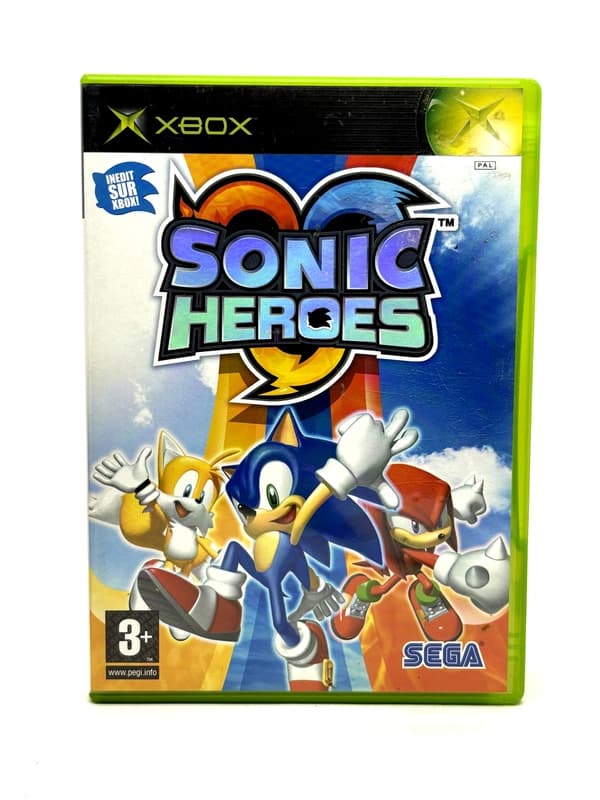
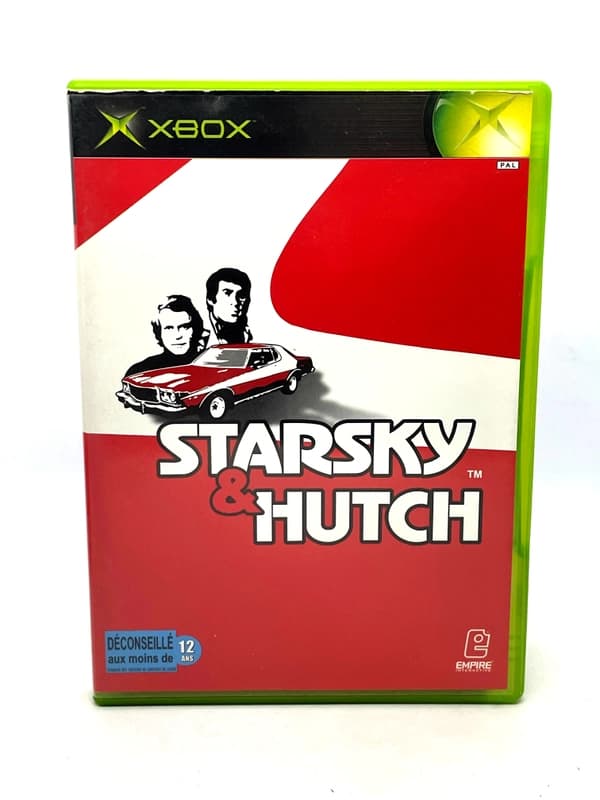
This generation also introduced Xbox Live Arcade, sparking the digital download revolution. Because so many smaller titles were digital-only, the few physical CIB original Xbox games and late-era 360 games that received low print runs are now steadily rising in value.
Xbox One (2013): The Media Hub Pivot and Region-Free Gaming
The Xbox One represented a difficult launch for Microsoft, but it brought one massive victory for European collectors: it was the first fully region-free Microsoft console. For the first time, PAL gamers could import NTSC-U (North American) or NTSC-J (Japanese) exclusive physical games and play them without requiring a modified console.
This generation also fundamentally changed how physical media functioned. Games were no longer read directly off the disc during gameplay. Instead, the console required mandatory hard drive installations, effectively turning your physical game disc into a DRM key that simply verifies your license to play the software installed on the internal drive.
Microsoft later introduced an incredibly ambitious backward compatibility programme. When you insert a supported legacy disc into an Xbox One, it triggers a digital download of a specially wrapped, emulated version of that game. The original disc must remain in the drive to prove ownership, but the code actually running is downloaded from Xbox servers.
The hardware you choose dictates how these retro games look. The original 'VCR' model and the One S output legacy games at their standard resolutions, but the premium Xbox One X leverages its extra power to dramatically upscale older titles, often rendering original Xbox games at a crisp 4K resolution.
Explore products
Explore more products from our catalogue.
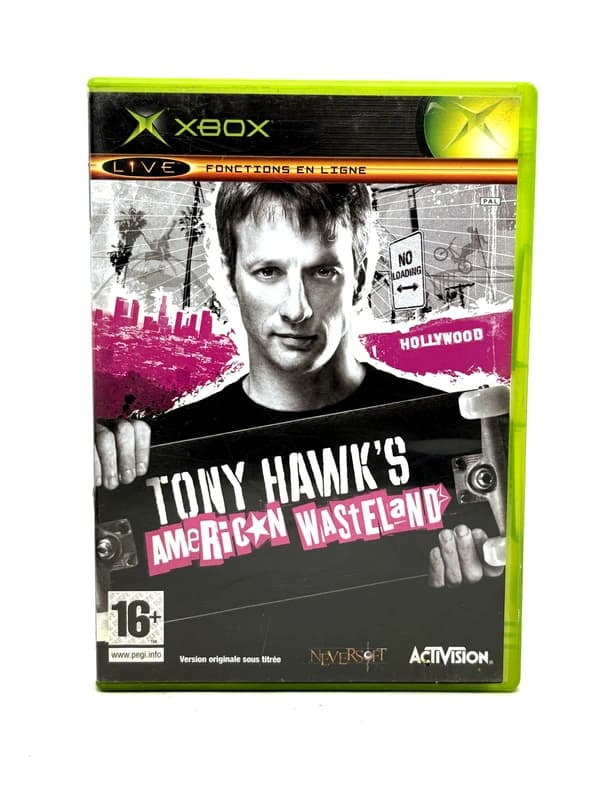
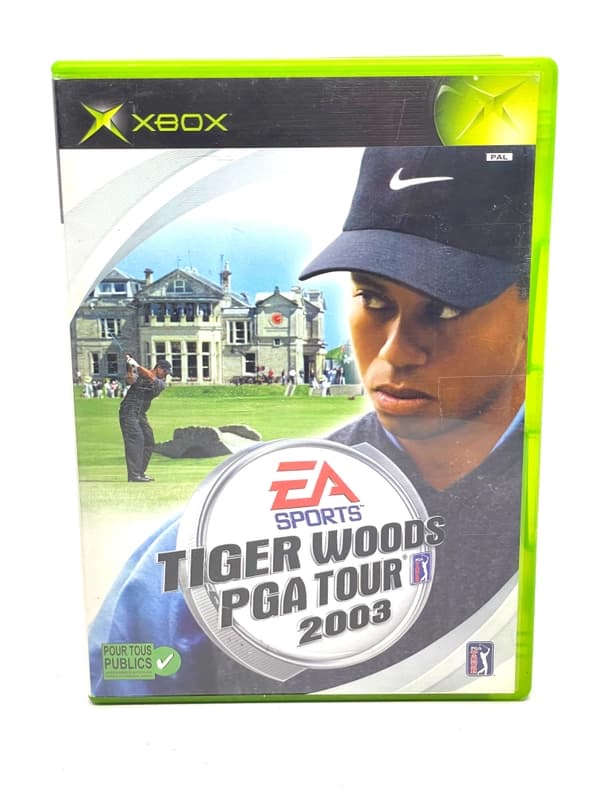
Xbox Series X|S (2020): The Ultimate Retro Machine?
The current generation continues to push the boundaries of the Xbox console evolution, heavily marketing its respect for legacy media. The Xbox Series X treats older games beautifully, applying modern enhancements like Auto HDR and FPS Boost to supported titles. For many classic games, this makes the Series X arguably the best place to experience them.
However, collectors must be incredibly careful when choosing their hardware. The Xbox Series S completely lacks a disc drive, meaning decades of collected physical media are entirely useless on that machine. If you are a physical collector, the Series X is your only option in the current generation.
Modern game discs heavily utilise the 'Smart Delivery' system. When buying a physical game today, the disc often contains a cross-generation license and the base Xbox One code, prompting the Series X to download the current-generation version from the internet.
Despite its immense power, the Series X is not a complete replacement for your original hardware. Due to expired music and automotive licensing, hundreds of classic games—particularly racing titles like OutRun 2 and licensed games like Jet Set Radio Future—were never added to the backward compatibility programme and can still only be played on original hardware.
Physical Backward Compatibility: What Plays on What?
Understanding which physical discs work in which consoles can be confusing. Below is a breakdown of physical media compatibility across the Xbox family.
| Console Hardware | Original Xbox Discs | Xbox 360 Discs | Xbox One Discs |
|---|---|---|---|
| Original Xbox | Yes (Native) | No | No |
| Xbox 360 | Partial (Emulated, requires official HDD) | Yes (Native) | No |