How to Fix GTA 6 Error Code CE-108255-1 on PS5 (Step-by-Step)
Table of contents
Running into GTA 6 error code CE-108255-1 on your PlayStation 5 can abruptly halt your time in Leonida, whether you are freezing on an opening screen or getting kicked to the dashboard mid-mission. Rather than sending you into the unhelpful Rockstar-to-Sony customer support loop, we have ordered the verified Grand Theft Auto VI workarounds from the quickest non-destructive checks to deeper storage fixes, while helping you avoid wasted steps like factory resets.
Why GTA 6 Triggers Error Code CE-108255-1 Across PS5, Slim, and Pro
Sony's official support documentation defines CE-108255-1 simply as a general catch-all fault: "An error occurred with the game/application." Following the worldwide launch of Grand Theft Auto VI on November 19, 2026, PS5 error code CE-108255-1 GTA 6 quickly became the primary crash issue reported across base PlayStation 5, PlayStation 5 Slim, and PlayStation 5 Pro consoles.
Rockstar Games released its first post-launch patch—GTA 6 update 01.002.002 (roughly 602–604 MB)—on November 23, 2026, specifically noting fixes for several game crashes and an issue preventing proper autosaving. Even with that patch installed, recurring crashes persist for some players, and there is currently no single universal fix.
Affected players report GTA 6 crashing on PS5 at several distinct moments:
- Freezing on Jason's initial loading screen.
- Crashing right after the intro credits during the first autosave write.
- Dropping out 15 to 40 minutes into open-world gameplay across Leonida.
- Hitting a specific story trigger, such as using the plunger on Mandy's sink during the "Pipework" mission.
Independent repair technicians sometimes attribute persistent CE-108255-1 errors on older launch consoles to APU overheating, dust buildup, liquid metal dry spots, or failing SSD controllers. However, community testing and gaming outlets point out that brand-new PlayStation 5 Pro consoles are crashing at those exact same story checkpoints and autosave writes. That pattern points strongly to game-side software bugs compounded by heavy sustained hardware load, rather than automatic console failure.
Step 2: Perform a Full Power Cycle and Relieve Console Thermal Strain
Relying on Rest Mode keeps internal components warm and powered, which can carry memory glitches over between play sessions. Grand Theft Auto VI also places a heavy, sustained load on PlayStation 5 hardware, leading to loud fans and thermal strain on dust-clogged machines.
- Press the PS button to open the Control Center and select Power > Turn Off PS5 (do not select Rest Mode).
- Wait until the console's indicator light stops blinking completely, then leave the PS5 powered off for at least two minutes before turning it back on.
- Move your console out of enclosed media cabinets so it has ample open ventilation space, and clear any accumulated dust from the intake vents and internal fan housings.
Step 3: Restore GTA 6 Licenses (And Why Disc Cleaning Rarely Applies Here)
If your copy was pre-loaded or downloaded digitally, entitlement hiccups or pre-load decryption conflicts can trigger immediate startup or autosave crashes. Restoring licences refreshes that handshake cleanly.
- Navigate to Settings > Users and Accounts > Other > Restore Licenses, select the Grand Theft Auto VI licence, and confirm.
- Rest assured that Sony confirms restoring licences never deletes your game installation or saved data.
You will often see generic troubleshooting guides advising you to eject and clean the Blu-ray disc with a microfibre cloth. For most players, that step does not apply here: boxed retail PlayStation 5 editions—such as the US retail release—ship with a digital download code inside the case rather than a physical game disc.
Playing GTA on PS5, Xbox, or PC? Top up your wallet for less
Get instant digital PlayStation Store, Xbox, and Steam gift cards on Eneba for editions, add-ons, and in-game currency.
Affiliate link — RetroBroker may earn a commission at no extra cost to you.
Step 4: Lower System-Level PS5 Video Output Settings
Because Grand Theft Auto VI does not include an in-game toggle to lower graphics presets or turn off Ray Tracing, easing rendering demands at the console level is the most practical way to get past repeatable bottlenecks. Players have used this method as a GTA 6 autosave crash fix right after the intro credits or to clear the GTA 6 Pipework mission crash at Mandy's sink.
- Open Settings > Screen and Video > Video Output on your PS5.
- Change Resolution from Automatic or 2160p down to 1080p.
- In the same menu, set 120 Hz Output to Off and HDR to Off, then relaunch the game to test past your problematic checkpoint.
Step 5: Clear Cache and Rebuild Database in PS5 Safe Mode (Option 6)
Wiping temporary system caches and re-indexing your storage drive can resolve deeper read errors behind GTA 6 error code CE-108255-1. Note that older pre-2022 PlayStation 5 guides mistakenly list database rebuilding under Option 5; on current firmware, you want PS5 Safe Mode Option 6 rebuild database tools.
- Power off the PS5 completely until all console lights are out.
- Press and hold the physical power button on the console, keeping your finger down past the first immediate beep until you hear the second beep roughly seven seconds later.
- Connect your DualSense wireless controller using a USB cable (wireless mode does not work in Safe Mode) and press the PS button.
- Select Option 6: Clear Cache and Rebuild Database.
- Run Clear System Software Cache first, which clears temporary files and restarts the console without touching games or saves. If crashes continue, boot back into Option 6 and select Rebuild Database to build a fresh content index without erasing your saved progress.
Step 6: Move GTA 6 to Internal Console Storage or Perform a Clean Reinstall
Why to Skip Factory Resets—and When to Escalate to PlayStation Repairs
Sony and hardware publications strongly advise against jumping straight to Safe Mode Option 7 (Reset PS5). A factory reset wipes every user account, game installation, and unbacked save file on the machine—and multiple affected Grand Theft Auto VI players have reported that CE-108255-1 continued occurring immediately on freshly reset consoles.
We also know how frustrating the official customer service route has been. Players contacting support widely report an endless loop: Rockstar's console troubleshooting page links out to generic Sony error pages, while Sony's page simply advises updating the game before pointing straight to hardware servicing.
Only escalate to PlayStation Repairs if every step above fails and CE-108255-1 is also crashing your other demanding PlayStation 5 games. Crashes across multiple titles point to an underlying hardware fault, whereas isolated crashes in Leonida mean you are waiting alongside other players for Rockstar's next stability patch.
FAQ
Did GTA 6 Update 01.002.002 completely fix error code CE-108255-1 on PS5?
No. While Rockstar's November 23, 2026 patch (Version 01.002.002) resolved several crash triggers and autosave issues, PlayStation 5, PlayStation 5 Slim, and PlayStation 5 Pro players still report recurring CE-108255-1 crashes during loading screens, open-world Leonida play, and specific missions.
Does CE-108255-1 in GTA 6 mean my PS5 hardware is dying?
Not necessarily. Although overheating or SSD issues can trigger CE-108255-1 across multiple games on older consoles, brand-new PlayStation 5 Pro systems are crashing at the exact same Grand Theft Auto VI checkpoints—such as the intro autosave and the "Pipework" mission—pointing to game-side bugs unless your other PS5 games are also crashing.
Will factory resetting my PS5 fix GTA 6 error CE-108255-1?
Sony and tech outlets advise against rushing into a Safe Mode Option 7 factory reset. It erases all user data and saves, and affected players have widely reported that GTA 6 error code CE-108255-1 crashes continued even on freshly reset consoles.
Upgrade your console setup for GTA
Check current prices on controllers, 3D wireless headsets, and fast NVMe SSD storage on Amazon.

Sony DualSense Wireless Controller
Check on Amazon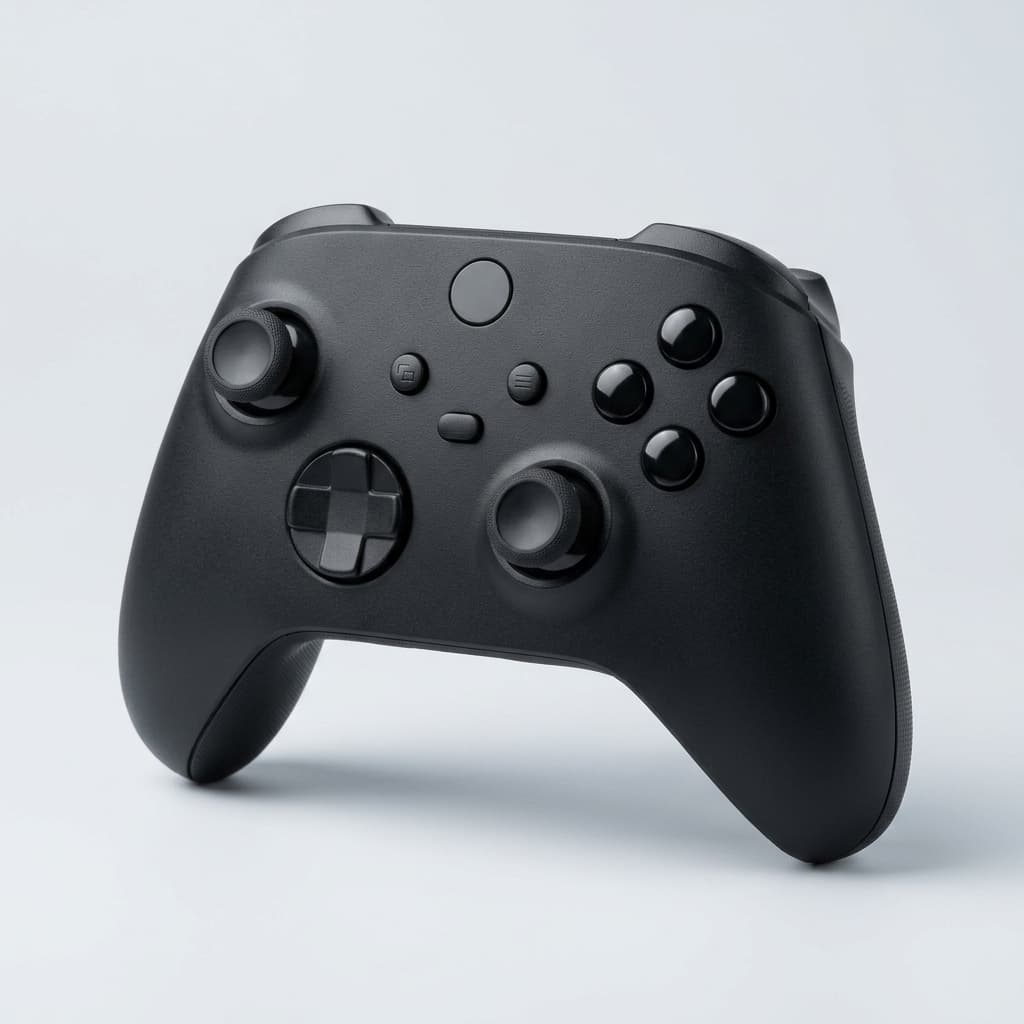
Xbox Wireless Controller (Carbon Black)
Check on AmazonAs an Amazon Associate we earn from qualifying purchases.