RetroBrokerRetroBroker
WishlistAccount

Stay in the loop

Subscribe to our newsletter for exclusive offers, updates, and more.

RETROBROKER

Rediscover classic games, consoles, and accessories. Find your next favourite and keep the nostalgia alive.

Categories
  • PlayStation
    • PlayStation 3
    • PlayStation 5
    • PlayStation accessories
    • PlayStation 1
    • PlayStation 2
    • PlayStation 4
    • PlayStation Portable (PSP)
    • PlayStation Vita
  • Nintendo
    • Nintendo 64
    • Game Boy
    • Nintendo 3DS
    • Nintendo Wii U
    • Nintendo accessories
    • Nintendo SNES
    • Game Boy Advance
    • Nintendo DS
    • Nintendo Wii
    • Nintendo Entertainment System (NES)
    • Nintendo Switch
    • Nintendo GameCube
    • Game Boy Color
  • Xbox
    • Xbox 360
    • Xbox Original
    • Xbox One
  • SEGA
    • Sega Mega Drive
    • Sega Game Gear
    • Sega Genesis
    • Sega Dreamcast
    • Sega Saturn
    • Sega Master System
  • PC games
    • Blu-ray films and series
      • View all categories→
      Collections
      • PlayStation
      • PlayStation 1
      • PlayStation 2
      • PlayStation 3
      • PlayStation 4
      • Nintendo
      • View all collections→
      Useful Links
      • Check out the flyer
      • Gift cards
      • Contact
      • 1-UP Club Membership Terms
      • Shipping and Returns
      • Terms and Conditions
      • Privacy Policy
      • Data Deletion Policy
      Language:British English
      Shipping to:United Kingdom

      © Copyright 2026 Retrobroker sp. z o.o. — Designed in Poland

      This website is independent and not affiliated with or endorsed by Nintendo or Sony. All trademarks, copyrights, and logos featured on this site belong to their respective owners.

      Retrobroker is a registered trademark of Retrobroker sp. z o.o. Sielska 45A, 10-801 Olsztyn, Poland KRS: 0001062625 NIP: 7393990456 REGON: 526634737

      1. Home
      2. Blog
      3. Can a PlayStation 4 Play DVDs and Blu-ray? The Ultimate Guide
      Blog

      Can a PlayStation 4 Play DVDs and Blu-ray? The Ultimate Guide

      Published on 16 August 2025

      Can a PlayStation 4 Play DVDs and Blu-ray? The Ultimate GuideRETROBROKER

      Can the PlayStation 4 Play DVDs and Blu-ray? The Ultimate Guide

      The PlayStation 4, a titan of its generation, is now a beloved modern classic. For millions, it was the gateway to incredible gaming worlds, from the sprawling landscapes of Horizon Zero Dawn to the gritty streets of The Last of Us. But as this console finds a permanent home in living rooms and game rooms, a common question arises: is it just for gaming, or can it handle your physical movie collection?

      If you’ve been eyeing that stack of DVDs or your favorite Blu-ray box sets, we’ve got good news. Let's dive deep into the PlayStation 4's capabilities as a physical media player.

      The Short Answer: Yes, Your PS4 is a Powerful Media Player

      To cut right to the chase: Yes, every model of the PlayStation 4—the original launch model, the PS4 Slim, and the PS4 Pro—can play standard DVD and Blu-ray discs.

      Sony continued the tradition from the PS3, ensuring their console wasn't just a gaming machine but a full-fledged entertainment hub. This means you don't need a separate DVD or Blu-ray player taking up space on your media stand. Your trusty PS4 can handle the job, making it the perfect all-in-one device for both gaming and movie nights.

      However, it's not quite as simple as just popping in a disc and pressing play, especially the very first time.

      How to Play DVDs and Blu-rays on Your PS4: A Step-by-Step Guide

      If you've never played a movie on your console before, there's a small, one-time setup process you need to complete. Here’s how to get it done.

      Step 1: The Crucial First-Time Internet Connection

      This is the most important step and the one that trips up most new users. To enable disc playback for DVDs and Blu-rays, your PS4 needs to connect to the internet one time.

      When you first insert a movie disc, the PS4 needs to activate the playback feature over the internet. This is a requirement for the AACS (Advanced Access Content System) encryption keys found on Blu-ray discs. Don't worry, this is a free, automatic process that happens in the background. Once it's done, it's done forever for that console. You won't need to be online to watch movies in the future.

      Step 2: Insert Your Disc

      This one's easy! Simply insert your chosen DVD or Blu-ray disc into the disc slot on the front of your PlayStation 4.

      Step 3: Navigate to the Video Icon

      After you insert the disc, the PS4's main screen (the Dynamic Menu) will update. A new icon for the disc will appear in your main content ribbon. It will look like a film reel or a disc. Simply navigate to this icon using your DualShock 4 controller.

      Explore products

      Explore more products from our catalogue.
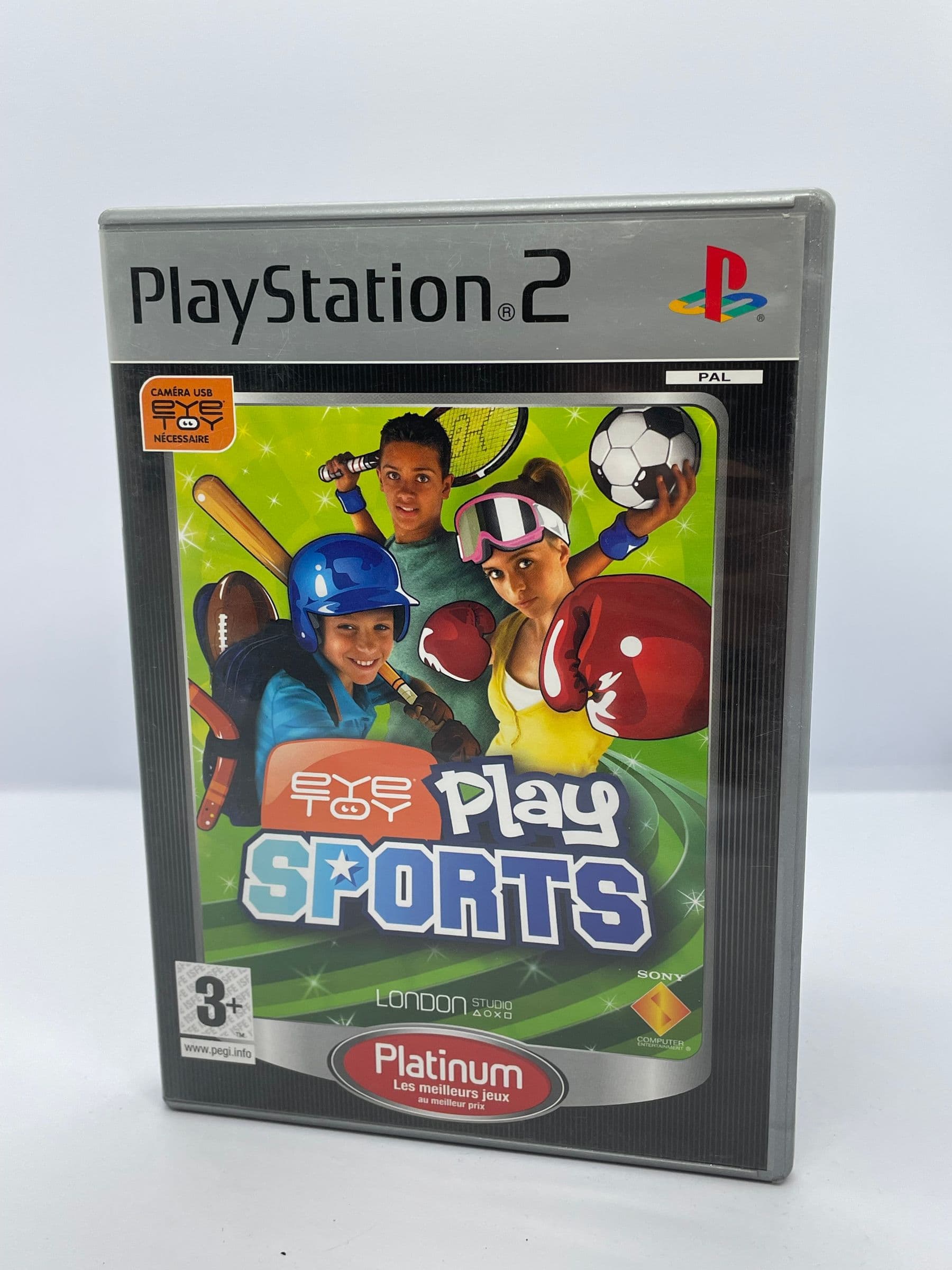
      • EyeToy Play Sports PS2

        EyeToy Play Sports PS2

        £8.00
      • EyeToy Play 3 PS2 (Promo)

        EyeToy Play 3 PS2 (Promo)

        £9.00

      Step 4: Press 'X' and Enjoy the Show

      Select the disc icon and press the 'X' button to start the movie. The PS4 will launch its video player application, and your movie will begin. You can use your DualShock 4 controller to pause, play, fast-forward, rewind, and access the movie's main menu, just as you would with a standard remote.

      Important Things to Know: Formats, Regions, and Limitations

      While the PS4 is a capable movie player, there are a few important caveats to be aware of.

      The Big Question: Does the PS4 Play 4K UHD Blu-rays?

      No, no model of the PlayStation 4 can play 4K UHD Blu-ray discs. This is a major point of confusion, especially for PS4 Pro owners.

      While the PS4 Pro is capable of outputting games and streaming video (from services like Netflix) in 4K resolution, its physical disc drive is a standard Blu-ray drive. It does not have the hardware required to read the data from a 4K UHD Blu-ray disc. If you insert a 4K disc into any PS4, you will get an "unrecognized disc" error.

      Understanding DVD and Blu-ray Region Locking

      Like most dedicated players, the PlayStation 4 is region-locked for both DVD and Blu-ray playback. This means a PS4 console purchased in North America (Region 1 for DVDs, Region A for Blu-rays) will generally not be able to play discs purchased in Europe (Region 2, Region B).

      Your console's region is set to the country where it was originally sold. You can find the region code—a small number or letter superimposed on a globe icon—on the back of your movie case. Make sure your discs match your console's region to avoid playback issues.

      What About Other Disc Formats?

      • Audio CDs: The PlayStation 4 does not play audio CDs. This was a feature of older PlayStation consoles that was removed for the PS4.
      • Burned Discs (DVD-R, BD-R): The PS4 may play some home-burned discs, but support is not guaranteed. Playback success can depend on the quality of the disc, the format it was burned in, and how the recording session was finalized.

      Troubleshooting: What to Do When Your PS4 Won't Play a Disc

      If you're having trouble getting a movie to play, run through this quick checklist:

      Keep the collection going

      Discover more retro finds from our catalogue.

      Shop all products
      • Play it Chess Challenger PS2

        Play it Chess Challenger PS2

        £8.00

      Keep reading

      More stories from the Retrobroker blog.

      • Support and warranty for retro games and consolesRETROBROKER
        30 October 2026

        Support and warranty for retro games and consoles

        Check the product description, current warranty and returns terms, and how to contact us about an order.

      • Can PS3 play PS1 and PS2 games? A compatibility guideRETROBROKER
        30 October 2026

        Can PS3 play PS1 and PS2 games? A compatibility guide

        Learn how PS3 compatibility with PS1 and PS2 games depends on the model, disc format and region.

      Awaiting New Challengers

      Join The Bounty Board

      Get exclusive first access to rare restocks, graded drops, and secret discount codes before anyone else.

      No spam. Unsubscribe anytime.

    • Check Your Internet (First Time Only): If it's your first time ever playing a movie, ensure your PS4 is connected to the internet to enable the feature.
    • Clean the Disc: Check the disc for fingerprints, smudges, or dirt. Wipe it gently with a soft, lint-free cloth, moving from the center of the disc outwards.
    • Check for Scratches: Deep scratches or cracks can prevent the PS4's laser from reading the disc.
    • Update Your System Software: Go to Settings > System Software Update to ensure your console is running the latest firmware, which can include bug fixes for the media player.
    • Restart Your PS4: The classic "turn it off and on again" can often resolve temporary glitches.
    • The Verdict: A Retro and Media Powerhouse

      The PlayStation 4 is much more than a gateway to a massive library of legendary games; it's a reliable and high-quality media center. Its ability to effortlessly play both DVDs and Blu-rays makes it an incredibly versatile machine that earns its spot in any entertainment setup.

      While it won't handle your 4K UHD discs or old music CD collection, it expertly covers the most common physical media formats. So go ahead, dust off those movie binders. Your PlayStation 4 is ready for a movie marathon, bridging the gap between your favorite retro gaming sessions and a cinematic night in.

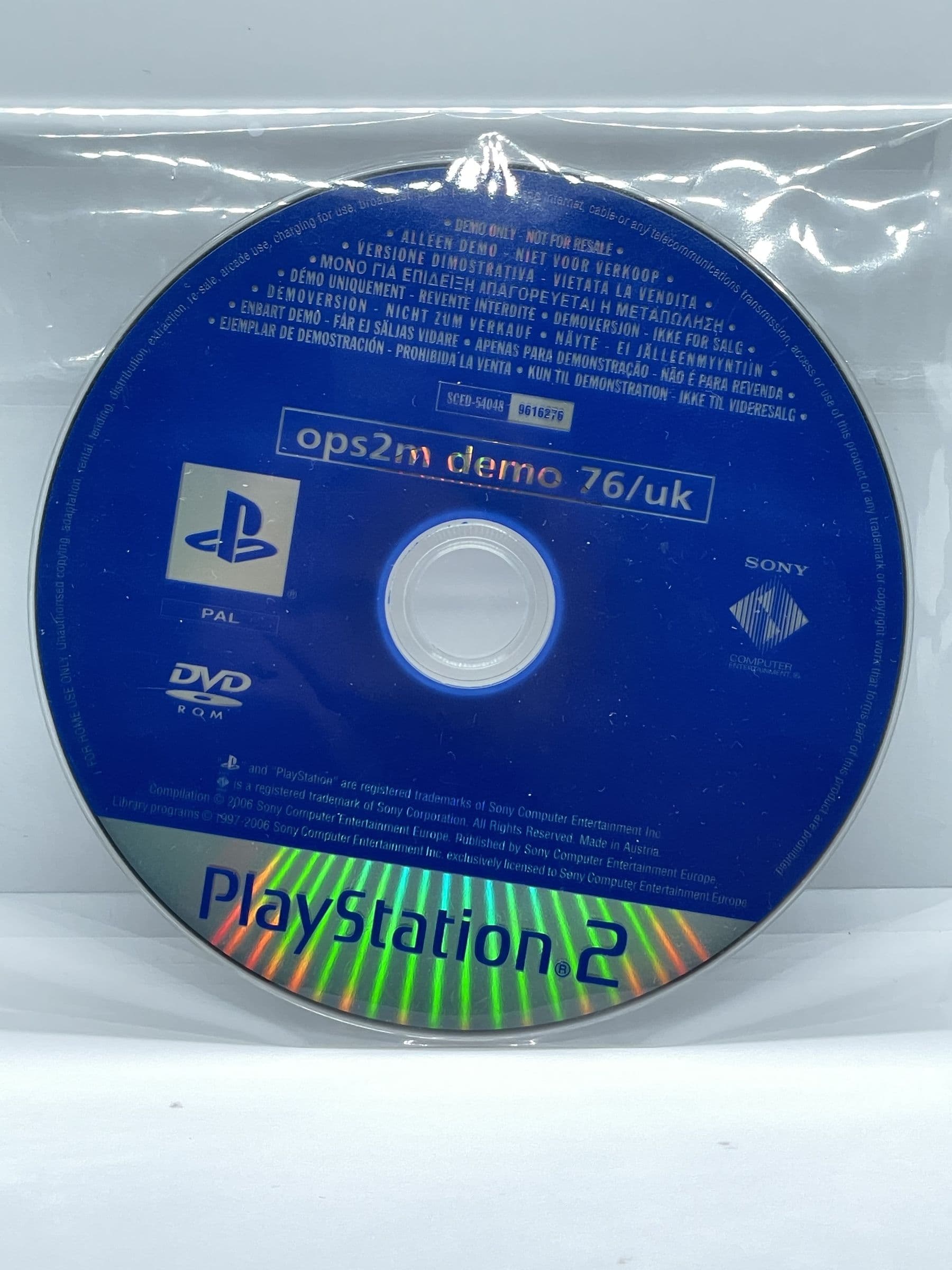
      Official PlayStation 2 Magazine Demo 76 PS2 (CD)

      Official PlayStation 2 Magazine Demo 76 PS2 (CD)

      £7.00
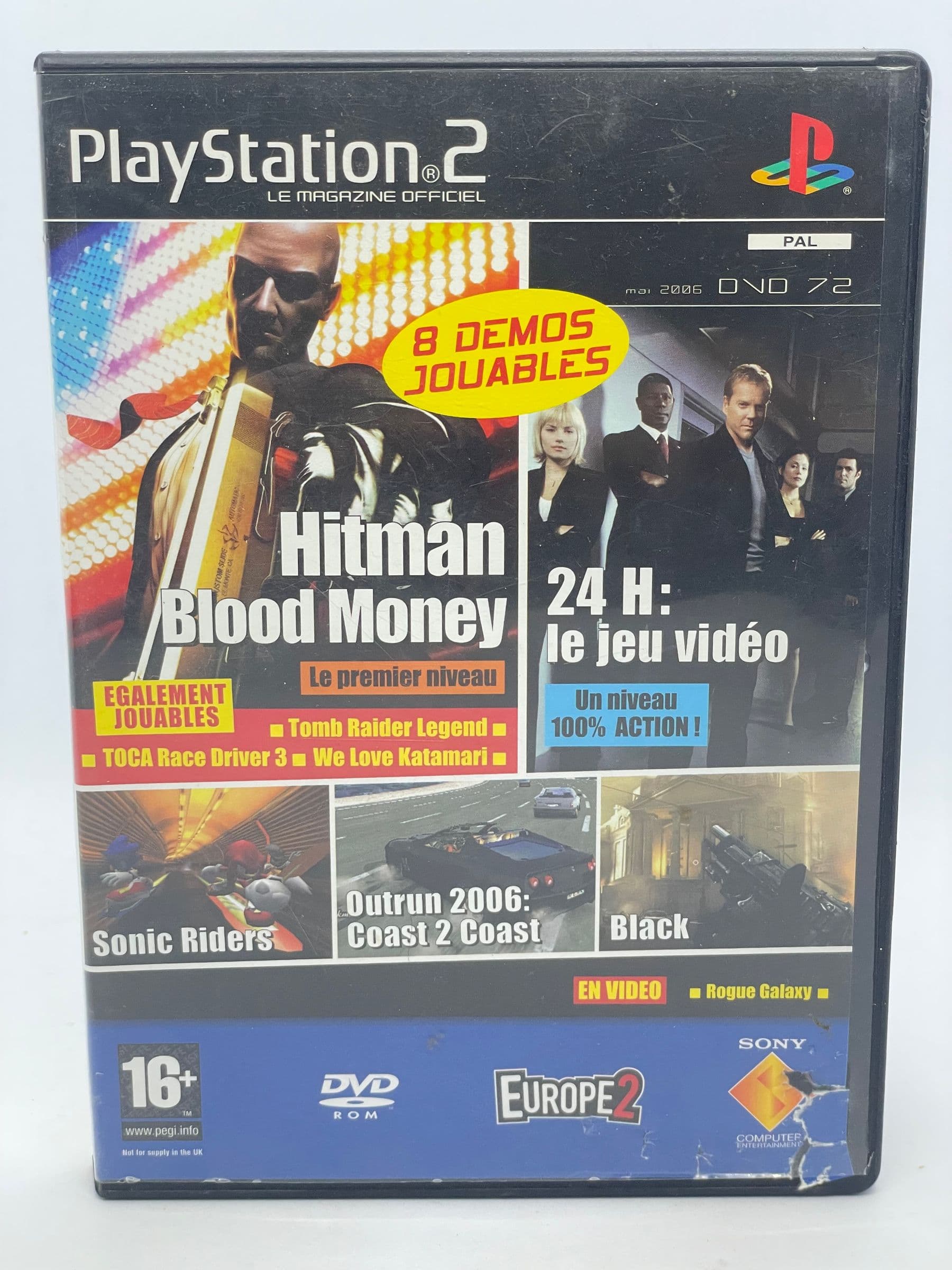
    • Official PlayStation 2 Magazine Demo 72 PS2 (FR)

      Official PlayStation 2 Magazine Demo 72 PS2 (FR)

      £11.00
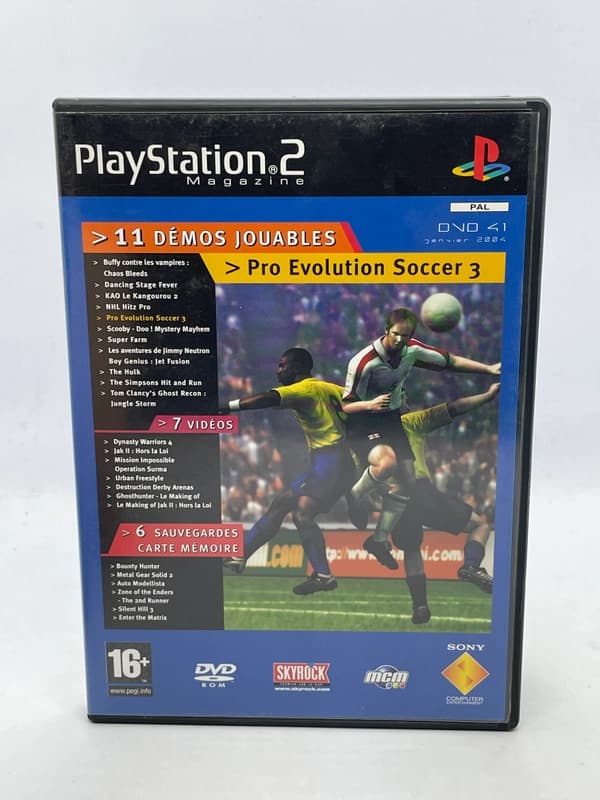
    • Official PlayStation 2 Magazine Demo 41 PS2

      Official PlayStation 2 Magazine Demo 41 PS2

      £11.00
    • Will my Nintendo Switch games work on Switch 2? What to checkRETROBROKER
      30 October 2026

      Will my Nintendo Switch games work on Switch 2? What to check

      Check Nintendo Switch game compatibility with Switch 2, controller requirements and how to transfer games and save data.