RetroBrokerRetroBroker
WishlistAccount

Stay in the loop

Subscribe to our newsletter for exclusive offers, updates, and more.

RETROBROKER

Rediscover classic games, consoles, and accessories. Find your next favourite and keep the nostalgia alive.

Categories
  • PlayStation
    • PlayStation 3
    • PlayStation 5
    • PlayStation accessories
    • PlayStation 1
    • PlayStation 2
    • PlayStation 4
    • PlayStation Portable (PSP)
    • PlayStation Vita
  • Nintendo
    • Nintendo 64
    • Game Boy
    • Nintendo 3DS
    • Nintendo Wii U
    • Nintendo accessories
    • Nintendo SNES
    • Game Boy Advance
    • Nintendo DS
    • Nintendo Wii
    • Nintendo Entertainment System (NES)
    • Nintendo Switch
    • Nintendo GameCube
    • Game Boy Color
  • Xbox
    • Xbox 360
    • Xbox Original
    • Xbox One
  • SEGA
    • Sega Mega Drive
    • Sega Game Gear
    • Sega Genesis
    • Sega Dreamcast
    • Sega Saturn
    • Sega Master System
  • PC games
    • Blu-ray films and series
      • View all categories→
      Collections
      • PlayStation
      • PlayStation 1
      • PlayStation 2
      • PlayStation 3
      • PlayStation 4
      • Nintendo
      • View all collections→
      Useful Links
      • Check out the flyer
      • Gift cards
      • Contact
      • 1-UP Club Membership Terms
      • Shipping and Returns
      • Terms and Conditions
      • Privacy Policy
      • Data Deletion Policy
      Language:British English
      Shipping to:United Kingdom

      © Copyright 2026 Retrobroker sp. z o.o. — Designed in Poland

      This website is independent and not affiliated with or endorsed by Nintendo or Sony. All trademarks, copyrights, and logos featured on this site belong to their respective owners.

      Retrobroker is a registered trademark of Retrobroker sp. z o.o. Sielska 45A, 10-801 Olsztyn, Poland KRS: 0001062625 NIP: 7393990456 REGON: 526634737

      1. Home
      2. Blog
      3. Is My PS4 Going Bad? 7 Telltale Signs of Console Failure
      Blog

      Is My PS4 Going Bad? 7 Telltale Signs of Console Failure

      Published on 14 August 2025

      Is My PS4 Going Bad? 7 Telltale Signs of Console FailureRETROBROKER

      How Do I Know If My PS4 Is Going Bad? 7 Telltale Signs

      Your PlayStation 4 has been a faithful companion. It's powered countless late-night gaming sessions, epic boss battles, and memorable adventures. But lately, you've noticed it’s not quite itself. It’s making strange noises, games are crashing, and you're starting to get that sinking feeling in your stomach. Is your beloved console on its last legs?

      Like any piece of hardworking technology, the PS4 has a finite lifespan. Components wear out, dust accumulates, and eventually, performance starts to decline. Recognizing the warning signs early can help you save your precious game data and decide on your next steps. Here are the seven most common signs that your PS4 is going bad.

      1. The Jet Engine: Loud Fan Noise & Overheating

      This is often the first and most noticeable sign of trouble. While it's normal for the PS4's fan to spin up during graphically intense games, it shouldn't sound like it's preparing for takeoff every time you turn it on.

      What it looks like:

      • The console fan is constantly running at maximum speed, even on the main menu.
      • The console feels excessively hot to the touch, especially around the back and sides.
      • You receive on-screen warnings that the PS4 is too hot, and it may shut down automatically.

      What it means: Most often, this is caused by a significant buildup of dust and debris inside the console, blocking airflow and insulating the components. Over time, the thermal paste that helps transfer heat from the processor to the heatsink can also dry out and become ineffective. If ignored, chronic overheating can permanently damage the processor (APU), leading to total system failure.

      2. Frequent Crashes and the “Blue Light of Death”

      Every gamer experiences the occasional game crash. But if your system is frequently freezing, shutting down unexpectedly, or displaying error screens, it’s a major red flag. The most infamous of these is the "Blue Light of Death" (BLOD).

      What it looks like:

      • Games or apps randomly close, sending you back to the home screen.
      • The system completely freezes, forcing you to unplug it to restart.
      • When you turn the console on, the light bar pulses blue but never turns white, and no signal is sent to the TV.

      What it means: Occasional software crashes can often be fixed by rebuilding the console's database in Safe Mode. However, persistent crashing and the BLOD often point to a more severe underlying hardware issue. This could be a sign of a failing hard drive, a faulty power supply, or, in the worst-case scenario, a critical failure on the motherboard.

      3. Bizarre Graphics Glitches and Artifacts

      Are you seeing strange colors, jagged polygons, or weird patterns on your screen that don't look like part of the game? These visual disruptions are known as artifacts, and they are a very bad sign.

      What it looks like:

      • Colorful speckles or "snow" across the screen.
      • Geometric shapes, lines, or textures appearing out of place.
      • Stretched or distorted character models and environments.
      • Complete screen blackouts during gameplay.

      What it means: This almost always indicates that the Graphics Processing Unit (GPU), which is part of the main APU chip, is failing. This can be caused by long-term overheating or simple component degradation. Unfortunately, a failing GPU is one of the most serious hardware problems a console can have, and repairs are often complex and expensive—if not impossible.

      Explore products

      Explore more products from our catalogue.
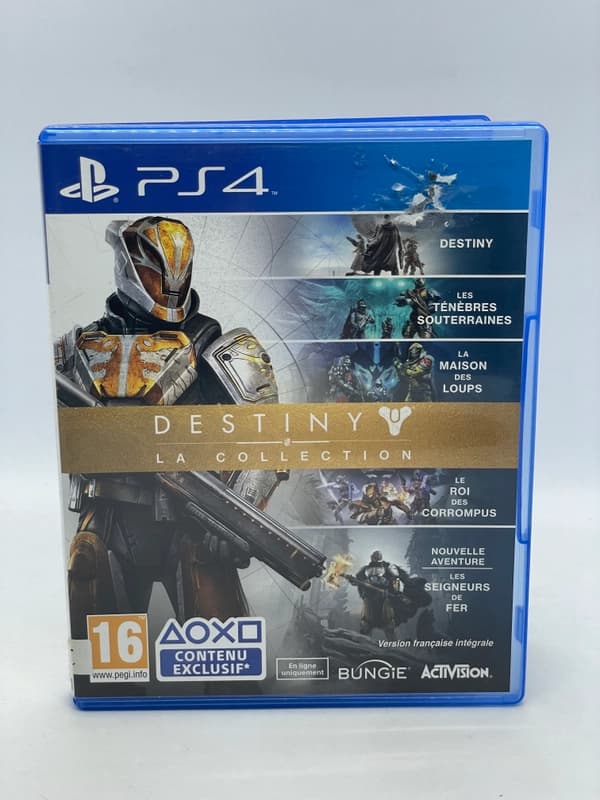
      • Destiny PS4

        Destiny PS4

        £7.00
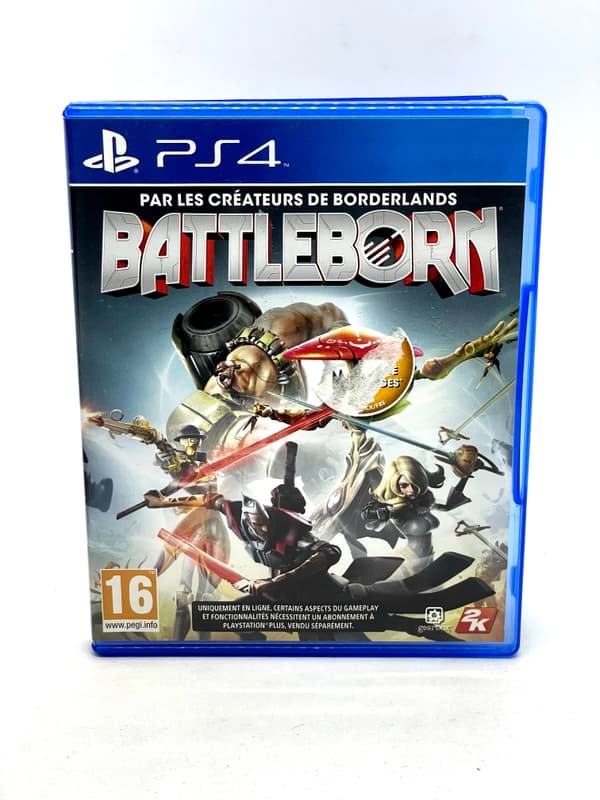
      • Battleborn PS4

        Battleborn PS4

        £7.00

      4. The Console Won’t Turn On or Stay On

      You press the power button, and... nothing. Or maybe it beeps, the light flashes for a second, and then it immediately dies. This is a clear indicator that something is seriously wrong with the core hardware.

      What it looks like:

      • No response at all when you press the power button (no light, no beep).
      • The console beeps and the blue light turns on for a moment before shutting off completely.

      What it means: A completely dead console could be an issue with the power cord or wall outlet, but it's more likely a failed internal Power Supply Unit (PSU). A console that turns on and then immediately off often points to a short circuit or another critical failure on the motherboard that the system detects before shutting down to prevent further damage.

      5. Disc Drive Grinding, Errors, or Failure

      For gamers who love physical media, a failing disc drive can bring the fun to a halt. The signs are usually obvious and mechanical in nature.

      What it looks like:

      • The console no longer recognizes game discs or Blu-ray movies.
      • You hear loud grinding, clicking, or whirring noises when inserting or ejecting a disc.
      • Discs get stuck and won't eject, or the console won't accept a disc at all.
      • You see an "Unrecognized Disc" error on the screen for every disc you try.

      What it means: The optical laser has burned out or the mechanical components of the drive (rollers, eject mechanism) have failed. While this won't kill your console if you only play digital games, it's a clear sign that the hardware is aging and other parts may soon follow.

      6. Persistent Wi-Fi and Bluetooth Connection Issues

      Is your PS4 constantly dropping its Wi-Fi connection, even when your phone and laptop are fine? Are your controllers frequently disconnecting for no reason? This could be more than just a network hiccup.

      What it looks like:

      • Inability to find or connect to your Wi-Fi network.
      • Extremely slow download speeds despite a fast internet connection.
      Keep the collection going

      Discover more retro finds from our catalogue.

      Shop all products
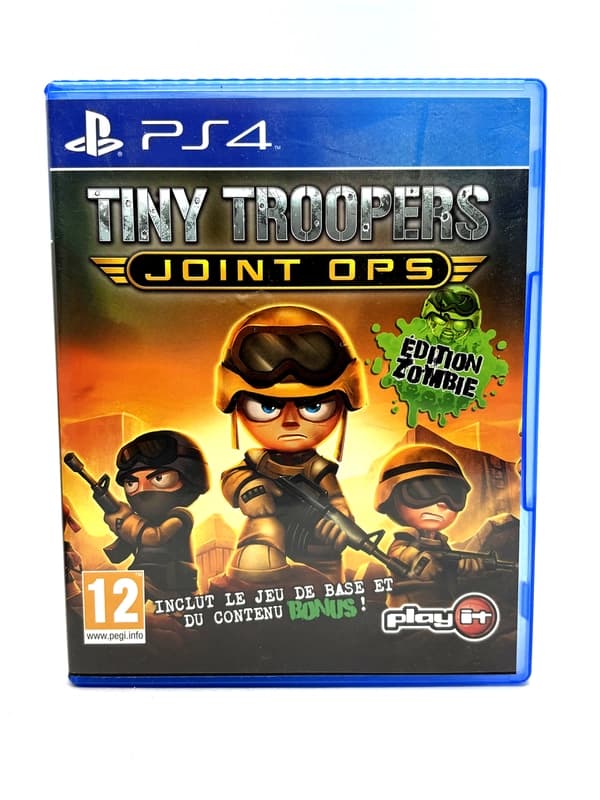
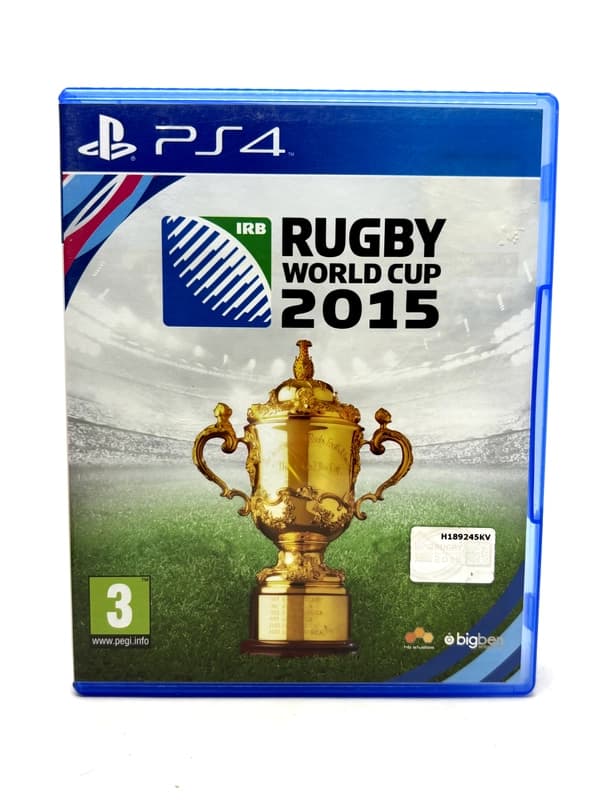
      • Rugby World Cup 2015 PS4

        Rugby World Cup 2015 PS4

        £9.00
      • UFC PS4

        UFC PS4

        £9.00

      Keep reading

      More stories from the Retrobroker blog.

      • Support and warranty for retro games and consolesRETROBROKER
        30 October 2026

        Support and warranty for retro games and consoles

        Check the product description, current warranty and returns terms, and how to contact us about an order.

      • Can PS3 play PS1 and PS2 games? A compatibility guideRETROBROKER
        30 October 2026

        Can PS3 play PS1 and PS2 games? A compatibility guide

        Learn how PS3 compatibility with PS1 and PS2 games depends on the model, disc format and region.

      Awaiting New Challengers

      Join The Bounty Board

      Get exclusive first access to rare restocks, graded drops, and secret discount codes before anyone else.

      No spam. Unsubscribe anytime.

    • DualShock 4 controllers randomly disconnect during gameplay, even when fully charged.
    • What it means: This can point to a failing wireless communication module inside the PS4. This chip handles both Wi-Fi and Bluetooth, so when it starts to go, both types of connections can become unreliable.

      7. Corrupted Data and Hard Drive Failure

      Your hard disk drive (HDD) is where all your games, saves, and the console's operating system are stored. Like all mechanical drives, it will eventually fail.

      What it looks like:

      • You frequently see messages about "corrupted data" for specific games.
      • Games and apps take an unusually long time to load.
      • The console gets stuck in a "Safe Mode loop," unable to start up properly.
      • You hear a faint, repetitive clicking sound coming from inside the console.

      What it means: These are classic signs of a dying hard drive. The clicking sound, known as the "click of death," is a physical sign that the drive's read/write heads are failing. While a failing HDD is a major problem, it's one of the more fixable issues, as the drive can be replaced.

      What Should You Do Next?

      If you're seeing one or more of these signs, the first thing you should do is back up your saved game data immediately using a USB drive or PlayStation Plus cloud storage.

      Once your saves are safe, you can try some basic troubleshooting like cleaning the vents or rebuilding the database. For major hardware failures like the GPU or motherboard, a professional repair can often cost more than a used replacement console.

      If your PS4 is truly at the end of its road, it can be disheartening. But it can also be an opportunity. Maybe it's time to upgrade. Or maybe... it's time to look back. As your modern console fades, consider the timeless joy of retro gaming. Think of the simple, durable cartridges of the N64, the iconic startup sound of the original PlayStation, or the massive, celebrated library of the PS2.

      There's a whole universe of classic gaming waiting to be rediscovered, full of experiences that shaped the industry. A dying console doesn't have to be an end—it can be the beginning of a brand-new nostalgic adventure.

    • FIFA 16 PS4

      FIFA 16 PS4

      £8.00
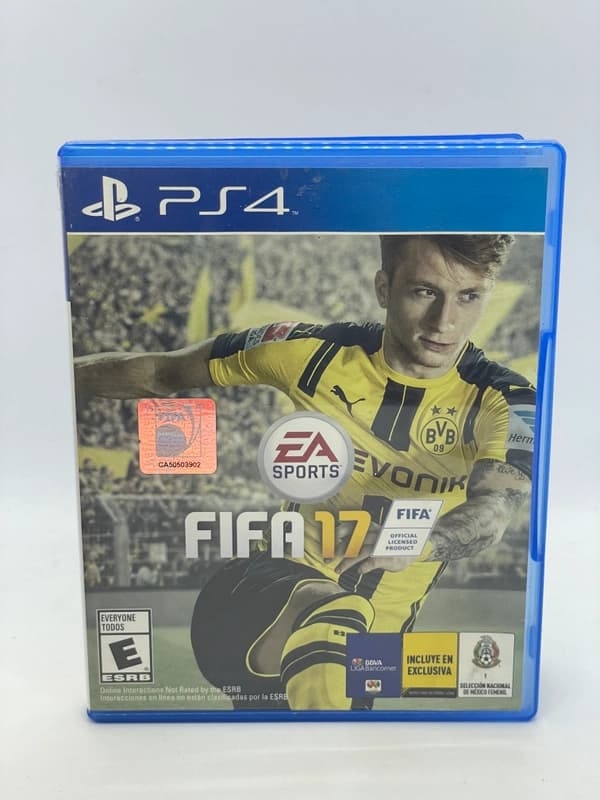
    • FIFA 17 PS4

      FIFA 17 PS4

      £8.00
    • Will my Nintendo Switch games work on Switch 2? What to checkRETROBROKER
      30 October 2026

      Will my Nintendo Switch games work on Switch 2? What to check

      Check Nintendo Switch game compatibility with Switch 2, controller requirements and how to transfer games and save data.