RetroBrokerRetroBroker
WishlistAccount

Stay in the loop

Subscribe to our newsletter for exclusive offers, updates, and more.

RETROBROKER

Rediscover classic games, consoles, and accessories. Find your next favourite and keep the nostalgia alive.

Categories
  • PlayStation
    • PlayStation 3
    • PlayStation 5
    • PlayStation accessories
    • PlayStation 1
    • PlayStation 2
    • PlayStation 4
    • PlayStation Portable (PSP)
    • PlayStation Vita
  • Nintendo
    • Nintendo 64
    • Game Boy
    • Nintendo 3DS
    • Nintendo Wii U
    • Nintendo accessories
    • Nintendo SNES
    • Game Boy Advance
    • Nintendo DS
    • Nintendo Wii
    • Nintendo Entertainment System (NES)
    • Nintendo Switch
    • Nintendo GameCube
    • Game Boy Color
  • Xbox
    • Xbox 360
    • Xbox Original
    • Xbox One
  • SEGA
    • Sega Mega Drive
    • Sega Game Gear
    • Sega Genesis
    • Sega Dreamcast
    • Sega Saturn
    • Sega Master System
  • PC games
    • Blu-ray films and series
      • View all categories→
      Collections
      • PlayStation
      • PlayStation 1
      • PlayStation 2
      • PlayStation 3
      • PlayStation 4
      • Nintendo
      • View all collections→
      Useful Links
      • Check out the flyer
      • Gift cards
      • Contact
      • 1-UP Club Membership Terms
      • Shipping and Returns
      • Terms and Conditions
      • Privacy Policy
      • Data Deletion Policy
      Language:British English
      Shipping to:United Kingdom

      © Copyright 2026 Retrobroker sp. z o.o. — Designed in Poland

      This website is independent and not affiliated with or endorsed by Nintendo or Sony. All trademarks, copyrights, and logos featured on this site belong to their respective owners.

      Retrobroker is a registered trademark of Retrobroker sp. z o.o. Sielska 45A, 10-801 Olsztyn, Poland KRS: 0001062625 NIP: 7393990456 REGON: 526634737

      1. Home
      2. Blog
      3. RGB & Upscaling for Retro Gaming: The Ultimate Guide | RetroBroker
      Blog

      RGB & Upscaling for Retro Gaming: The Ultimate Guide | RetroBroker

      Published on 25 October 2024

      RGB & Upscaling for Retro Gaming: The Ultimate Guide | RetroBrokerRETROBROKER

      A Guide to RGB and Upscaling for Retro Gaming: Reviving the Classics in Vivid Detail

      Retro gaming isn't just about nostalgia; it's about experiencing classic games as they were meant to be seen, and sometimes even better. Modern technology allows us to enhance these experiences with RGB and upscaling, breathing new life into pixelated sprites and blocky landscapes. This guide explores these concepts, helping you understand how to get the most out of your retro gaming setup.

      Understanding RGB: The Purest Color Signal

      Many older consoles, particularly those from the 8-bit and 16-bit eras, output video using an RGB signal. RGB stands for Red, Green, and Blue, the three primary colors of light. By sending these color signals separately, RGB bypasses the composite video encoding process used by standard AV cables, resulting in a cleaner, more accurate image. This means sharper details, more vibrant colors, and reduced artifacts like dot crawl and color bleeding.

      Why does this matter? Composite video often muddies the image, making it look softer and less defined. RGB, on the other hand, delivers a crisp, vibrant picture closer to what the developers originally intended. Think of it like listening to a remastered album compared to a worn-out cassette tape.

      Upscaling: Bringing Retro to the Modern Age

      Upscaling refers to the process of increasing the resolution of a video signal. Retro games were designed for much lower resolutions than today's displays. Simply stretching a low-resolution image onto a high-definition screen results in a blurry, pixelated mess. Upscaling technologies aim to intelligently fill in the missing pixels, creating a sharper and more detailed image on modern TVs.

      Explore products

      Explore more products from our catalogue.
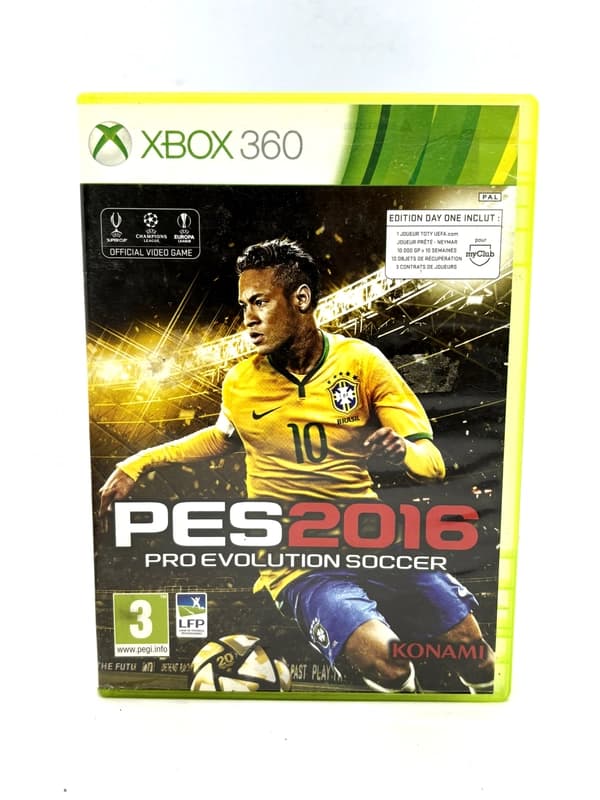
      • Pro Evolution Soccer 2016 Xbox 360

        Pro Evolution Soccer 2016 Xbox 360

        £9.00
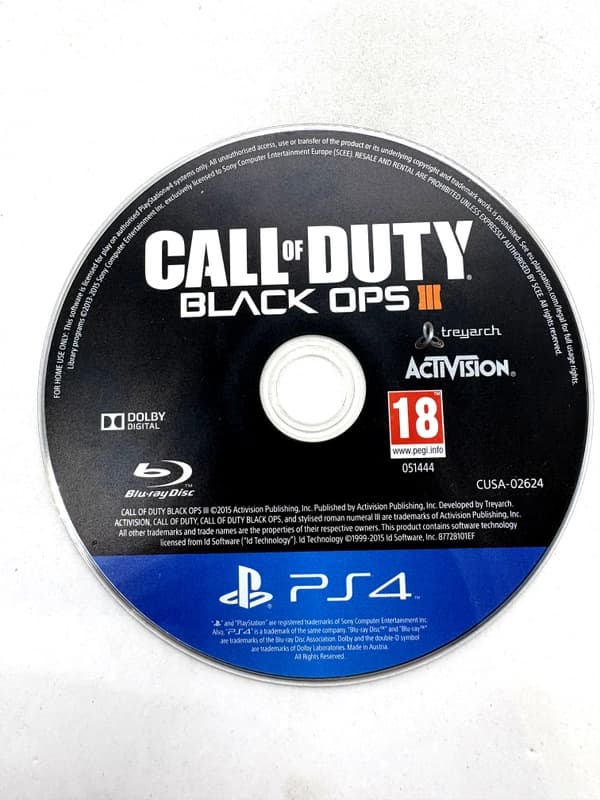
      • Call of Duty Black Ops III PS4 (game only)

        Call of Duty Black Ops III PS4 (game only)

        £9.00

      There are various upscaling methods, from simple integer scaling (multiplying each pixel) to more sophisticated techniques using algorithms and AI. Each method has its pros and cons, affecting the final image's sharpness, smoothness, and overall aesthetic. Some gamers prefer the crisp pixel-perfect look of integer scaling, while others prefer the smoother, more modern look of advanced upscaling solutions.

      Choosing the Right Equipment for RGB and Upscaling:

      Getting the best RGB and upscaling experience requires the right hardware. Here are a few key components:

      • RGB Cables: These specialized cables carry the separate red, green, and blue signals, ensuring the purest video output from your console. Different consoles require different cables, so research your specific system.
      • SCART Cables (for European Systems): SCART is a European standard that can carry RGB signals, as well as composite and S-Video. A high-quality SCART cable is essential for many European consoles.
      • Upscalers/Line Doublers: These devices process the video signal, upscaling it to a higher resolution for modern displays. They range from simple line doublers to advanced devices with multiple processing modes and customizable settings.
      • CRT TVs (Optional): While not strictly necessary for RGB, some purists argue that CRT TVs offer the best experience for retro gaming due to their natural handling of scanlines and analog signals.

      Getting Started with RGB and Upscaling:

      1. Research your console: Find out what type of RGB cable it requires and what upscaling options are available.
      2. Acquire the necessary hardware: Purchase the appropriate cables and upscaler/line doubler.
      3. Connect your console: Connect your console to your upscaler and then to your display using the appropriate cables.
      4. Experiment with settings: Adjust the settings on your upscaler to find the optimal image quality for your preferences.

      Conclusion: Preserving the Past, Enhancing the Present
      Keep the collection going

      Discover more retro finds from our catalogue.

      Shop all products
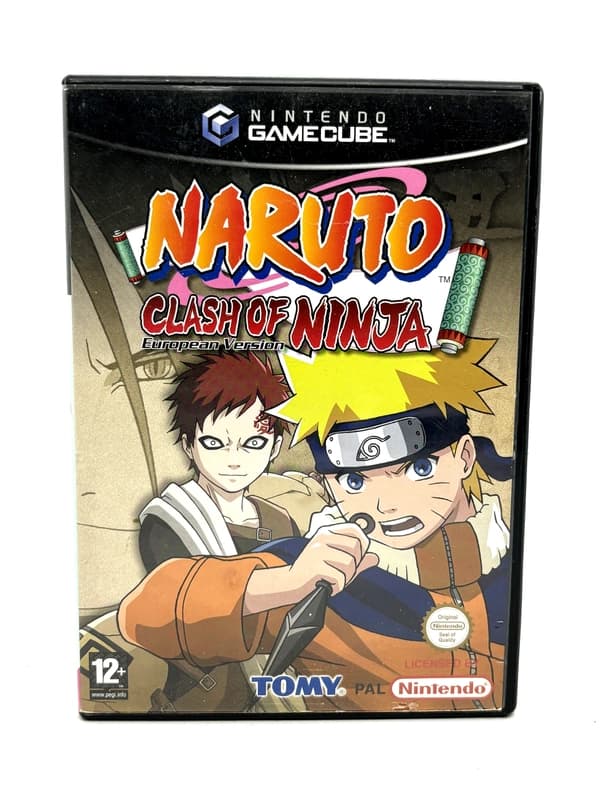
      • Naruto Clash of Ninja Nintendo GameCube

        Naruto Clash of Ninja Nintendo GameCube

        £22.00

      Keep reading

      More stories from the Retrobroker blog.

      • Support and warranty for retro games and consolesRETROBROKER
        30 October 2026

        Support and warranty for retro games and consoles

        Check the product description, current warranty and returns terms, and how to contact us about an order.

      • Can PS3 play PS1 and PS2 games? A compatibility guideRETROBROKER
        30 October 2026

        Can PS3 play PS1 and PS2 games? A compatibility guide

        Learn how PS3 compatibility with PS1 and PS2 games depends on the model, disc format and region.

      Awaiting New Challengers

      Join The Bounty Board

      Get exclusive first access to rare restocks, graded drops, and secret discount codes before anyone else.

      No spam. Unsubscribe anytime.

      RGB and upscaling are powerful tools for preserving and enhancing the retro gaming experience. By understanding these technologies and investing in the right equipment, you can rediscover your favorite classic games in stunning clarity and vibrant color, bridging the gap between retro charm and modern display technology. Enjoy the journey back in time!

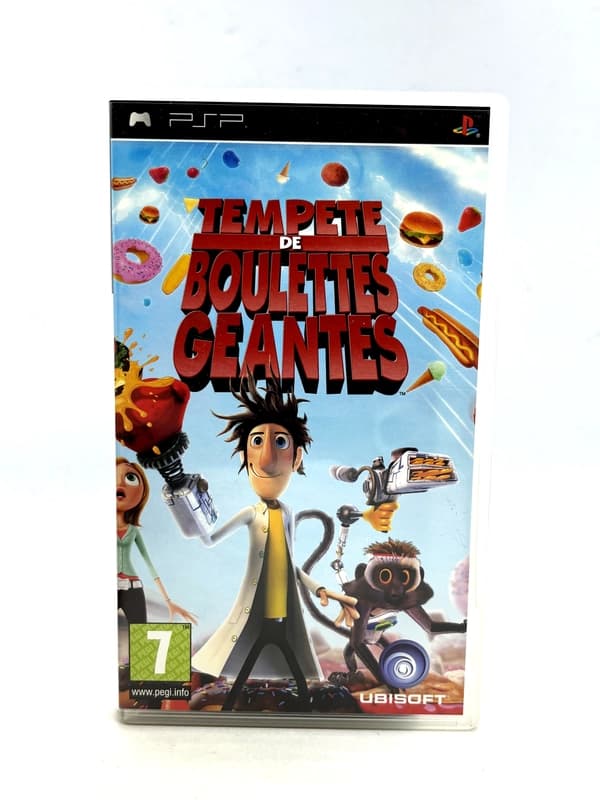
      Cloudy with a Chance of Meatballs PSP

      Cloudy with a Chance of Meatballs PSP

      £13.00
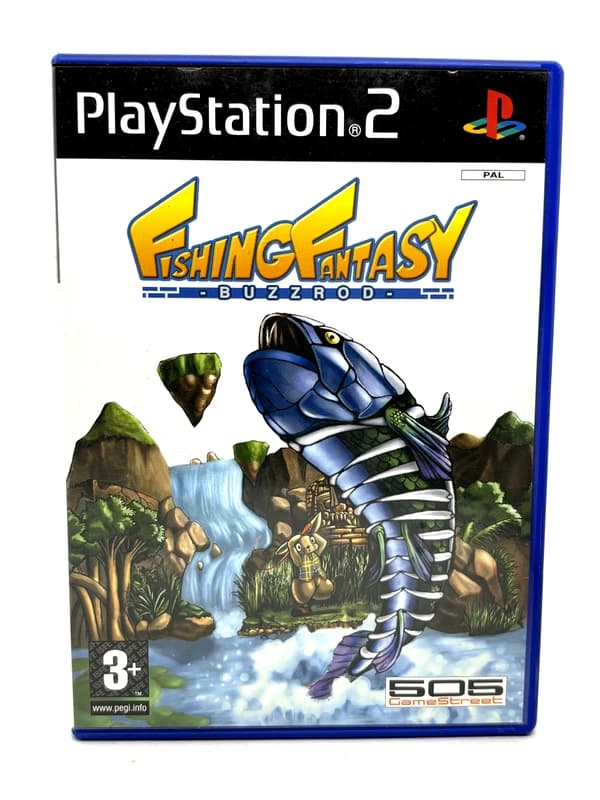
    • Fishing Fantasy PS2

      Fishing Fantasy PS2

      £16.00
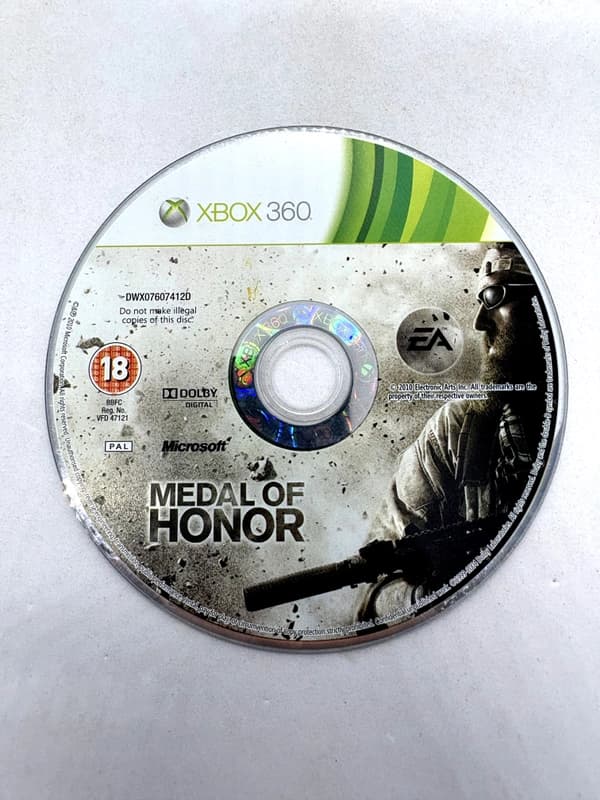
    • Medal of Honor Xbox 360 (game only)

      Medal of Honor Xbox 360 (game only)

      £7.00
    • Will my Nintendo Switch games work on Switch 2? What to checkRETROBROKER
      30 October 2026

      Will my Nintendo Switch games work on Switch 2? What to check

      Check Nintendo Switch game compatibility with Switch 2, controller requirements and how to transfer games and save data.